Modeling & Materials

Weekly Design Challenge Template

Anisa Dini


Module 1


Understanding Forms & Shape: Identifying Primitive Shapes and Complex Shapes

Design Challenge 1
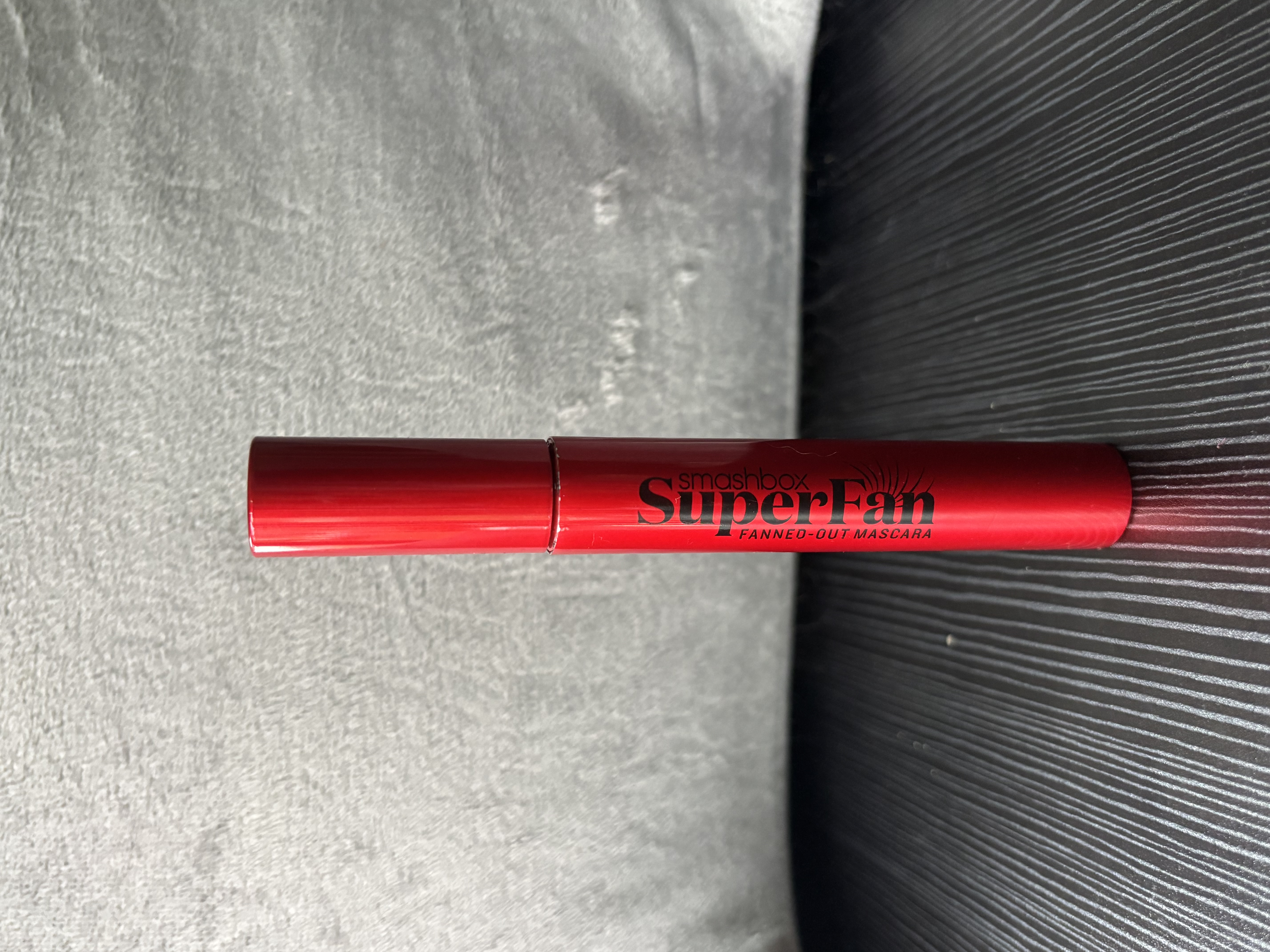
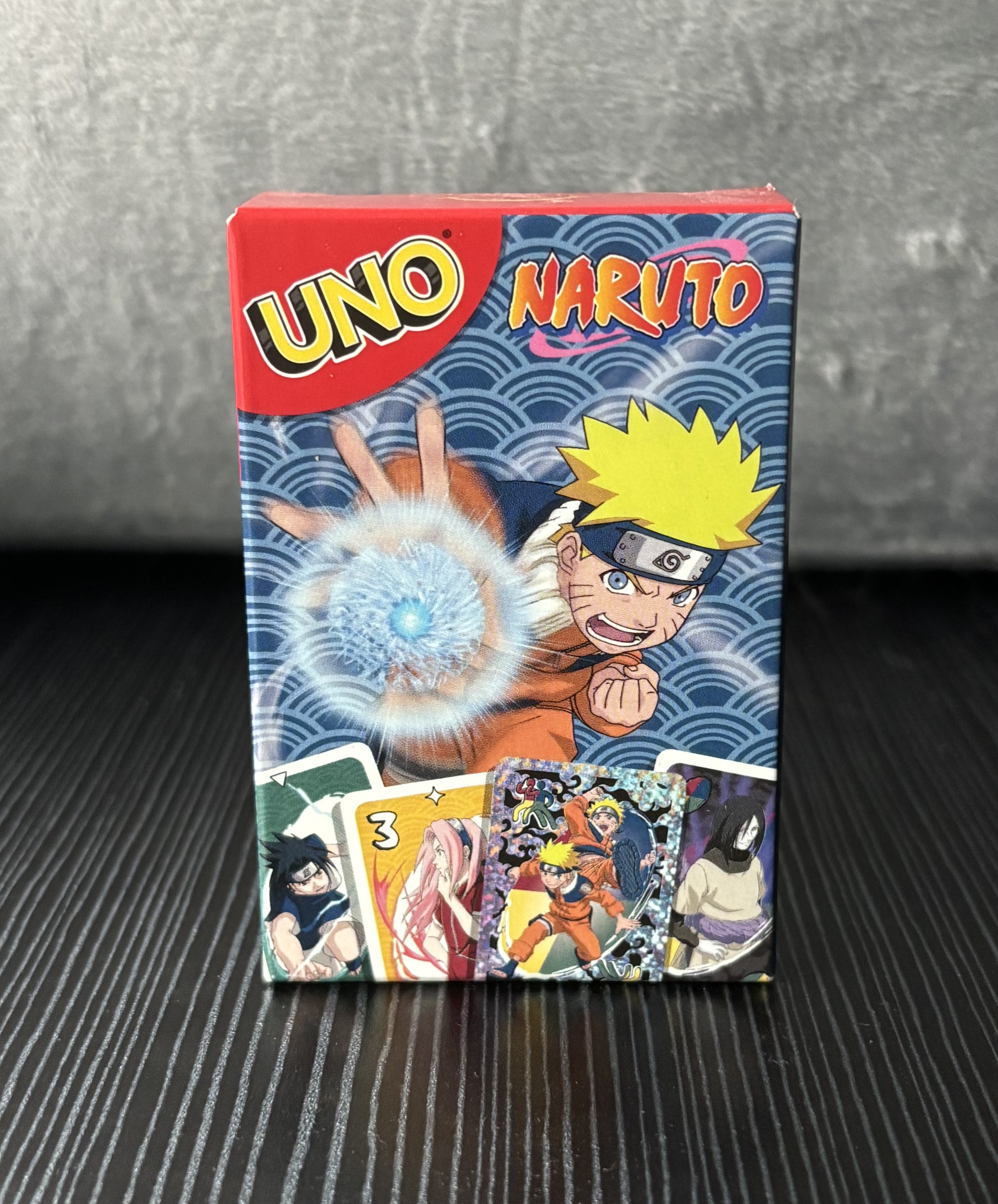
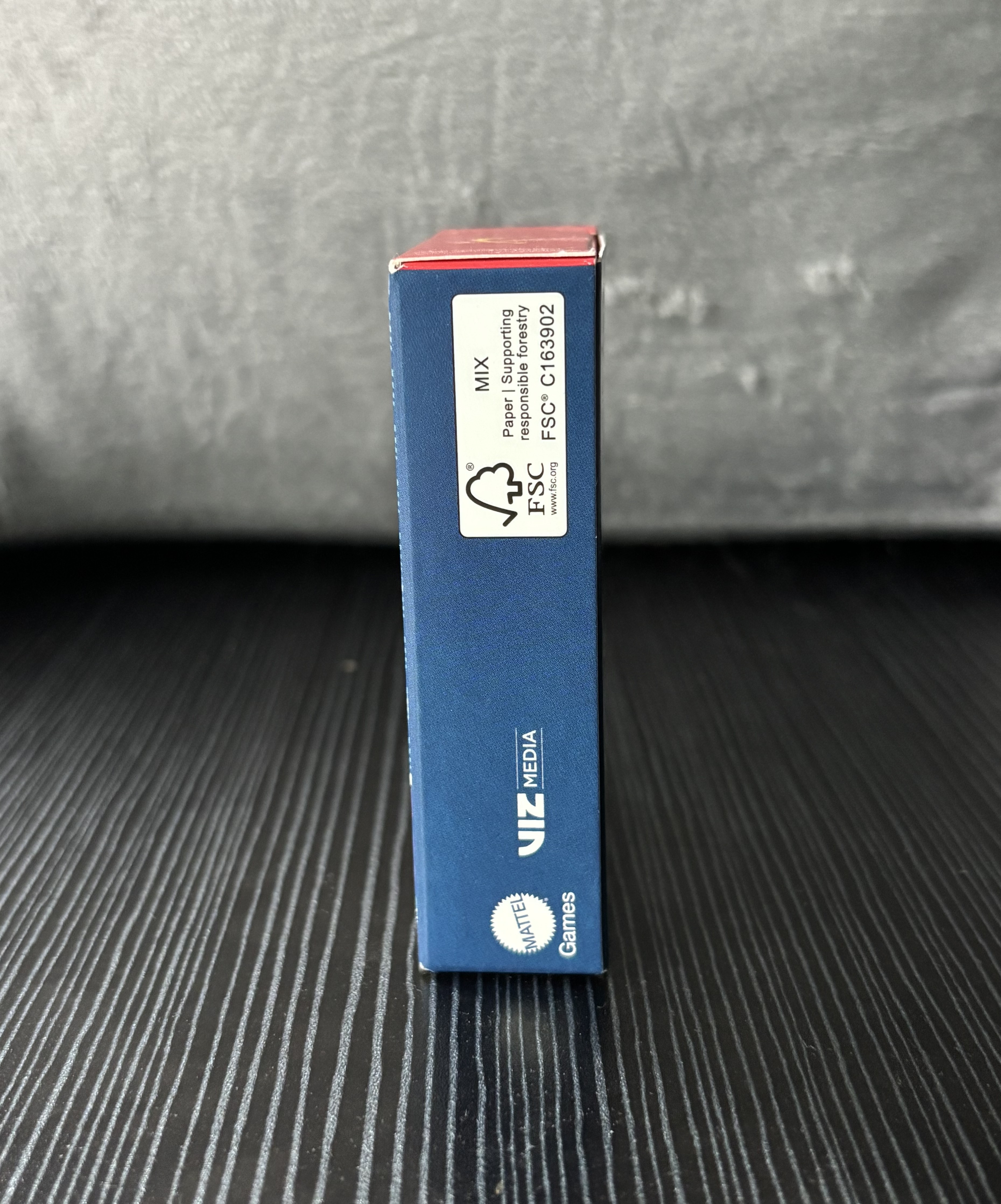
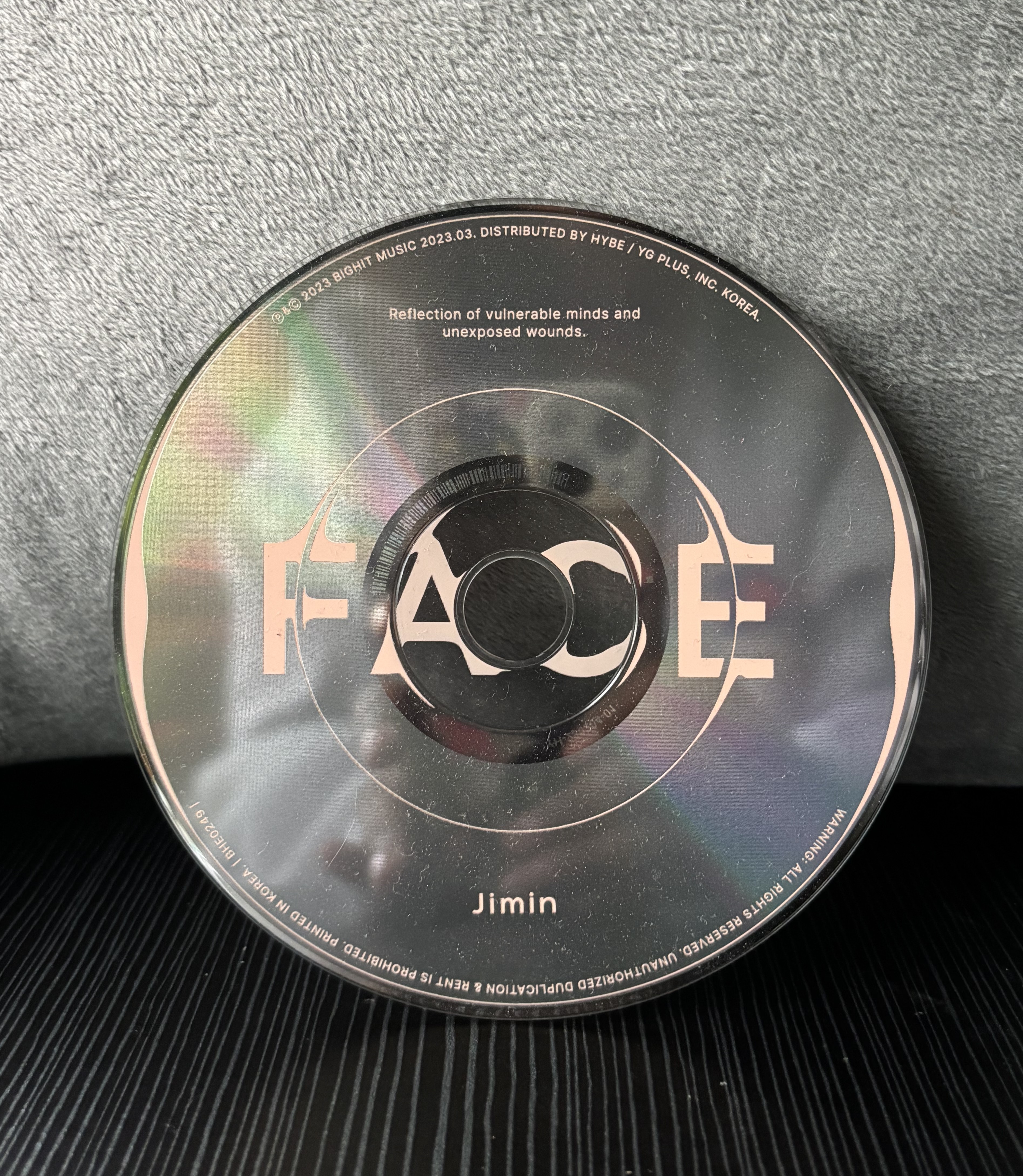
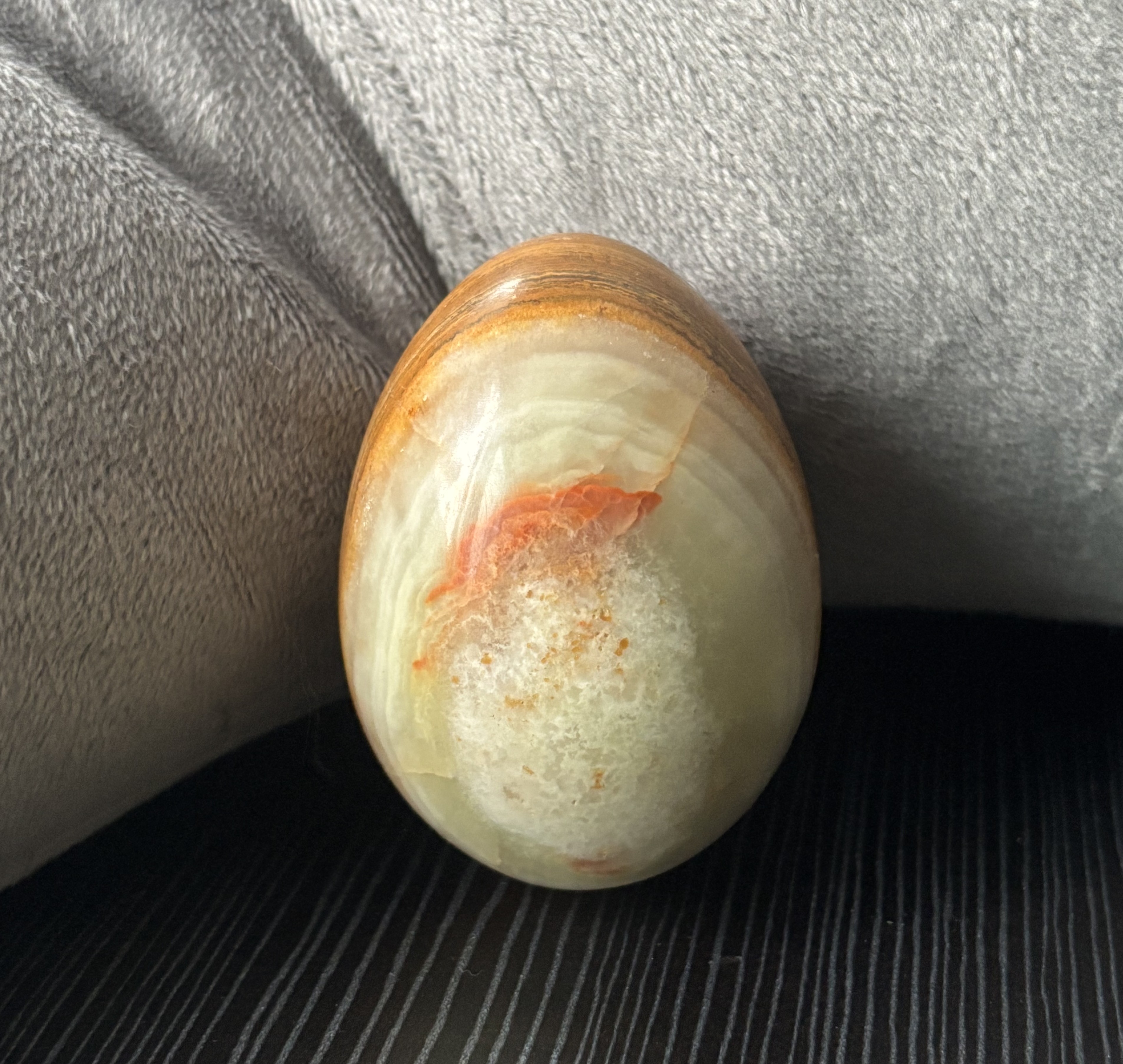
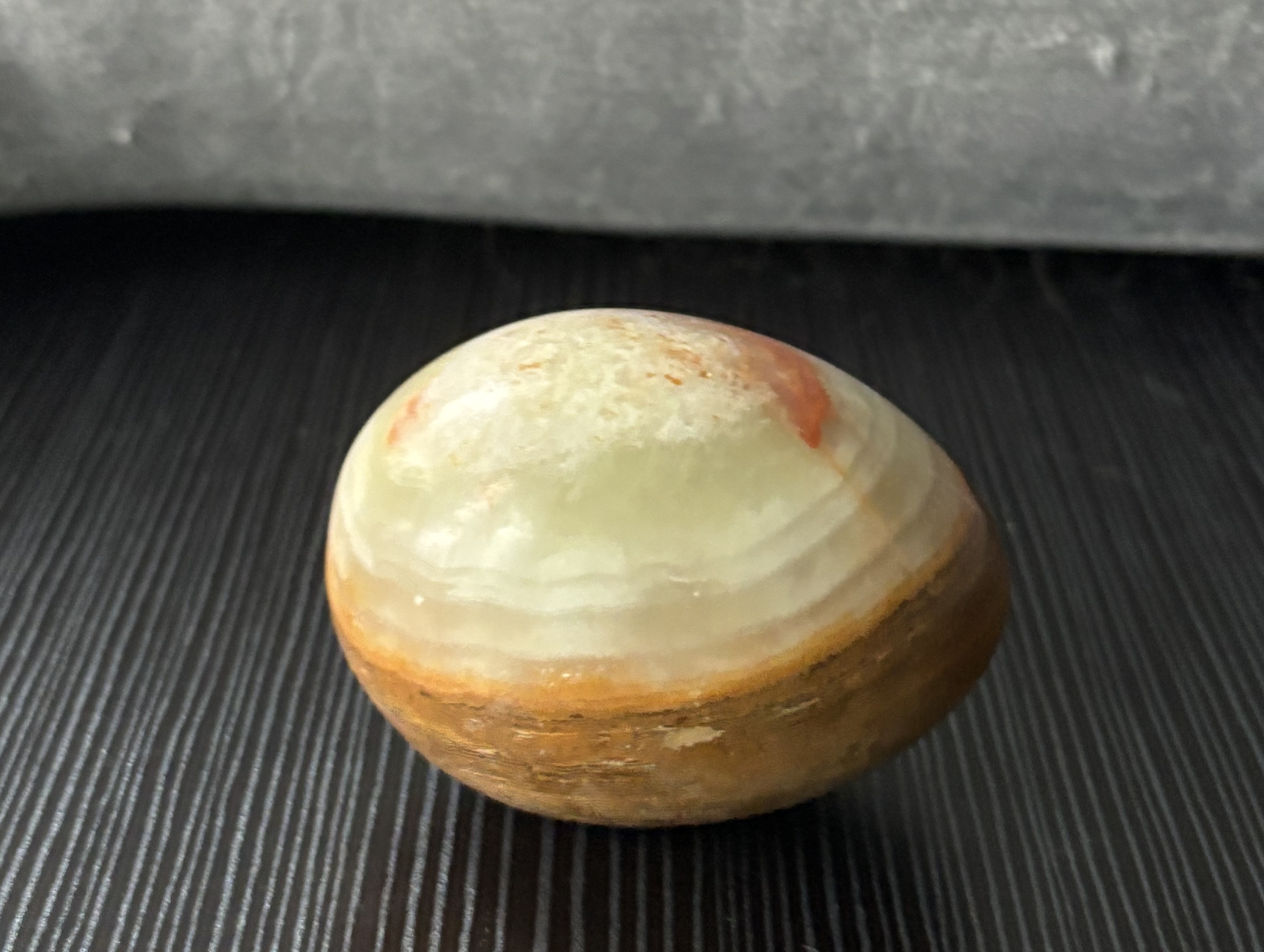
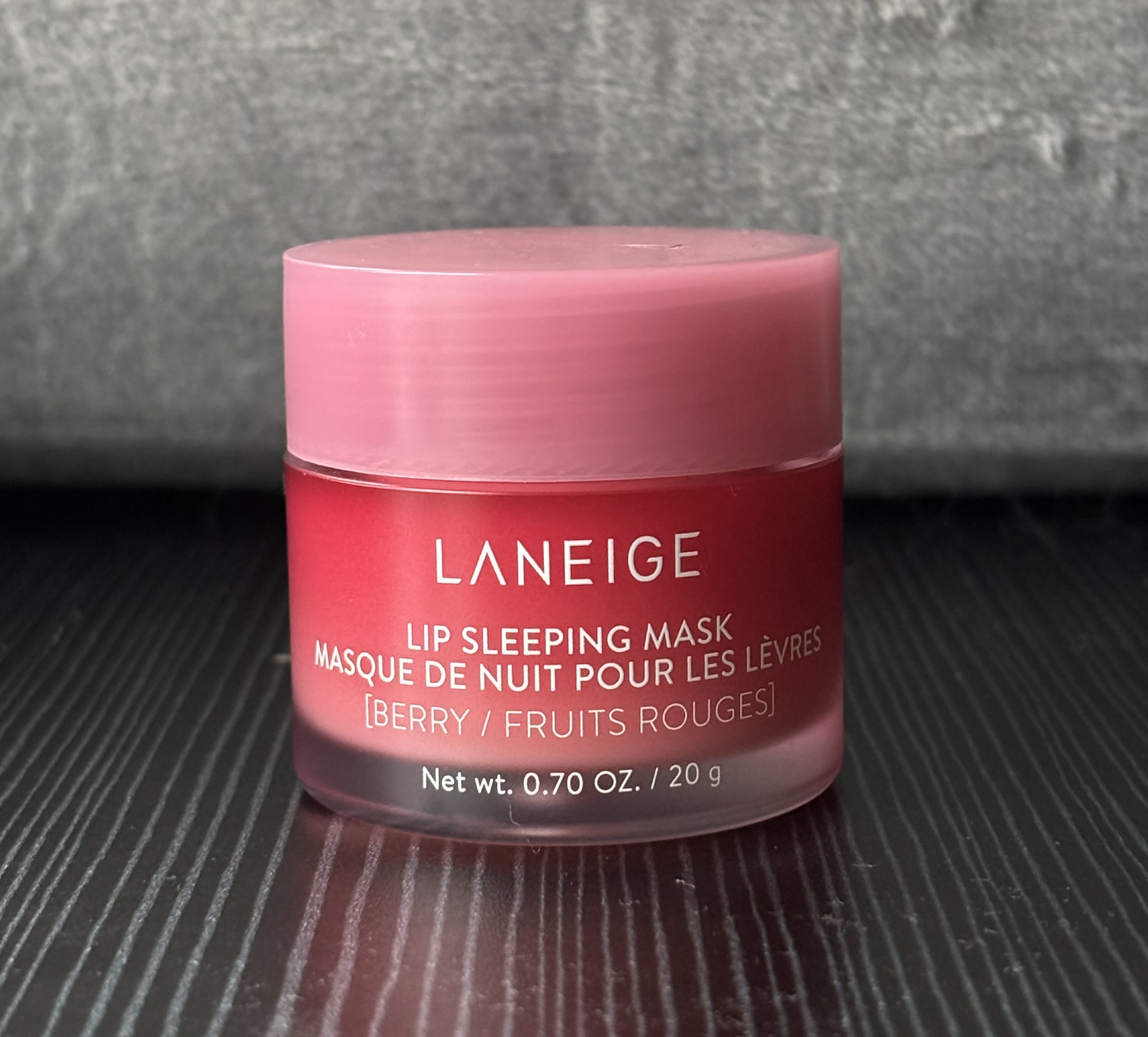
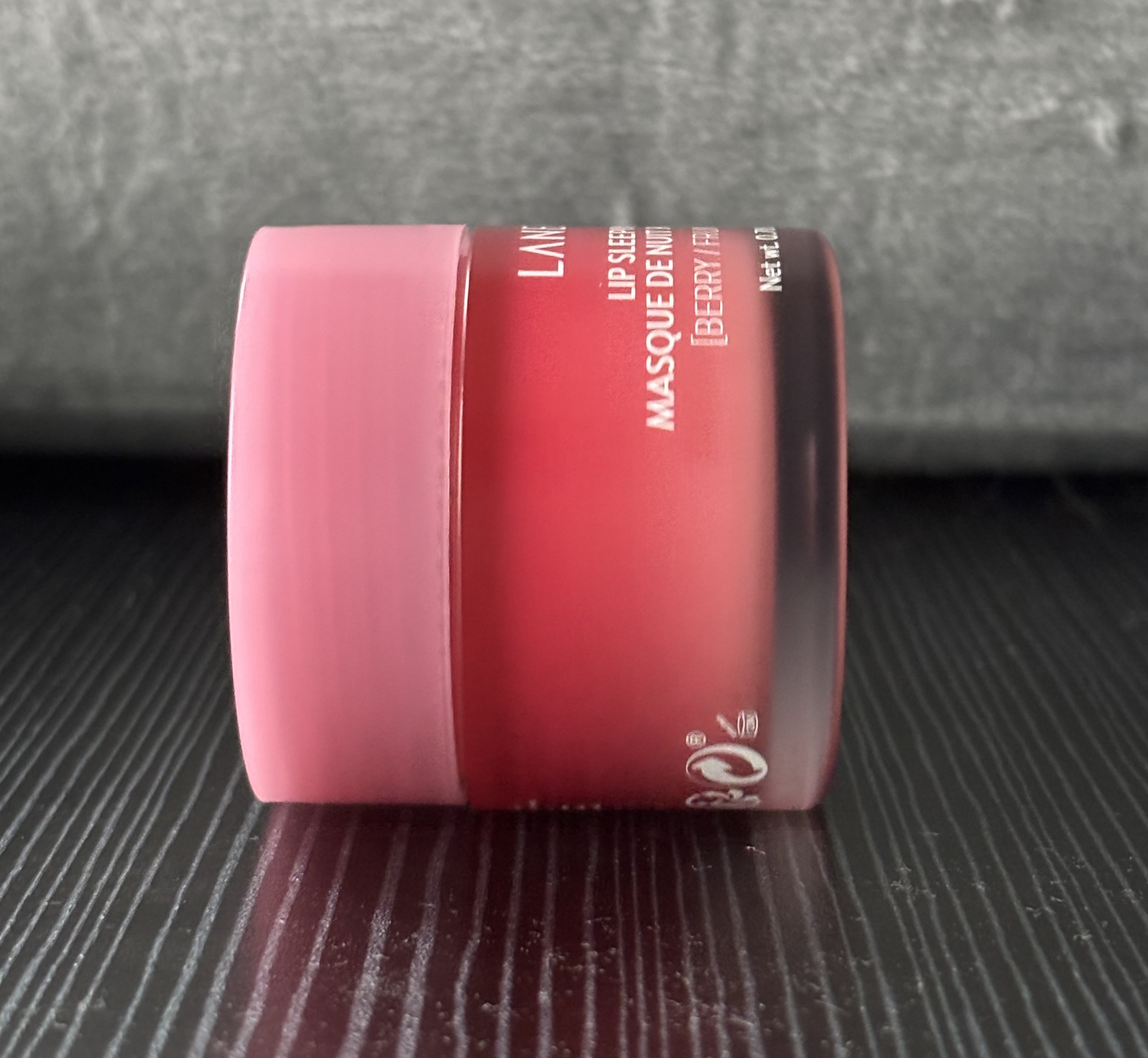
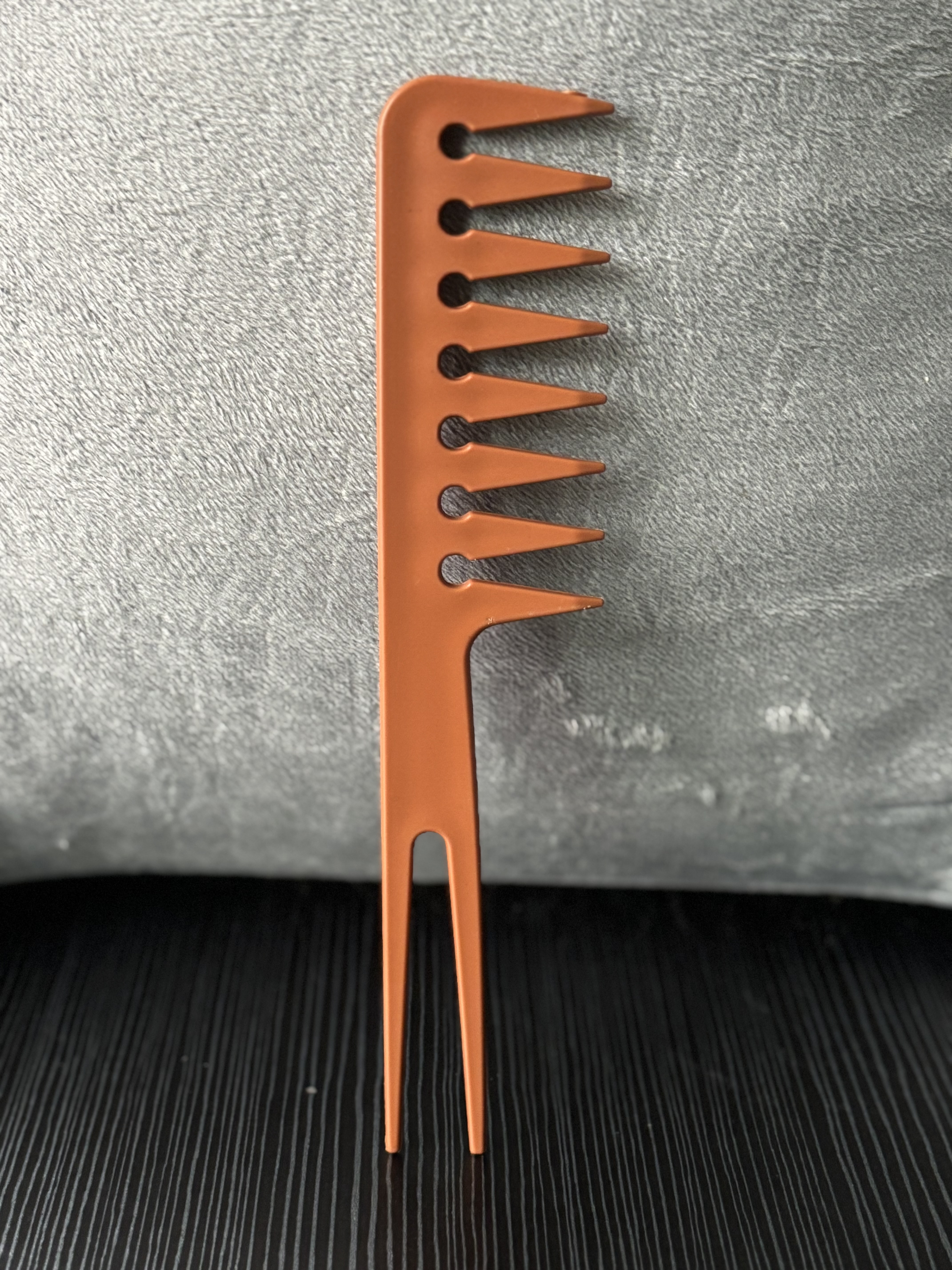
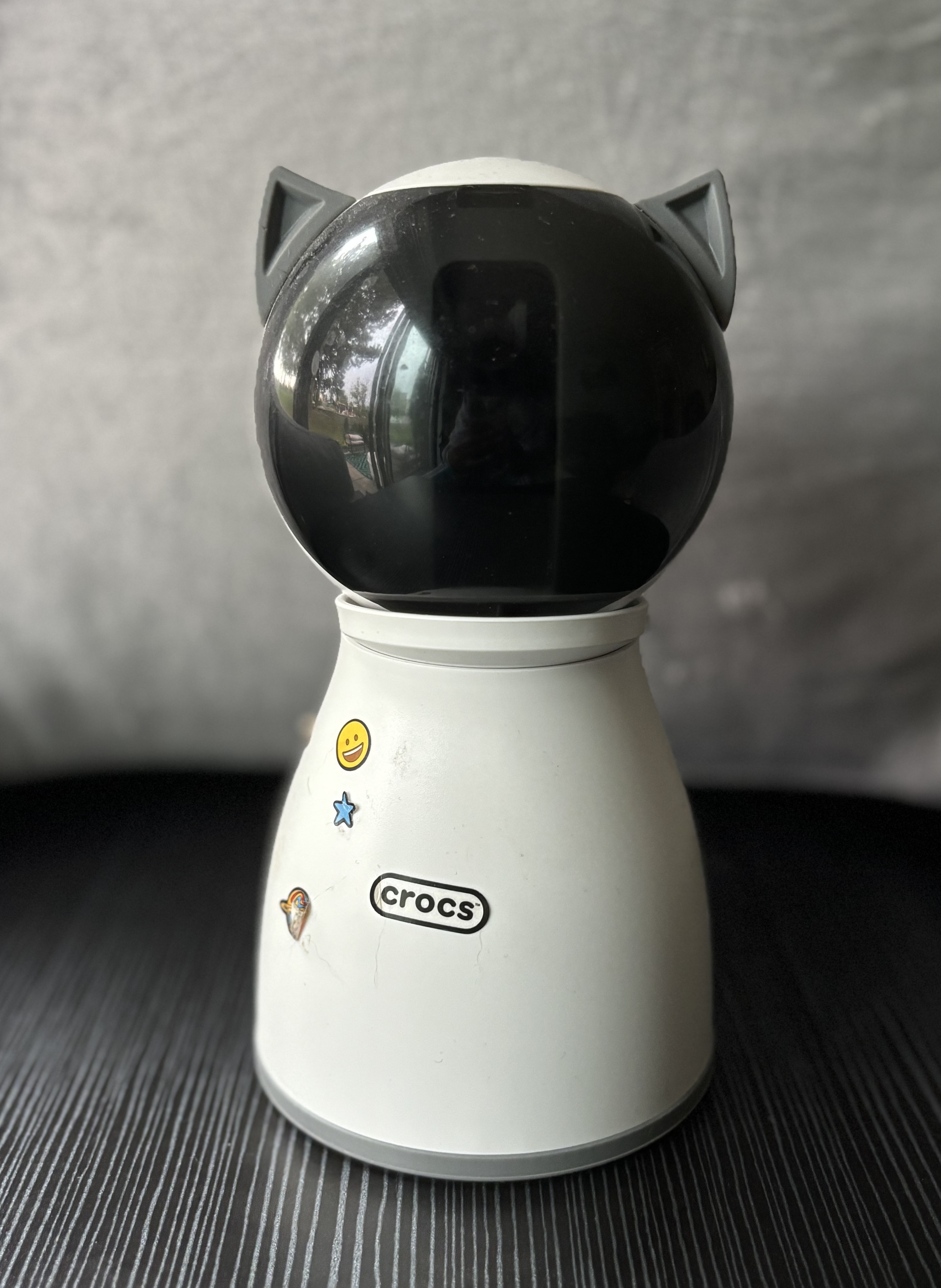
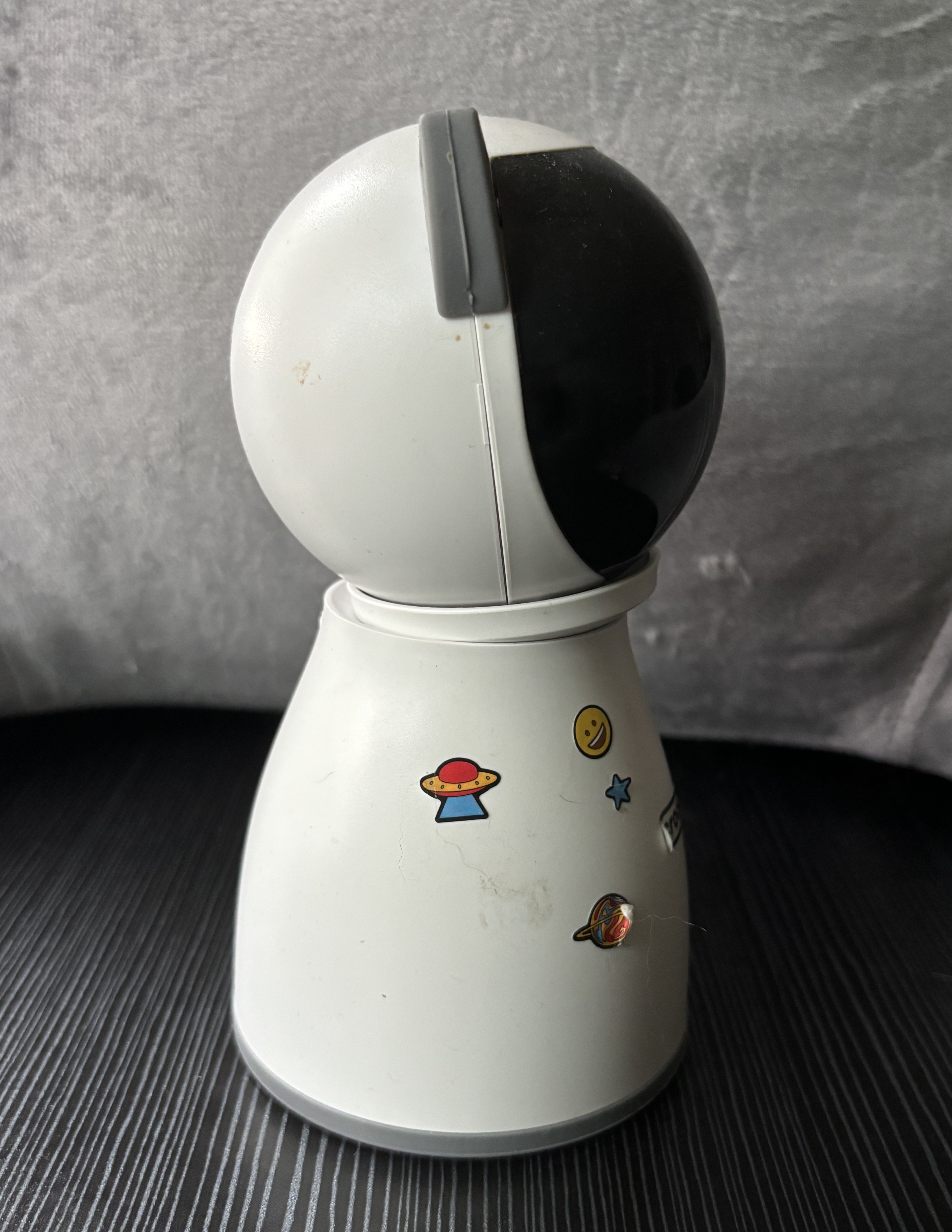
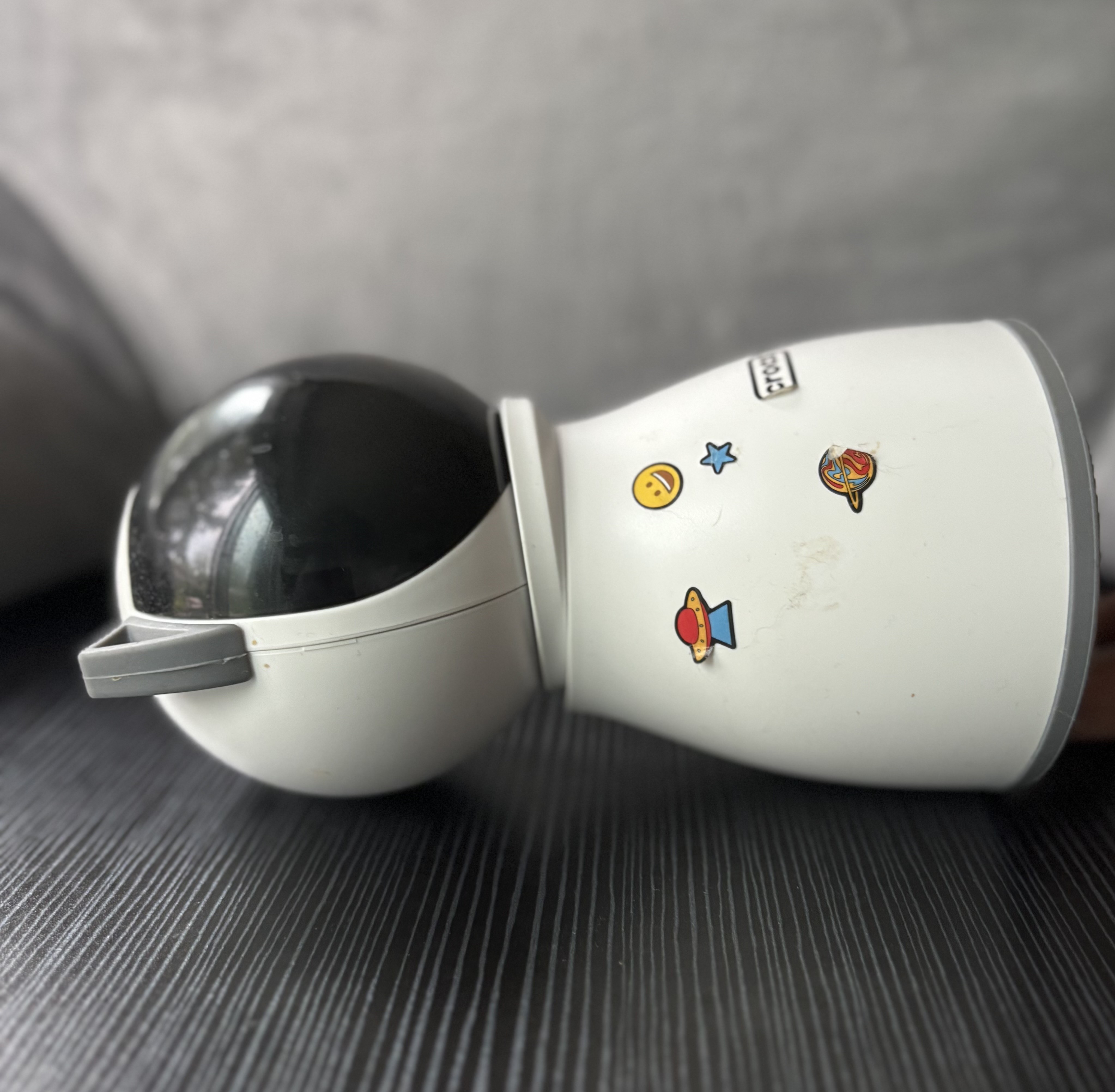
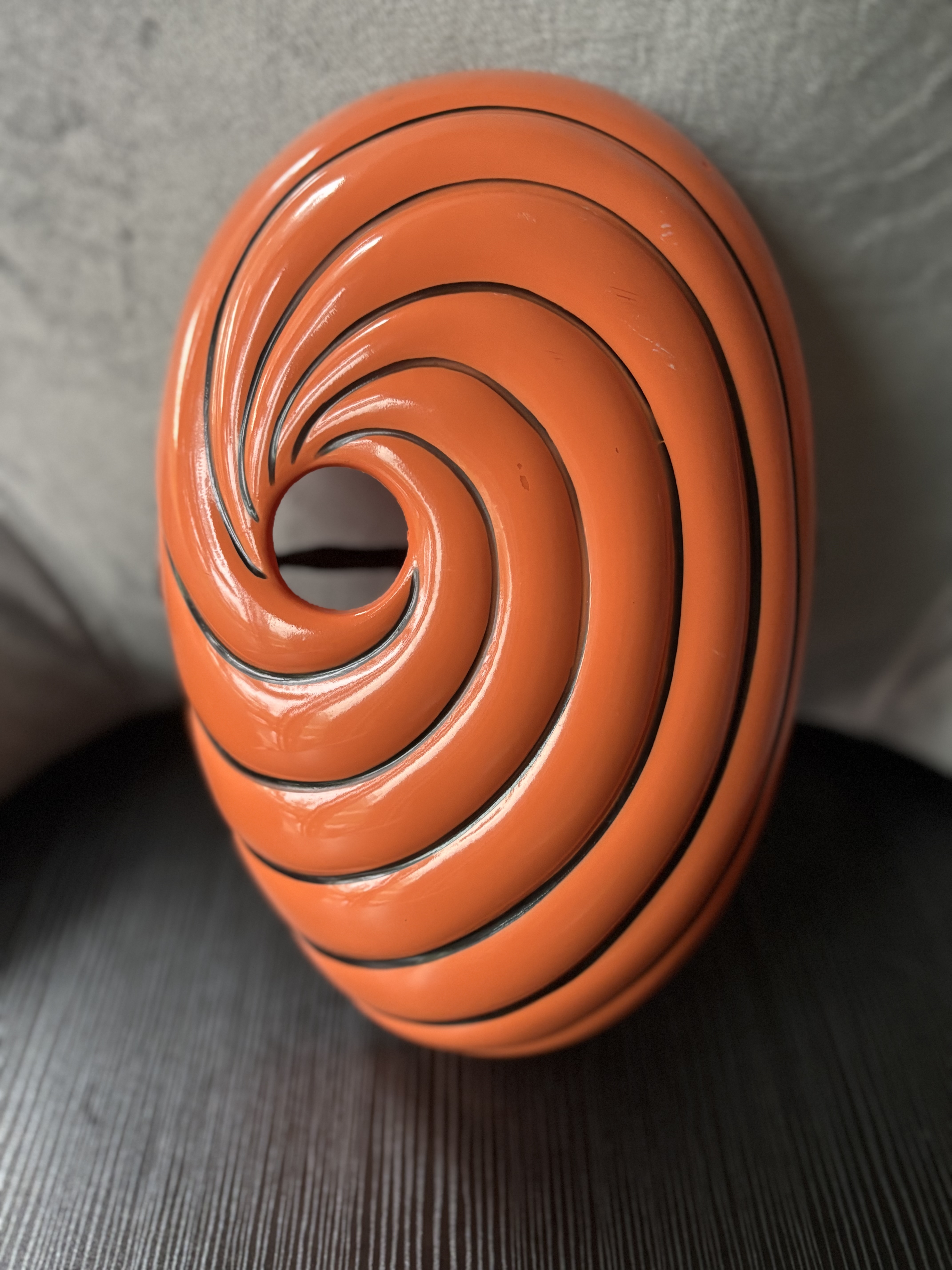
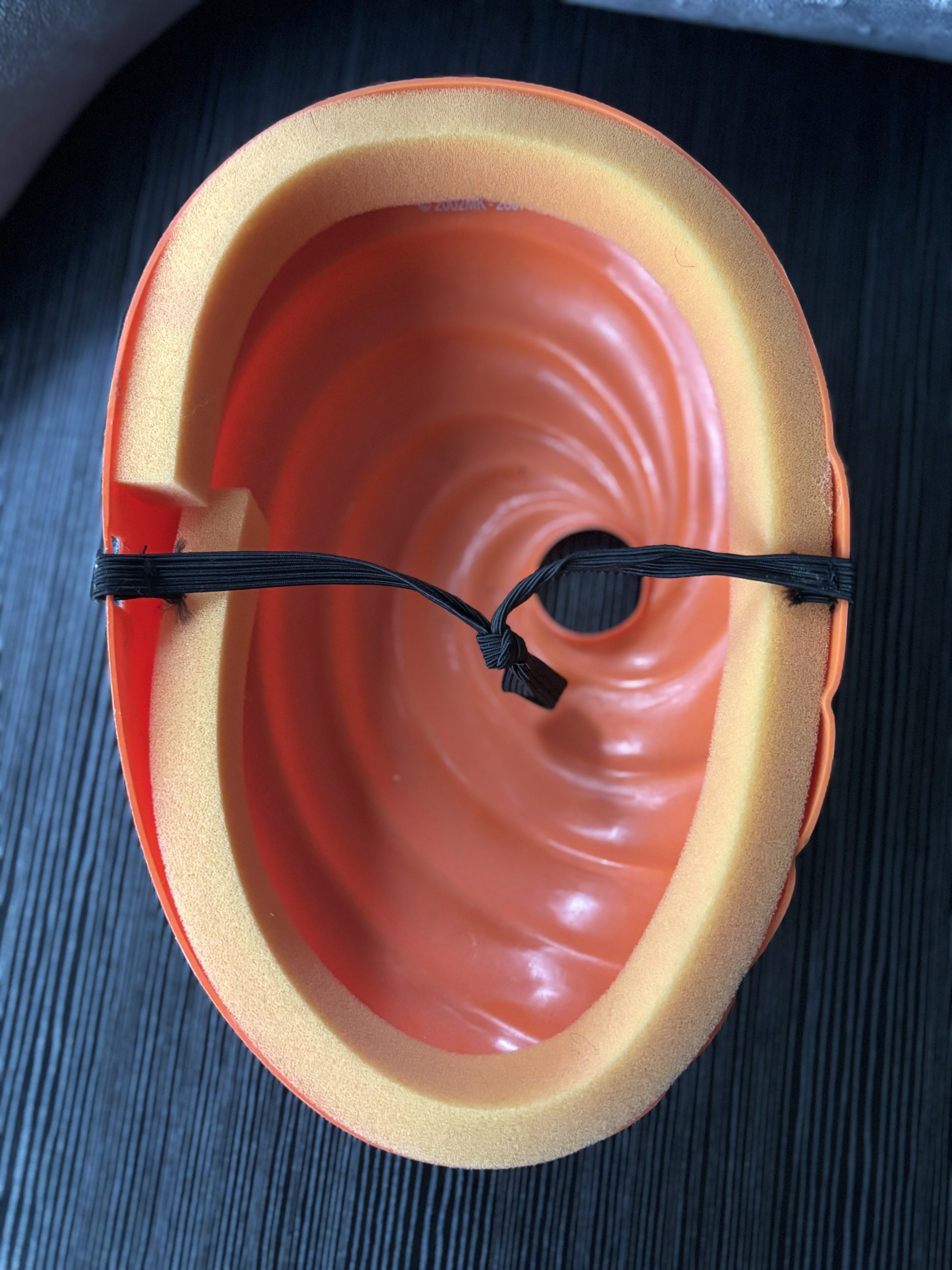
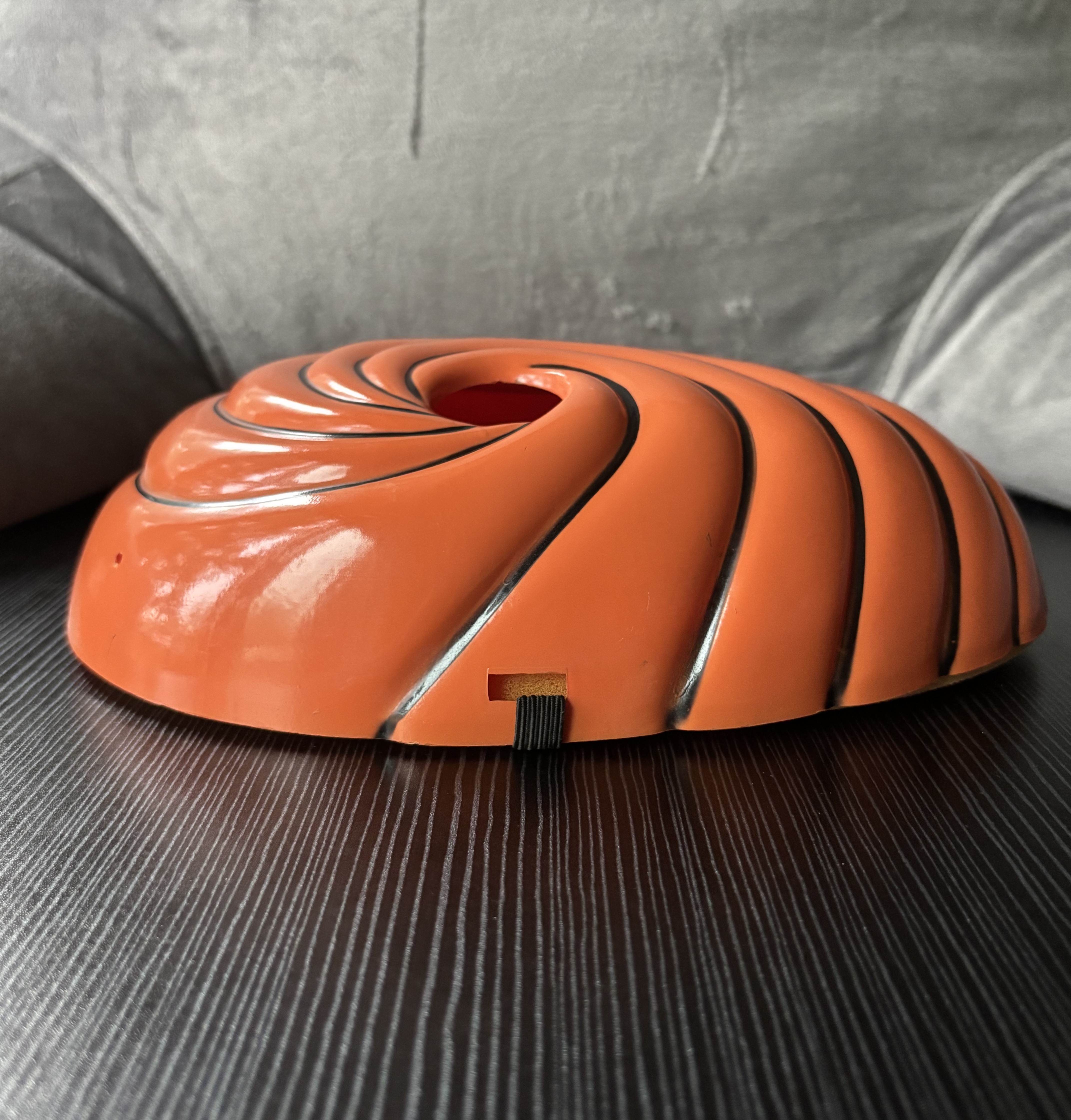
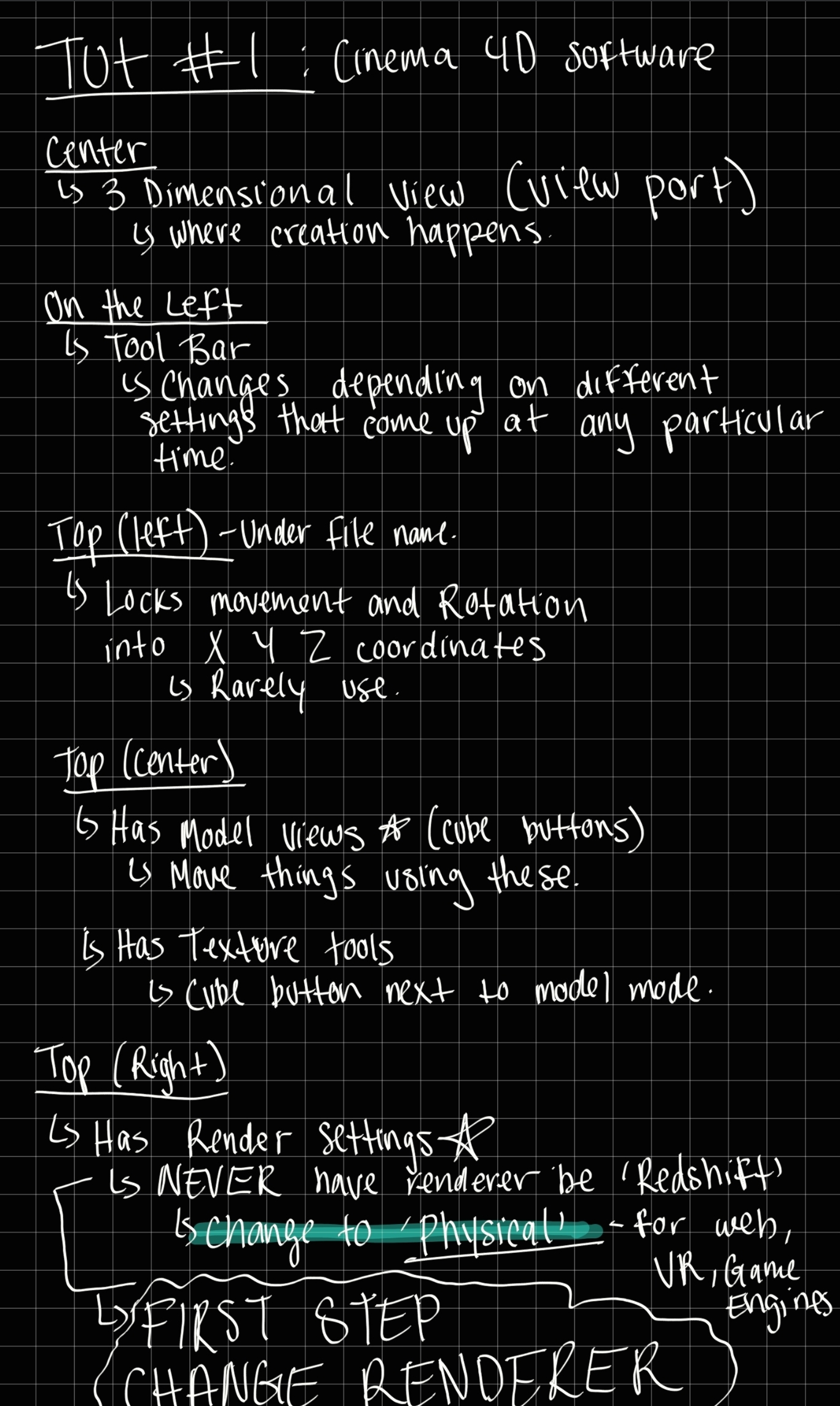
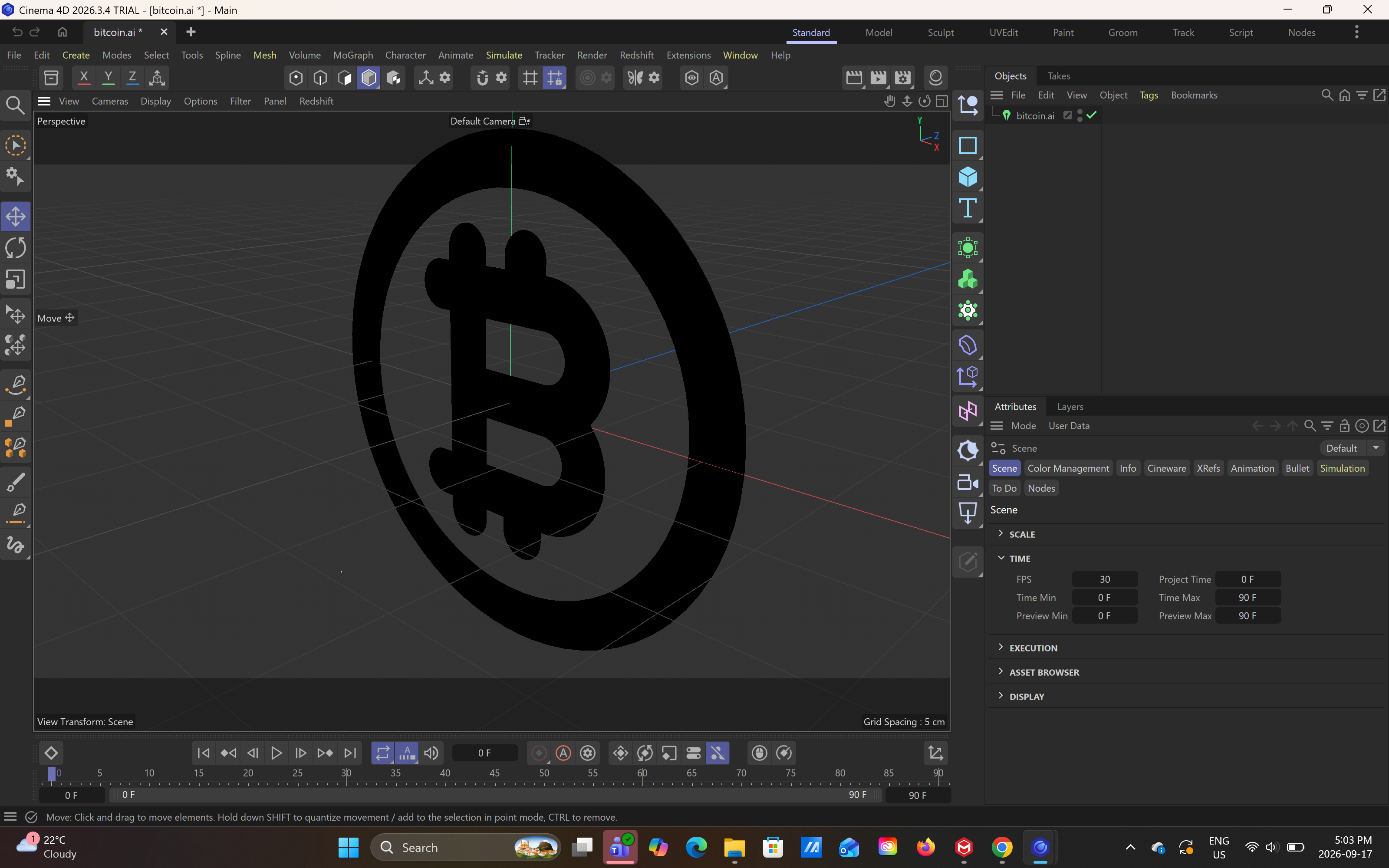
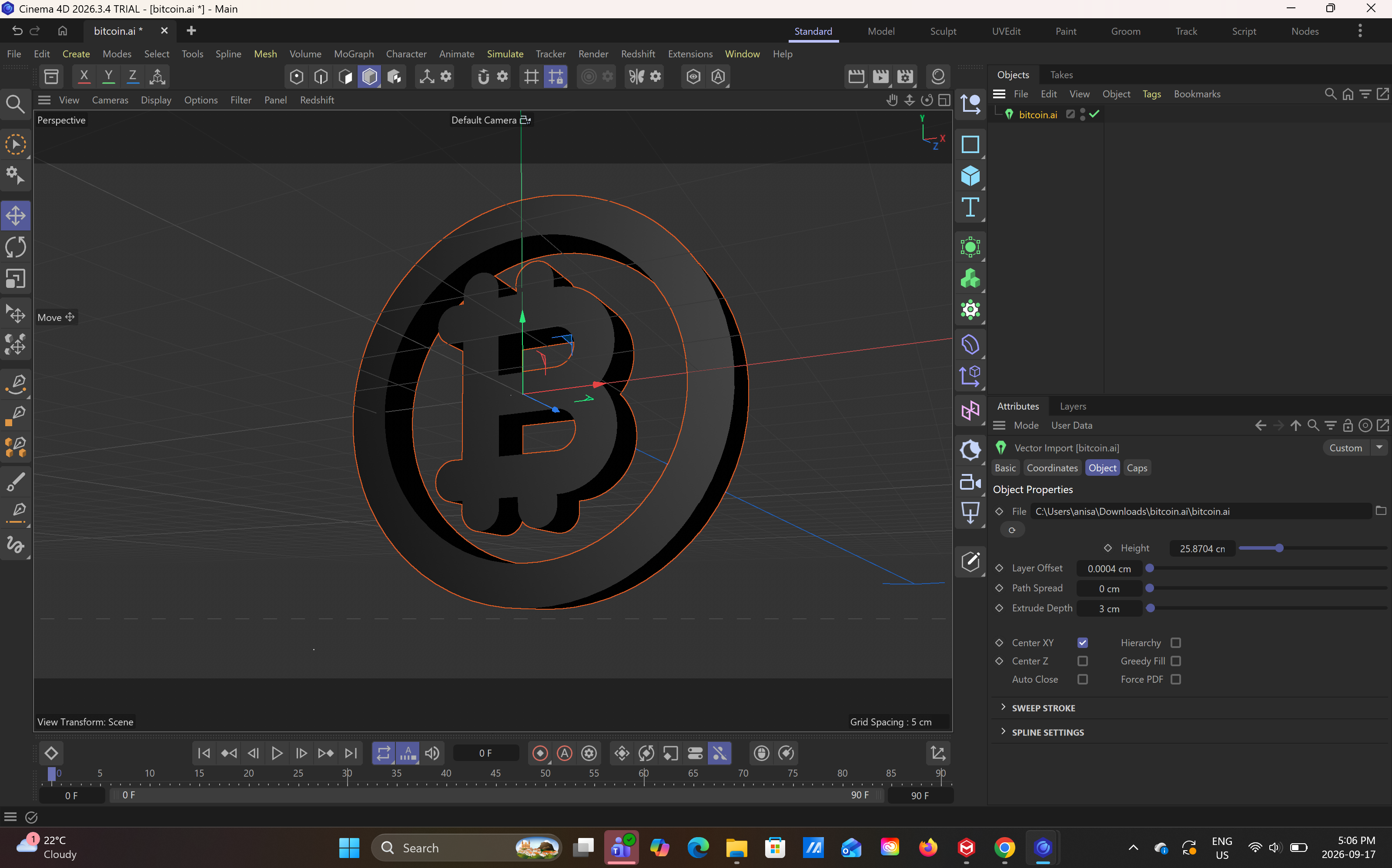
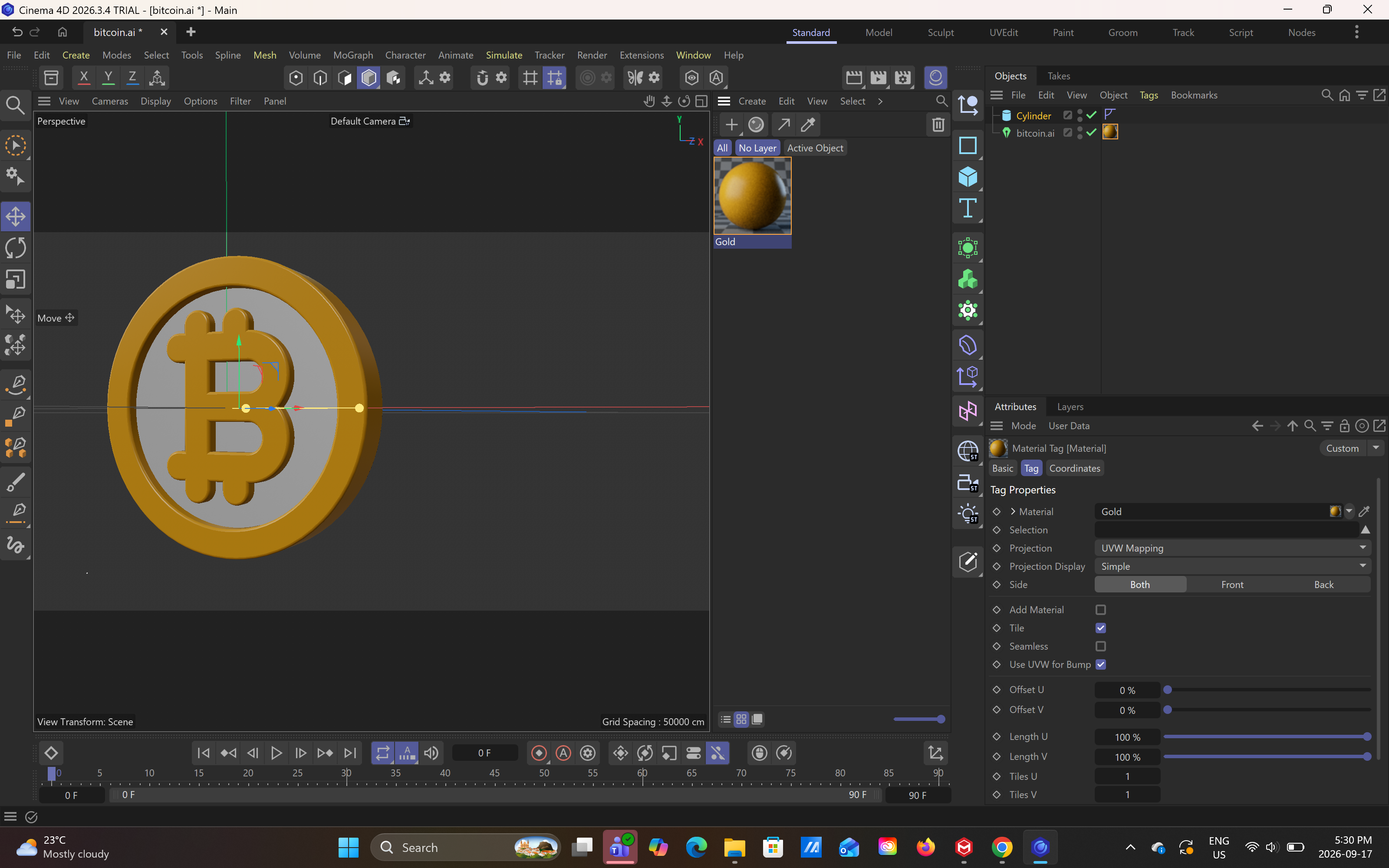
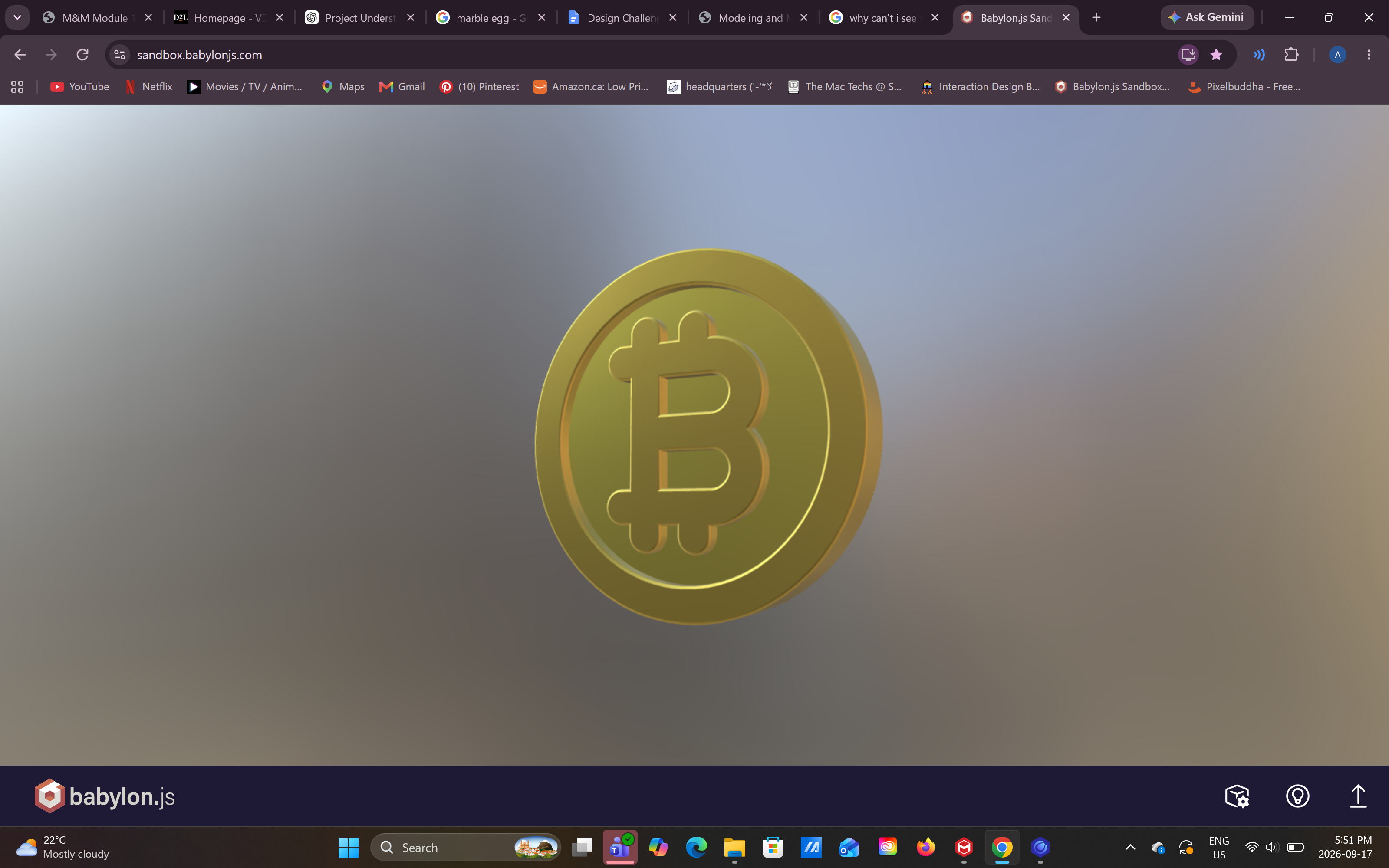
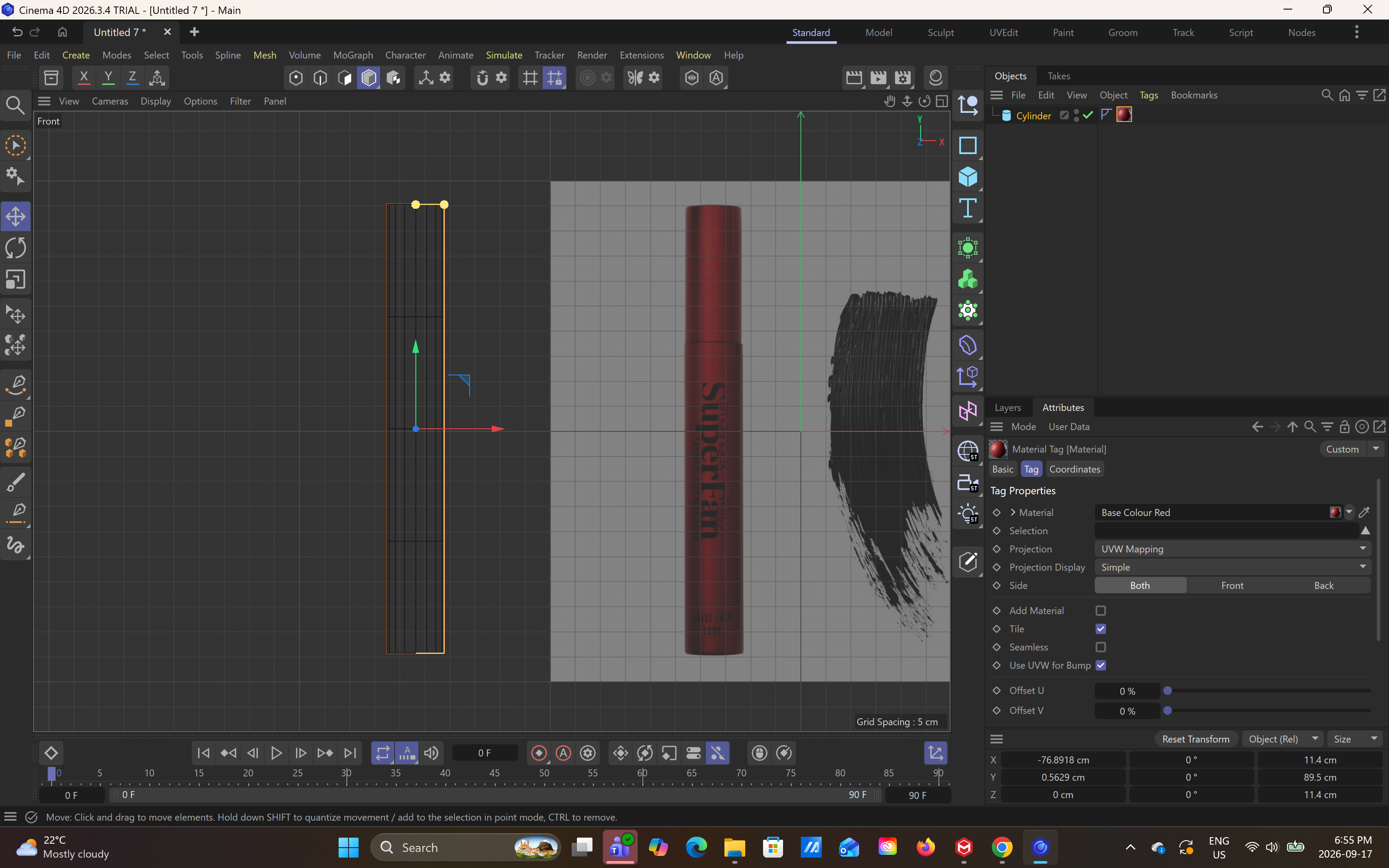
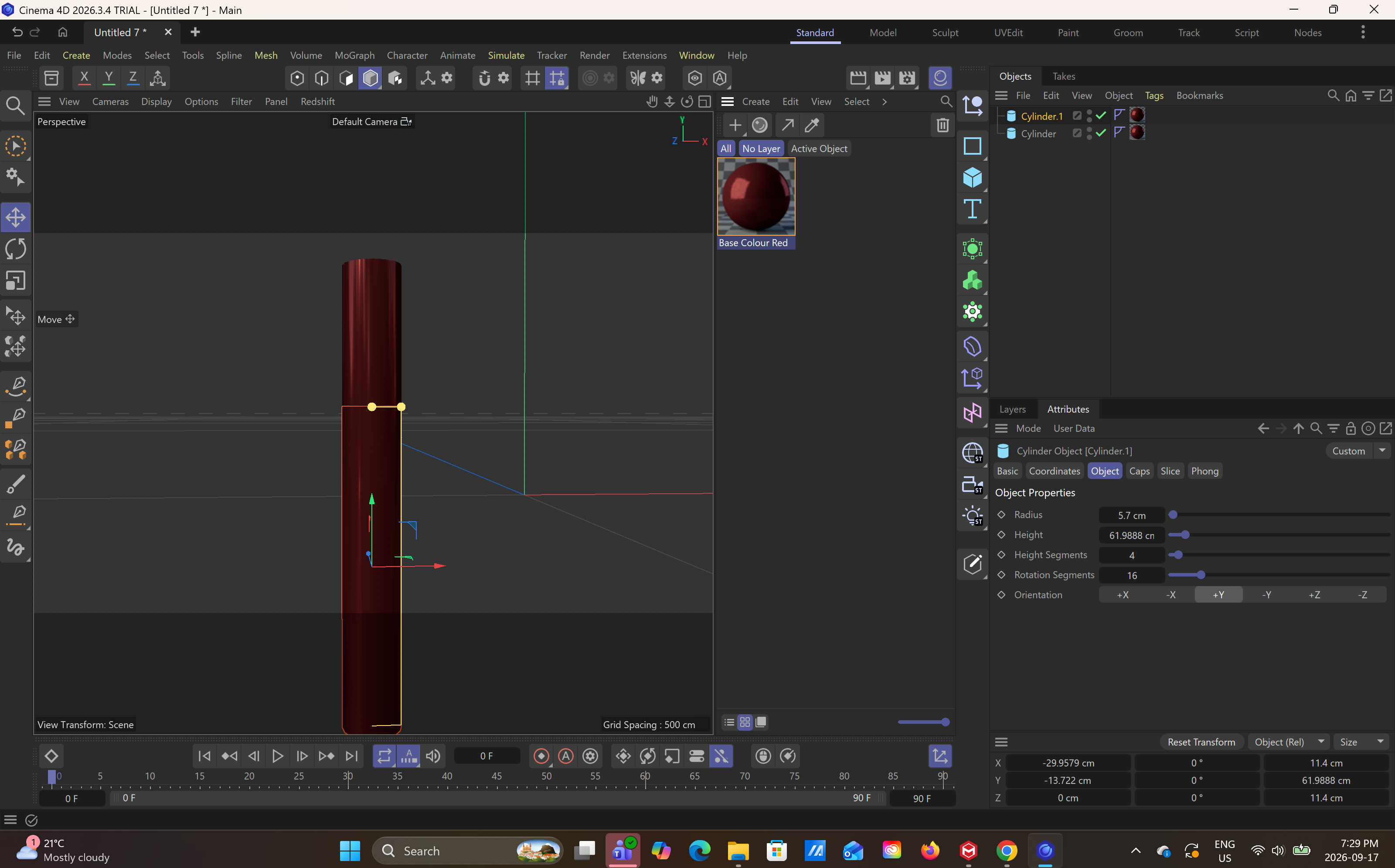
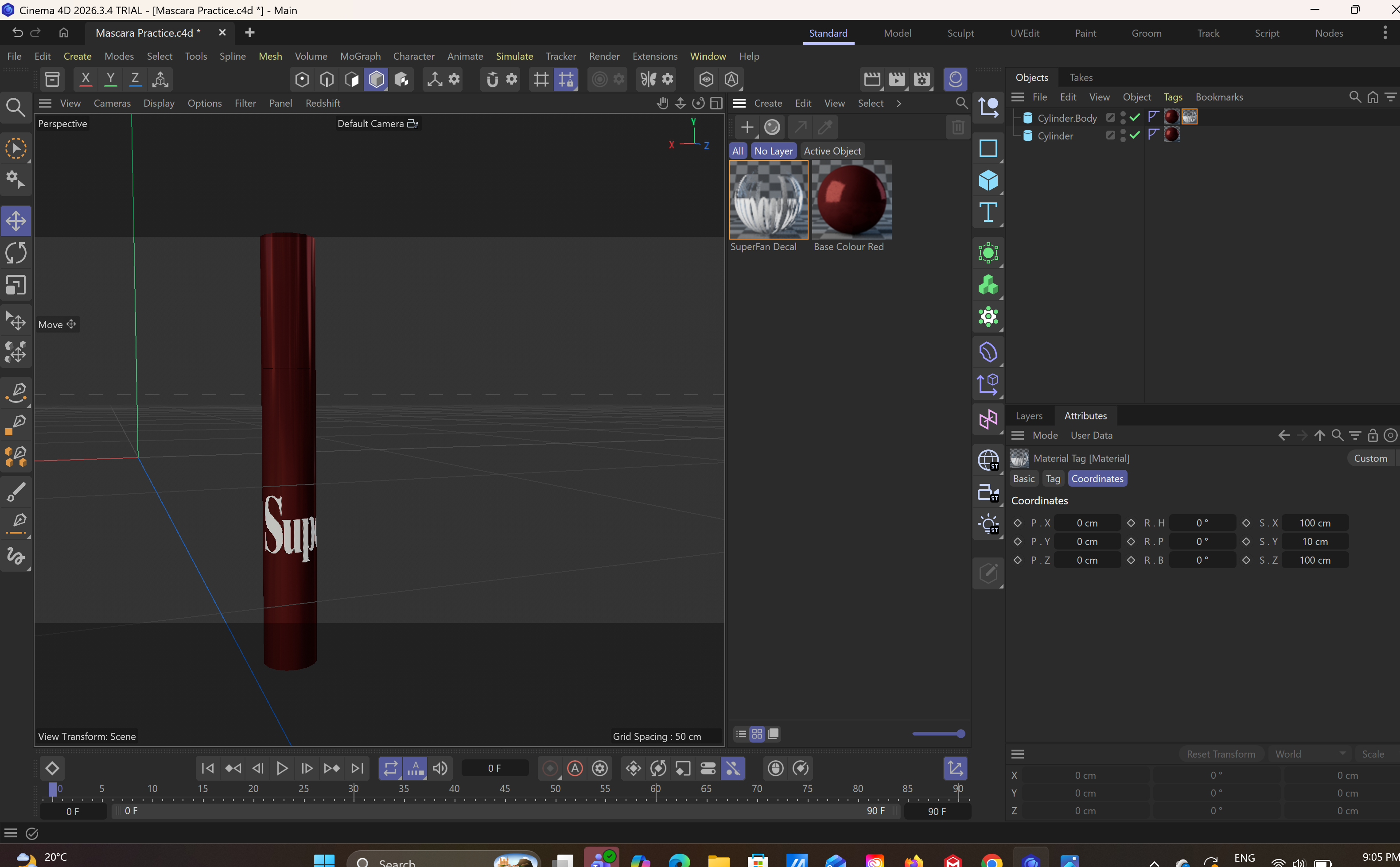
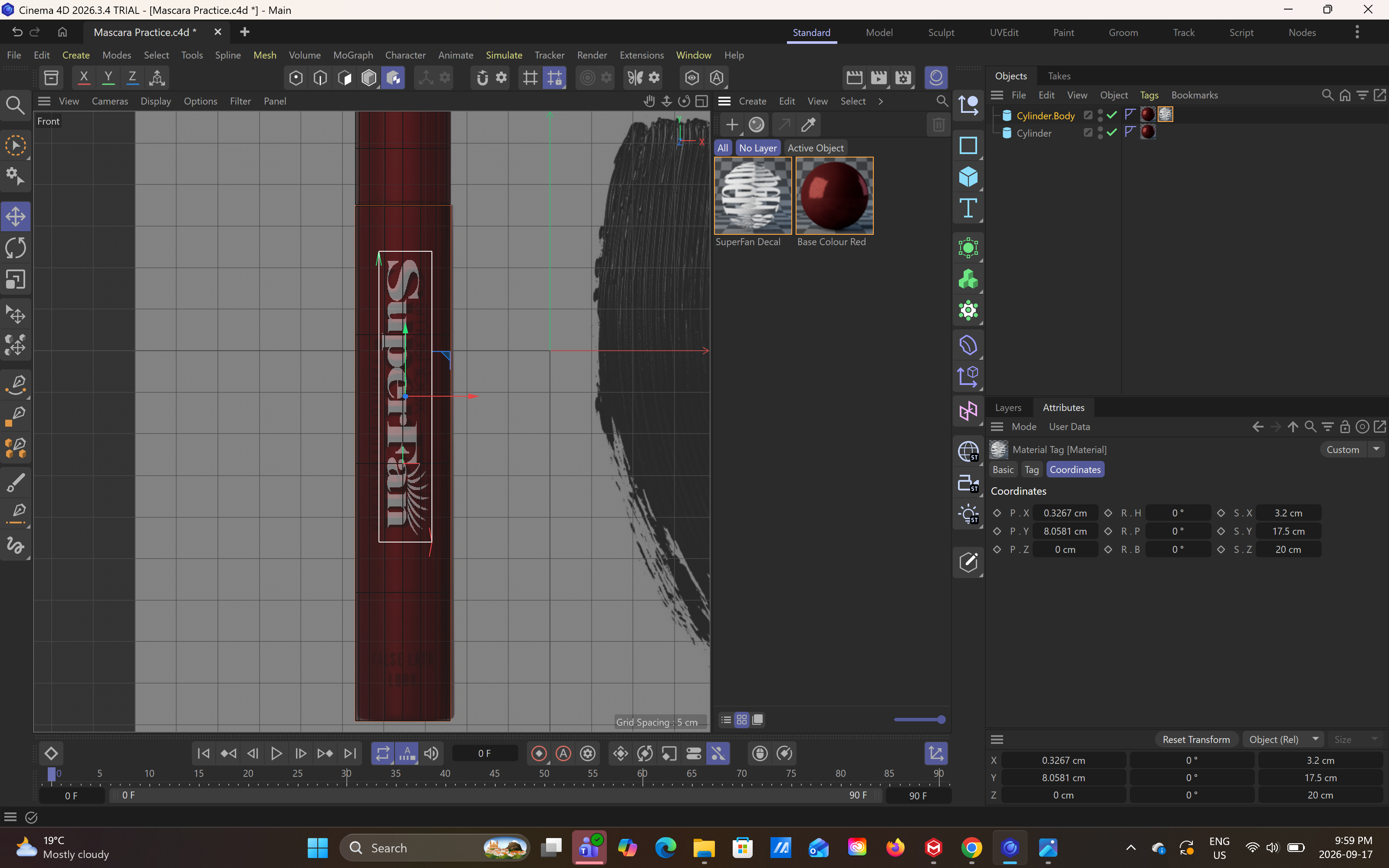
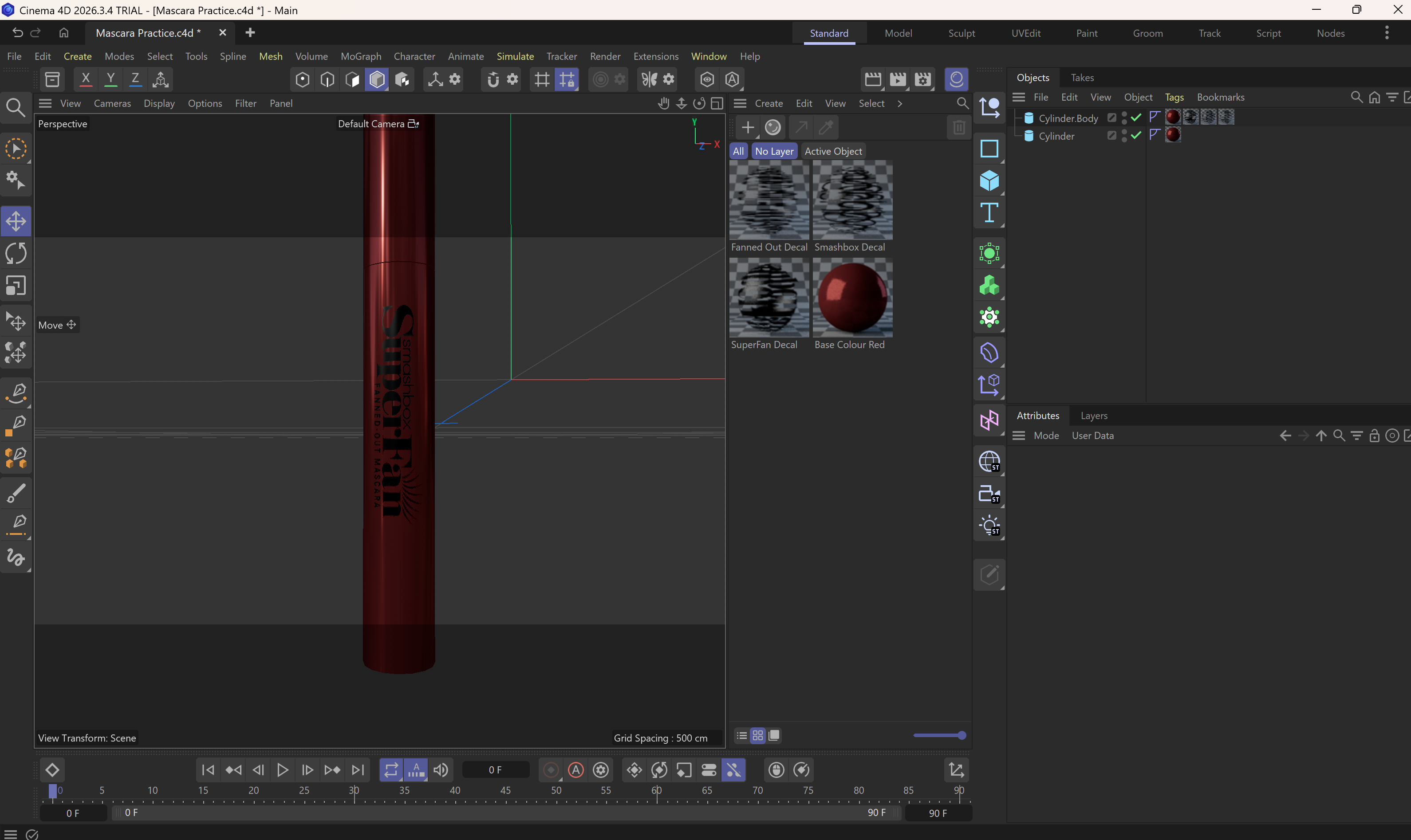
Object: Mascara Tube, Simple Primitive Shape: Cylinder, Front View Object: Naruto Uno Card Box, Simple Primitive Shape: Cube, Front View Object: Naruto Uno Card Box, Simple Primitive Shape: Cube, Side View Object: Face Album Cd, Simple Primitive Shape: Sphere, Front View Object: Marble Egg, Simple Primitive Shape: Ellipsoid, Front View Object: Marble Egg, Simple Primitive Shape: Ellipsoid, Side View Object: Laneige Lip Mask, Simple Primitive Shape: Cylinder, Front View Object: Laneige Lip Mask, Simple Primitive Shape: Cylinder, Side View Object: Parting Comb, Complex Shape, Front View Object: Cat Lazer Toy, Complex Shape, Front View Object: Cat Lazer Toy, Complex Shape, Side View Object: Cat Lazer Toy, Complex Shape, Facing Up View Object: Obito Costume Mask, Complex Shape, Front View Object: Obito Costume Mask, Complex Shape, Back View Object: Obito Costume Mask, Complex Shape, Side View Notes from Tutorial 1 <a href='https://ixd.sheridancollege.ca/vdc/1_interface.mp4' target='_blank'><p>Watch Tutorial 1 Video</p></a> Bitcoin Tutorial <a href='https://ixd.sheridancollege.ca/vdc/2_first_model.mp4' target='_blank'><p>Watch Bitcoin Tutorial Video</p></a> Bitcoin Tut: Learning how to edit vectors and extrude Bitcoin Tut: Adding materials and colours Bitcoin Tut: Final Result, on web model viewer Mascara Model Attempt 1, Learning How to add a background reference images <a href='https://youtu.be/8TQuuevWF28?si=NhWw_GvqwbwhHkPX' target='_blank'><p>Youtube Tutorial that taught me how to add reference image</p></a> Mascara Model Attempt 1, Adding Colour and Reflectance to ger metalic look Mascara Model Attempt 1, Adding Logo / Decal Material to the model Mascara Model Attempt 1, Positioning and Sizing the logo Mascara Model Attempt 1, Final Result

Design Challenge 2
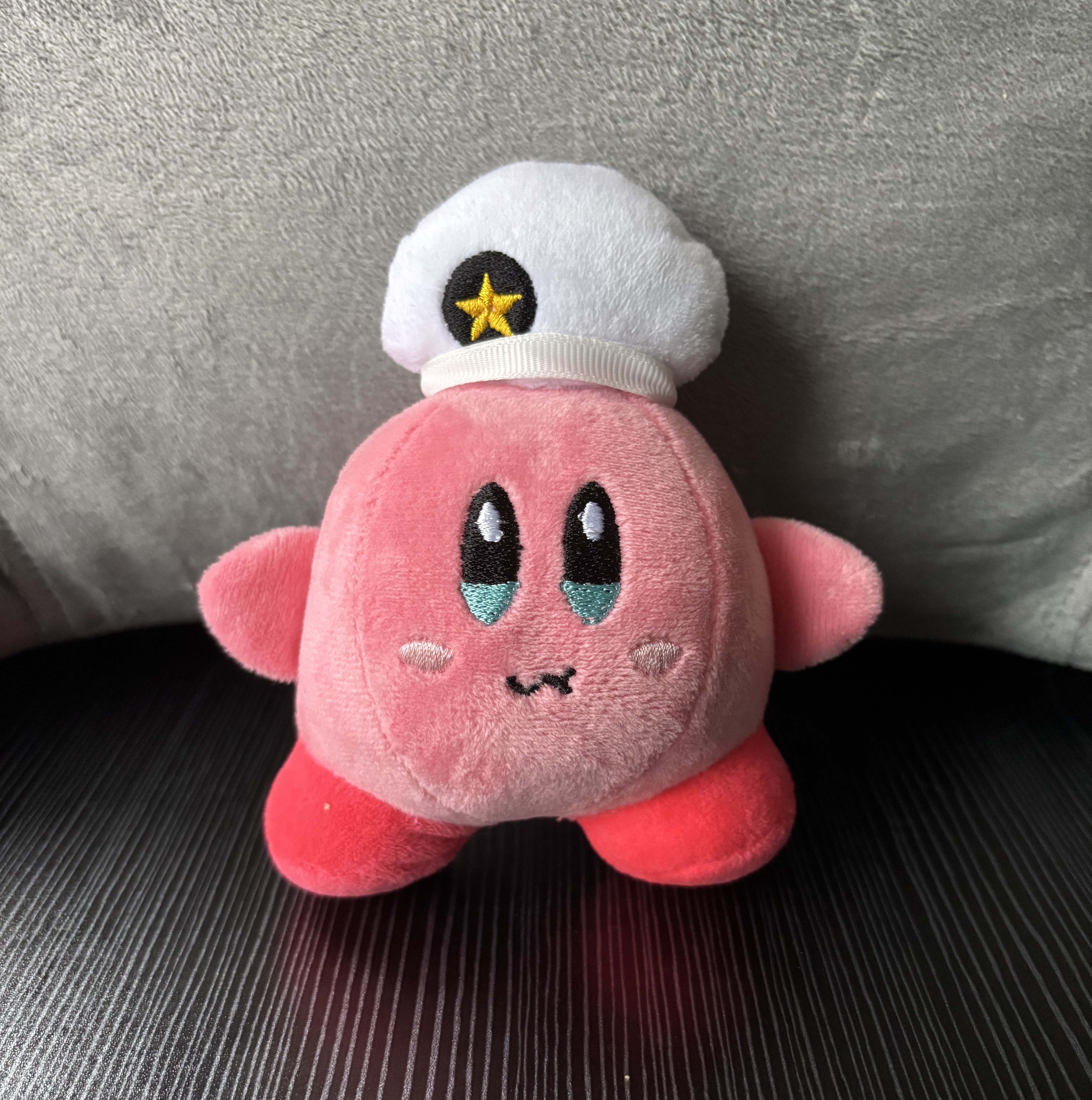
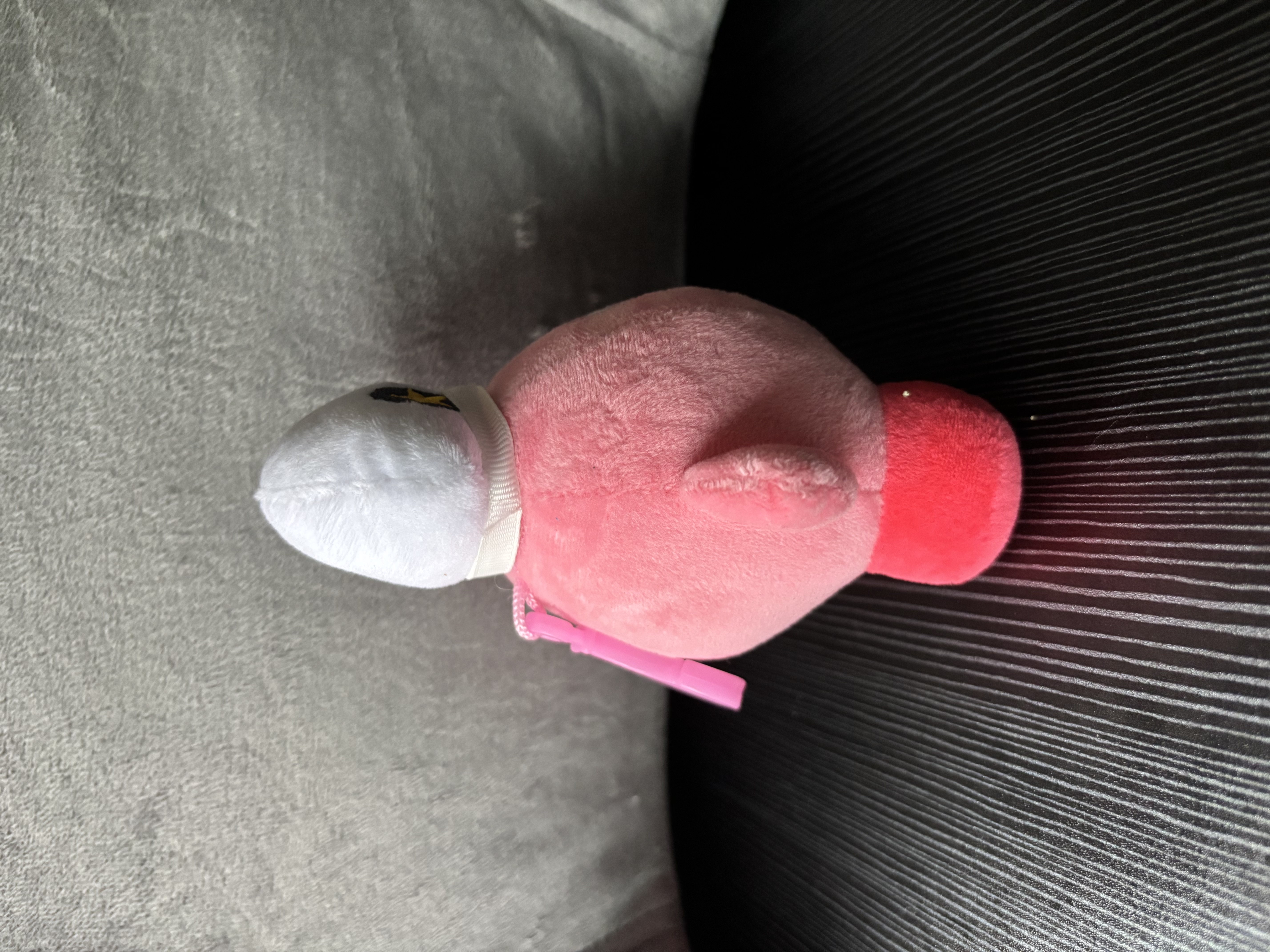
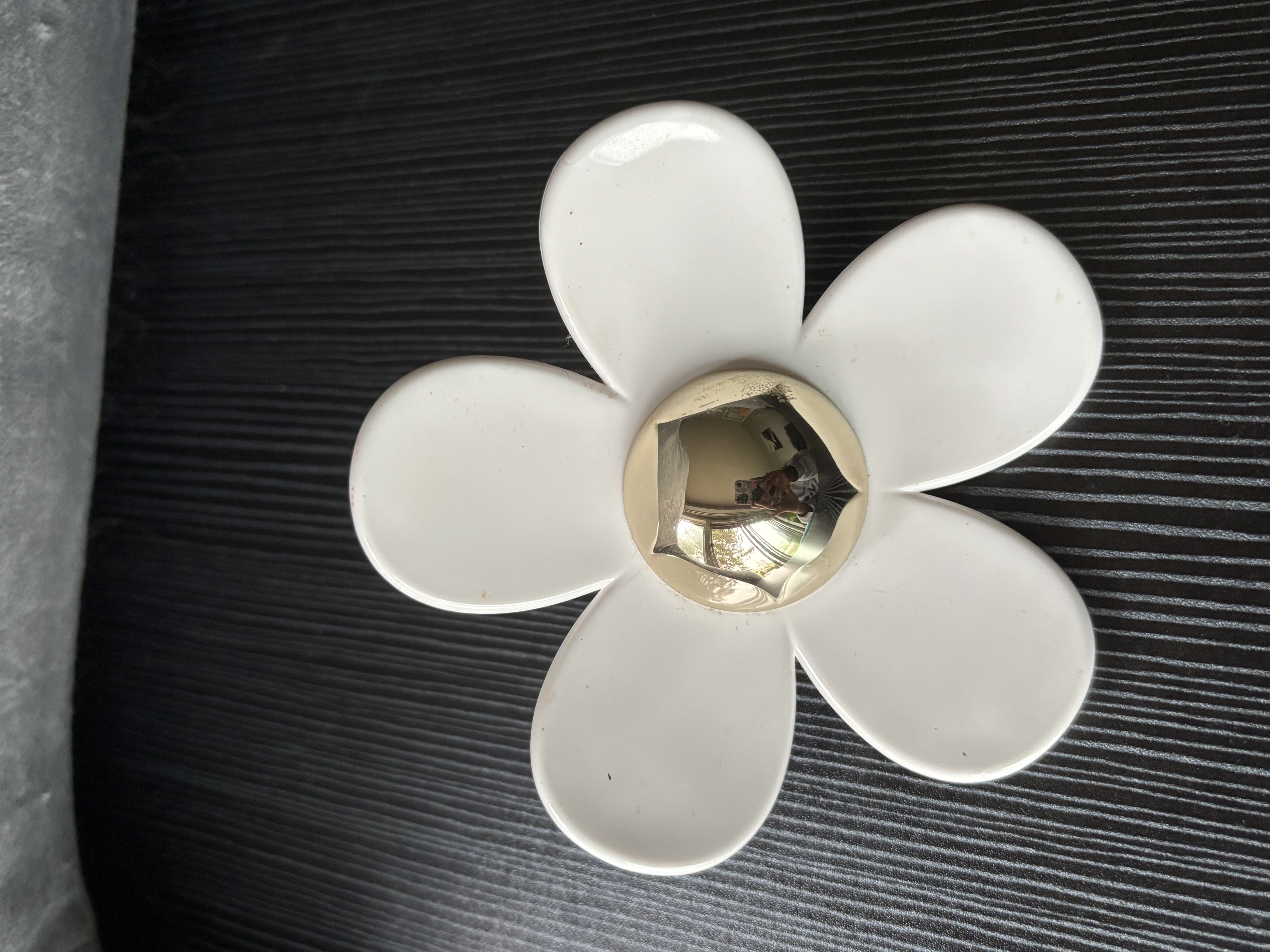
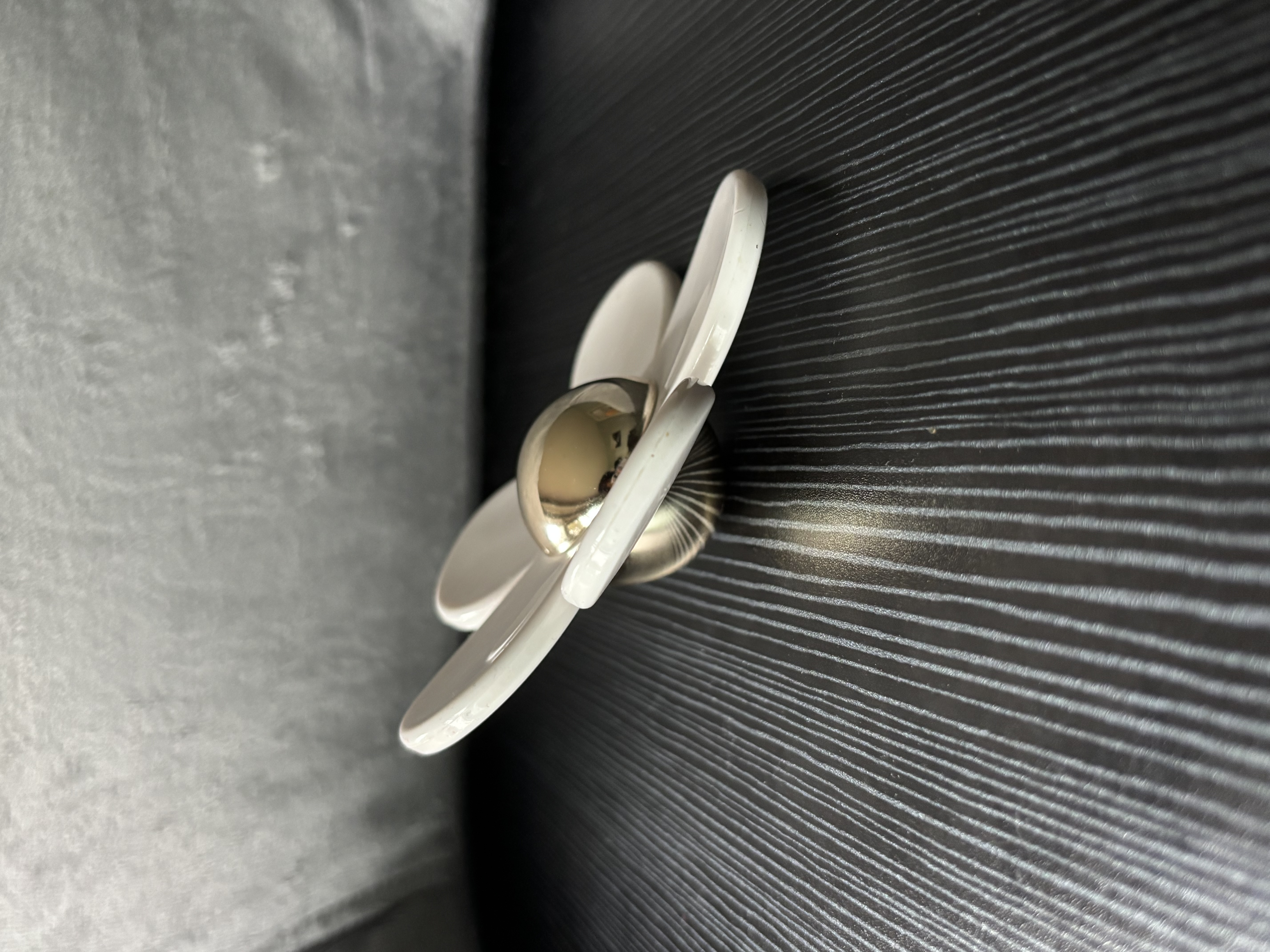
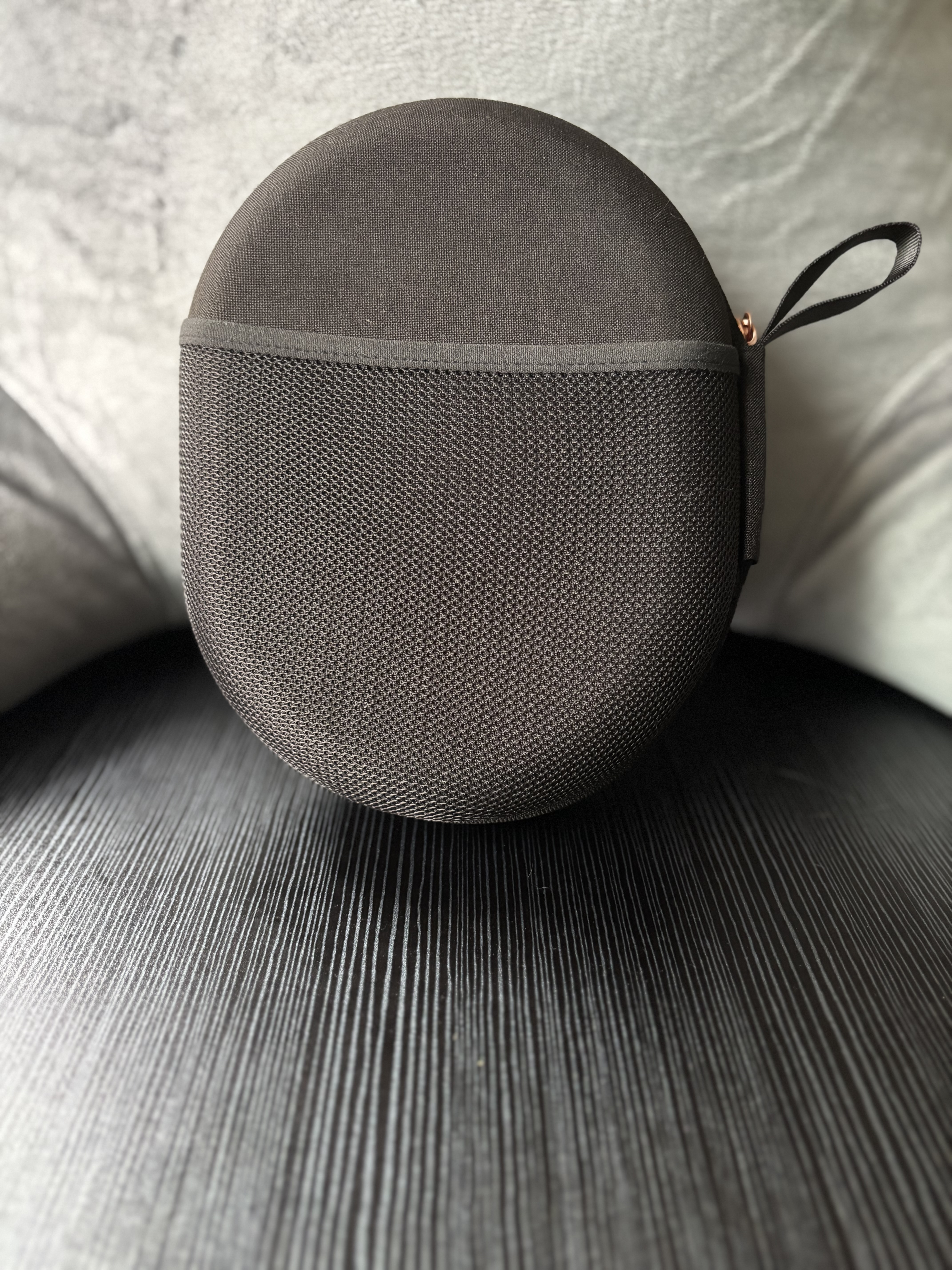
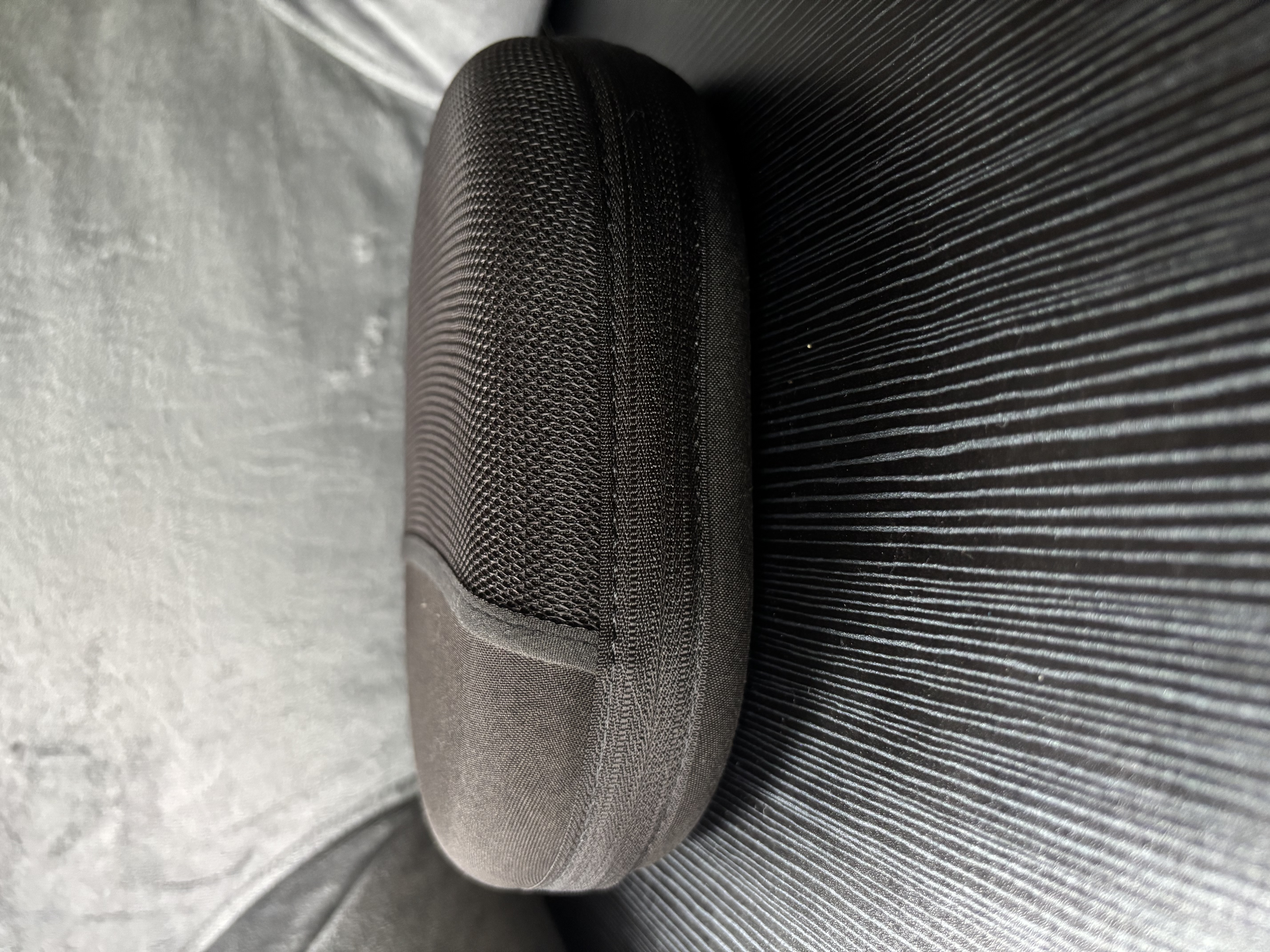
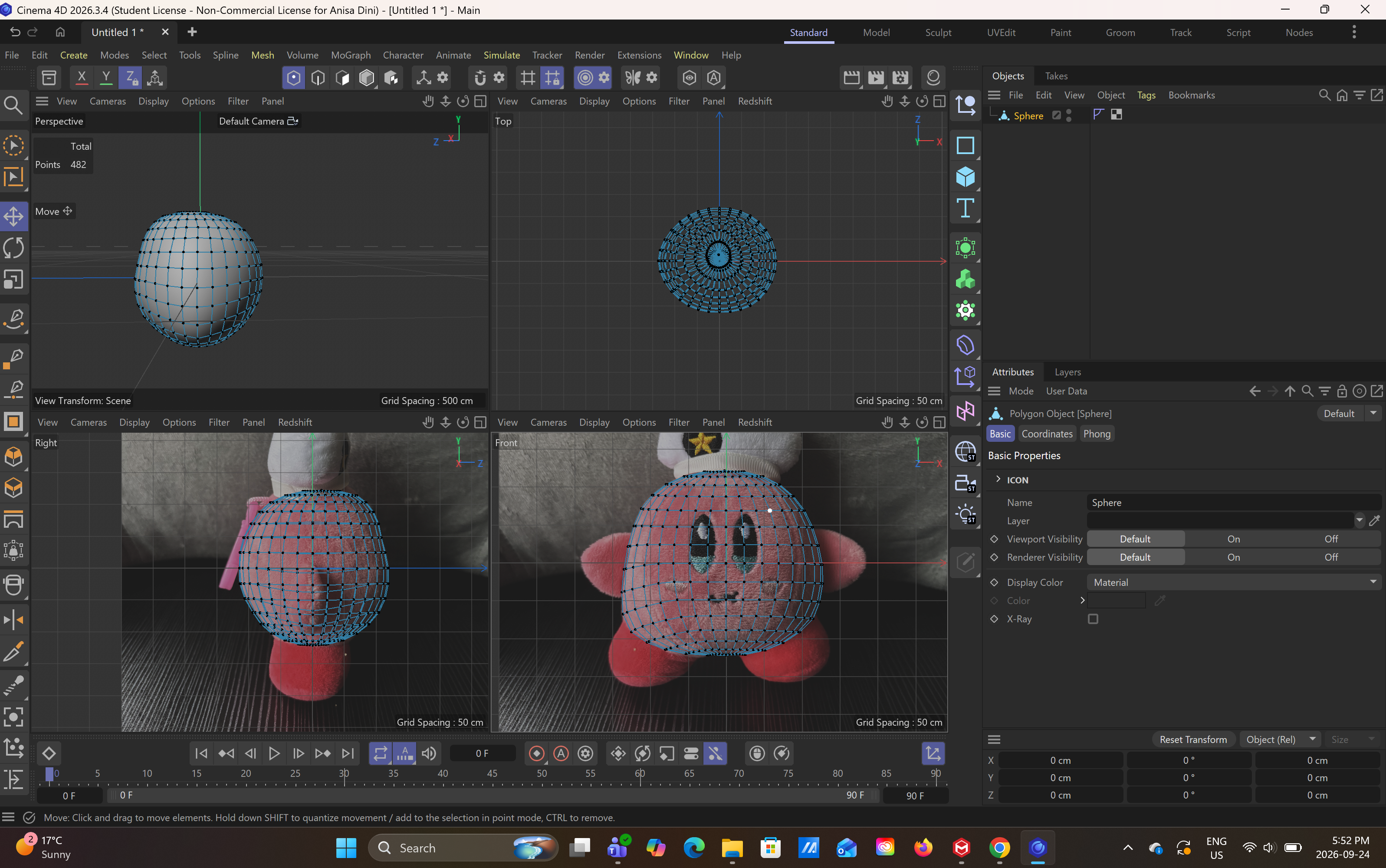
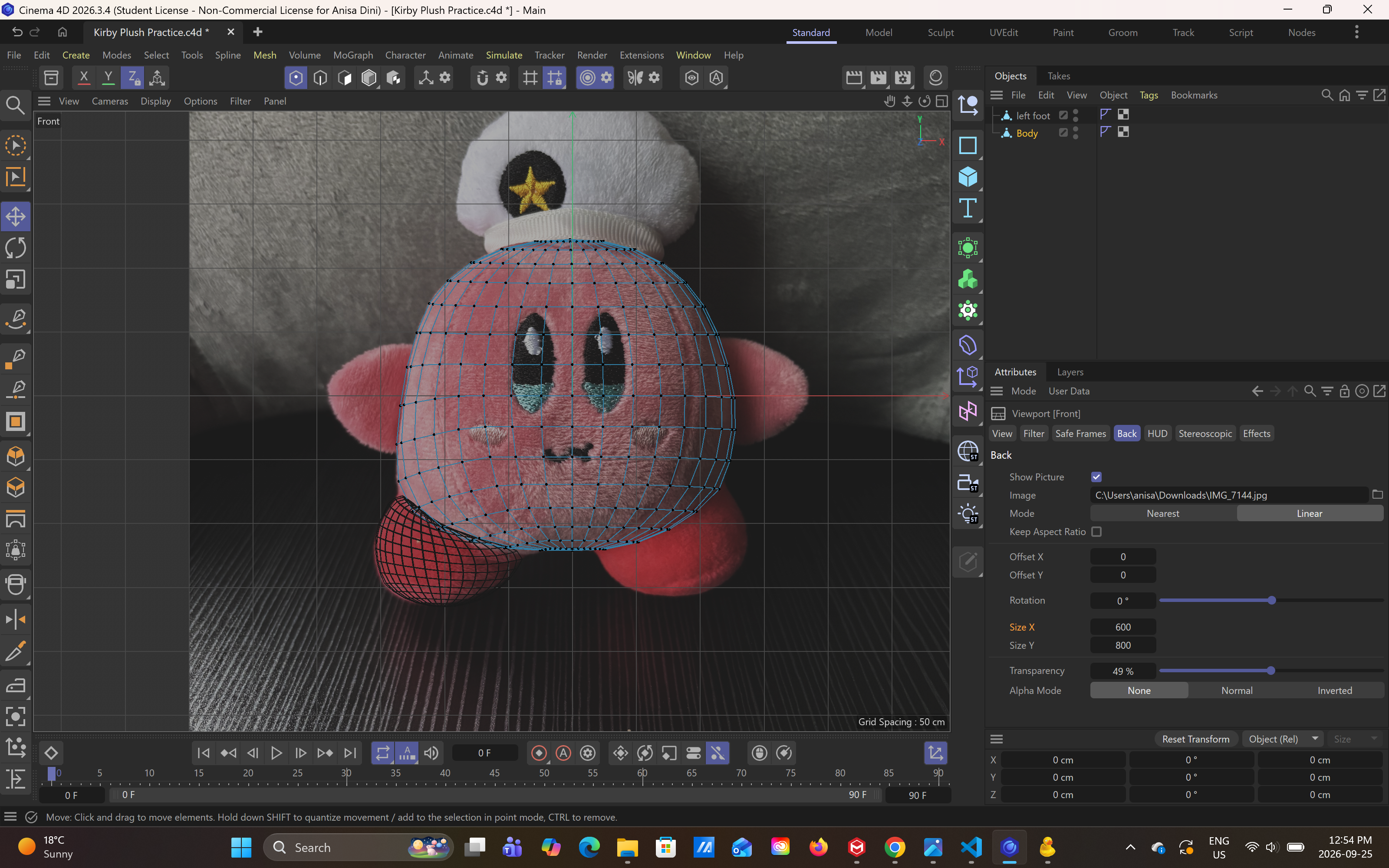
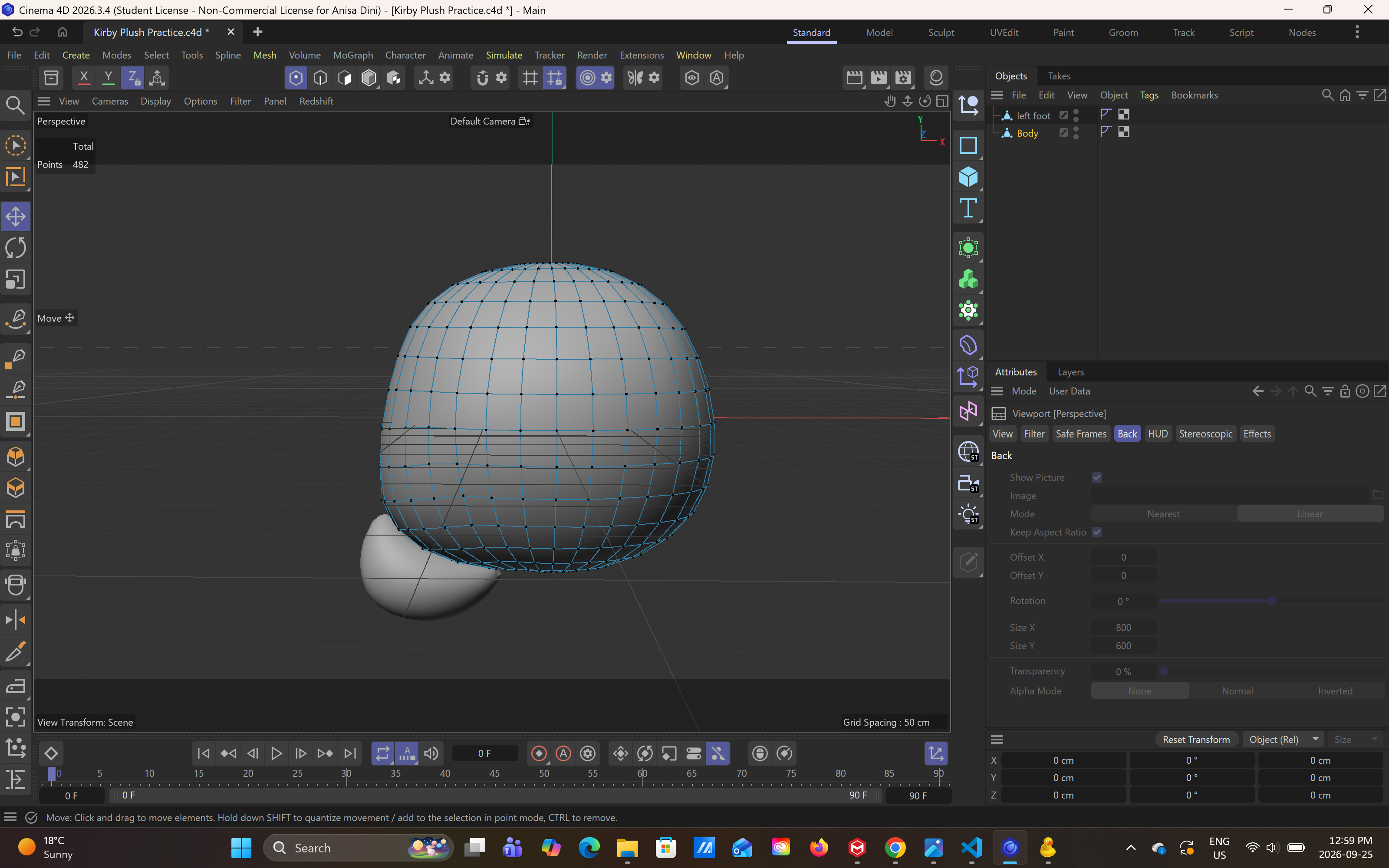
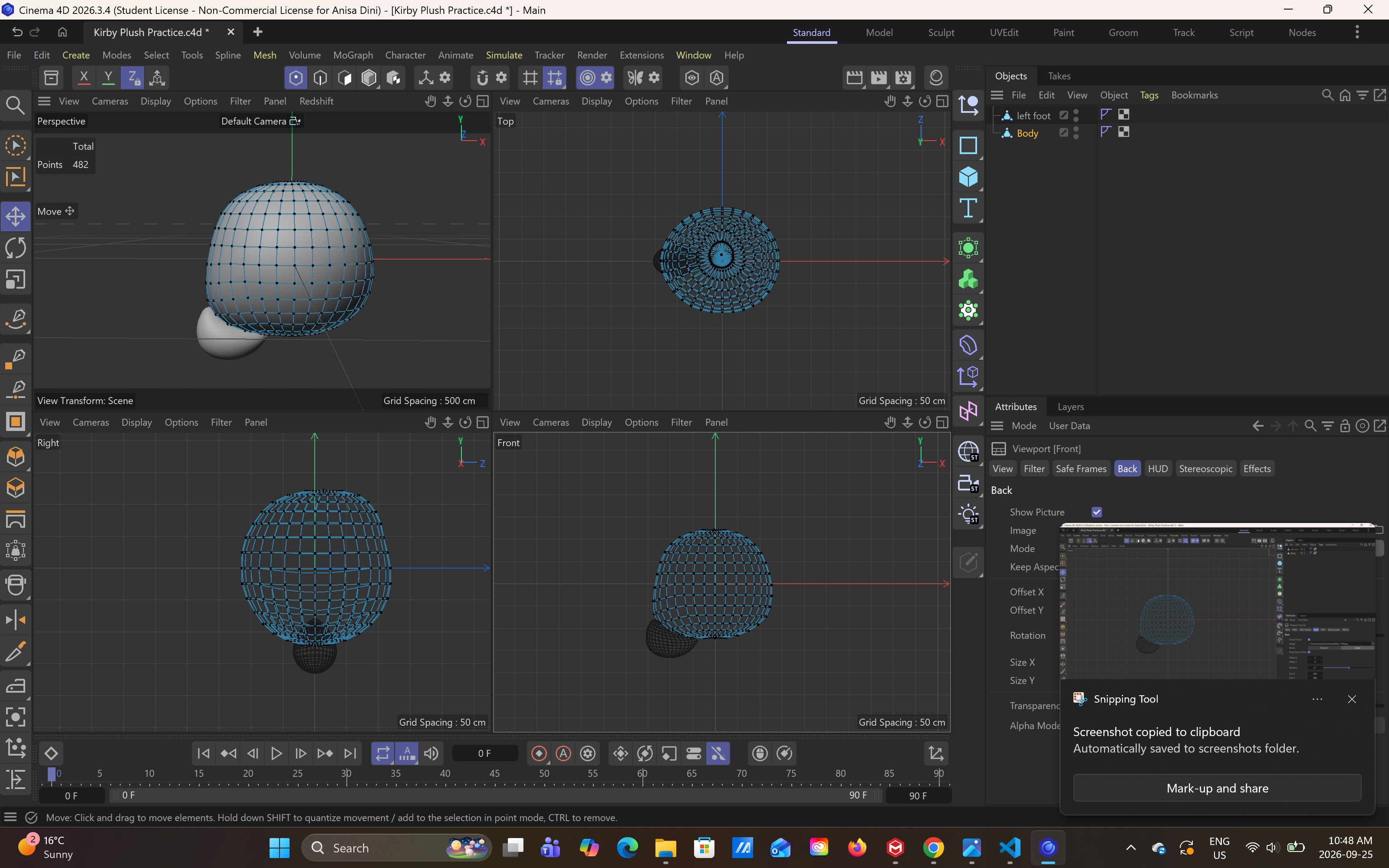
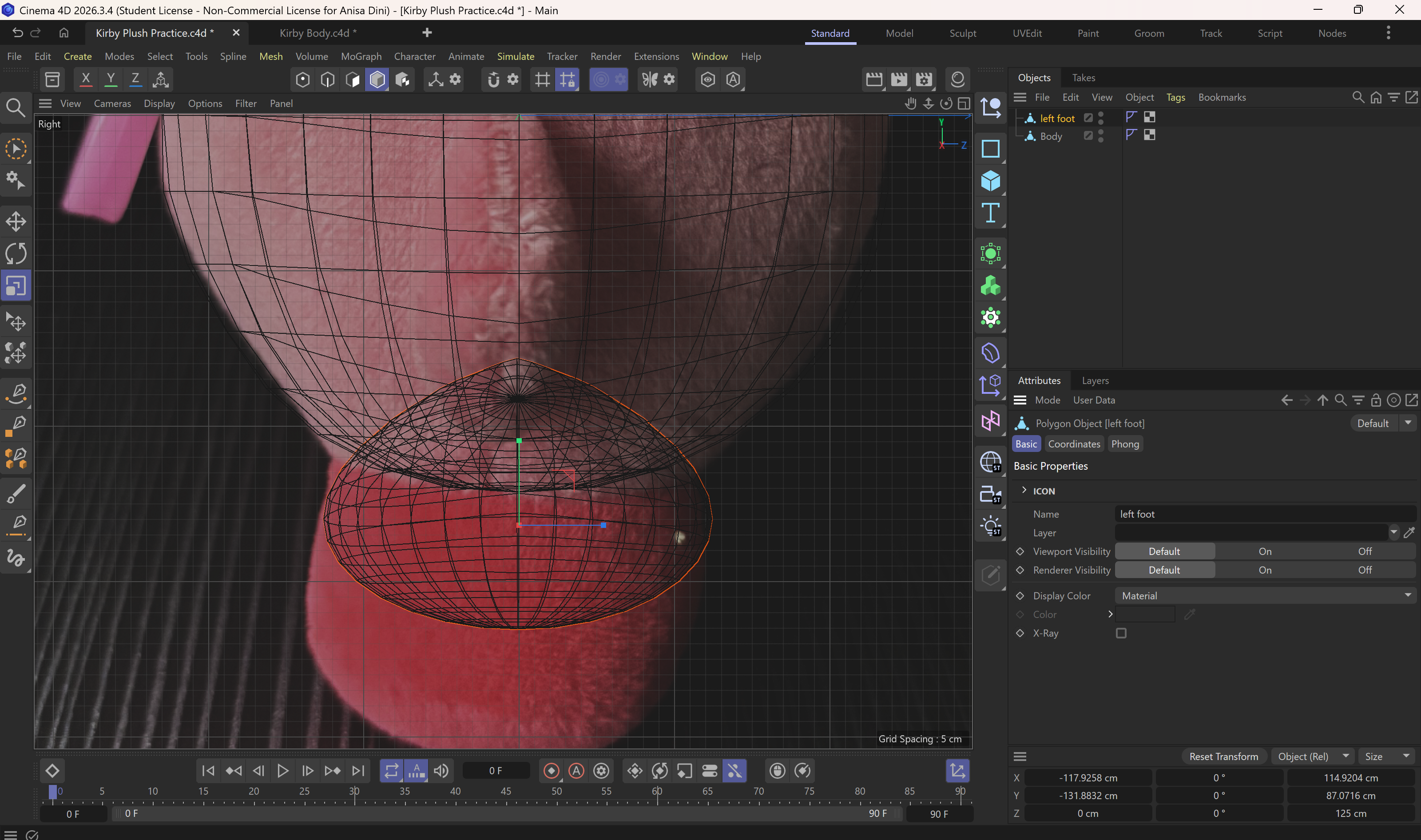
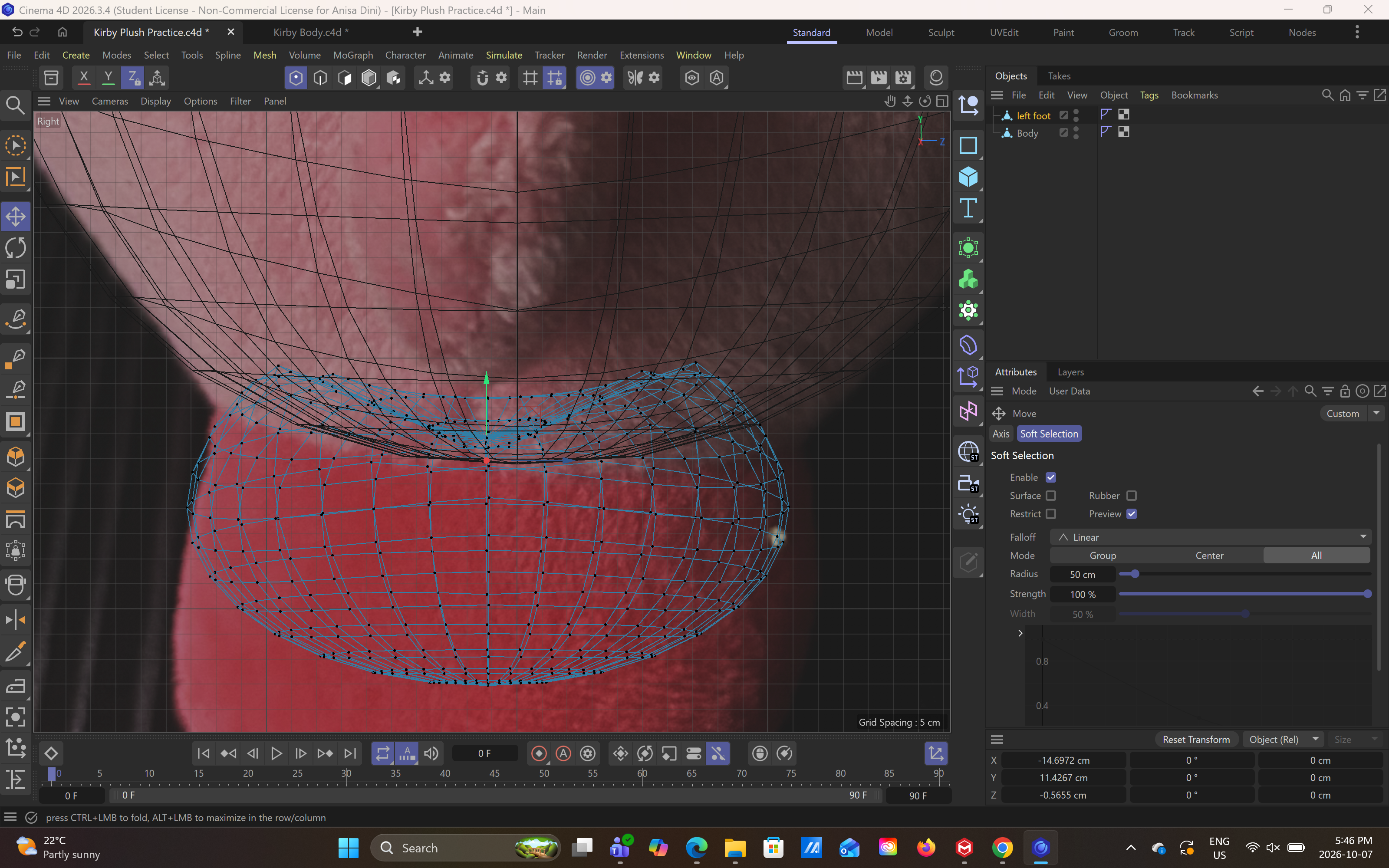
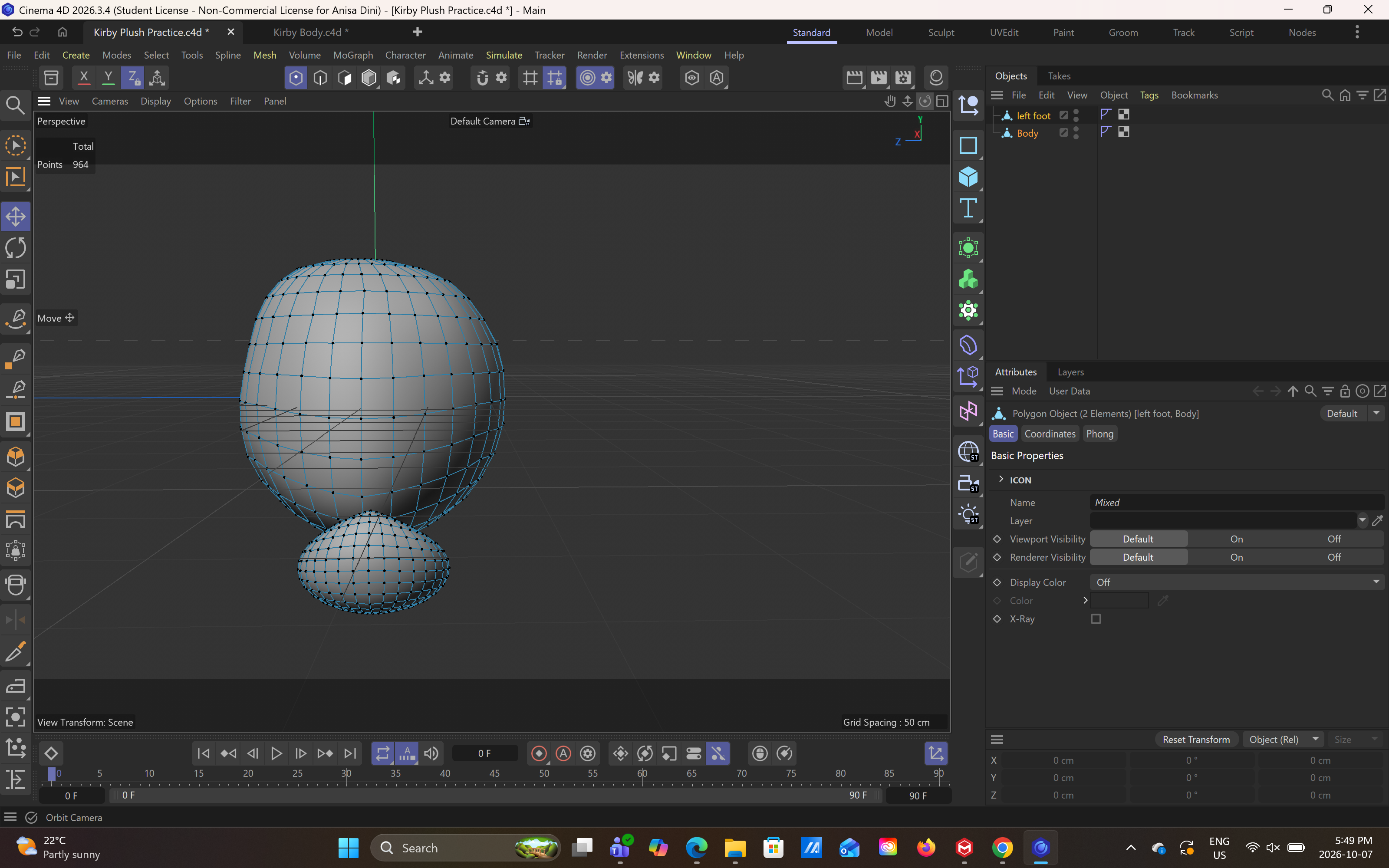
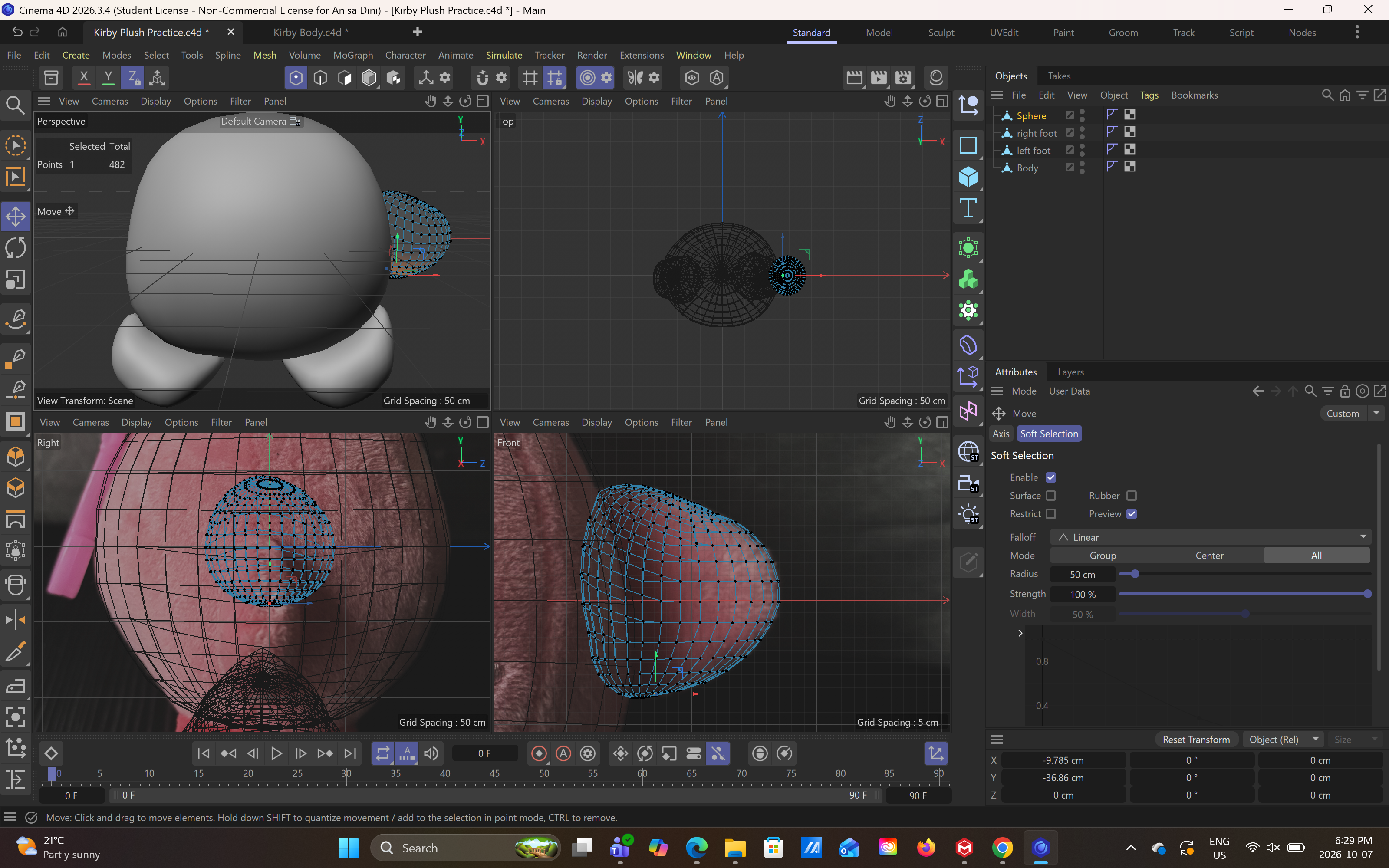
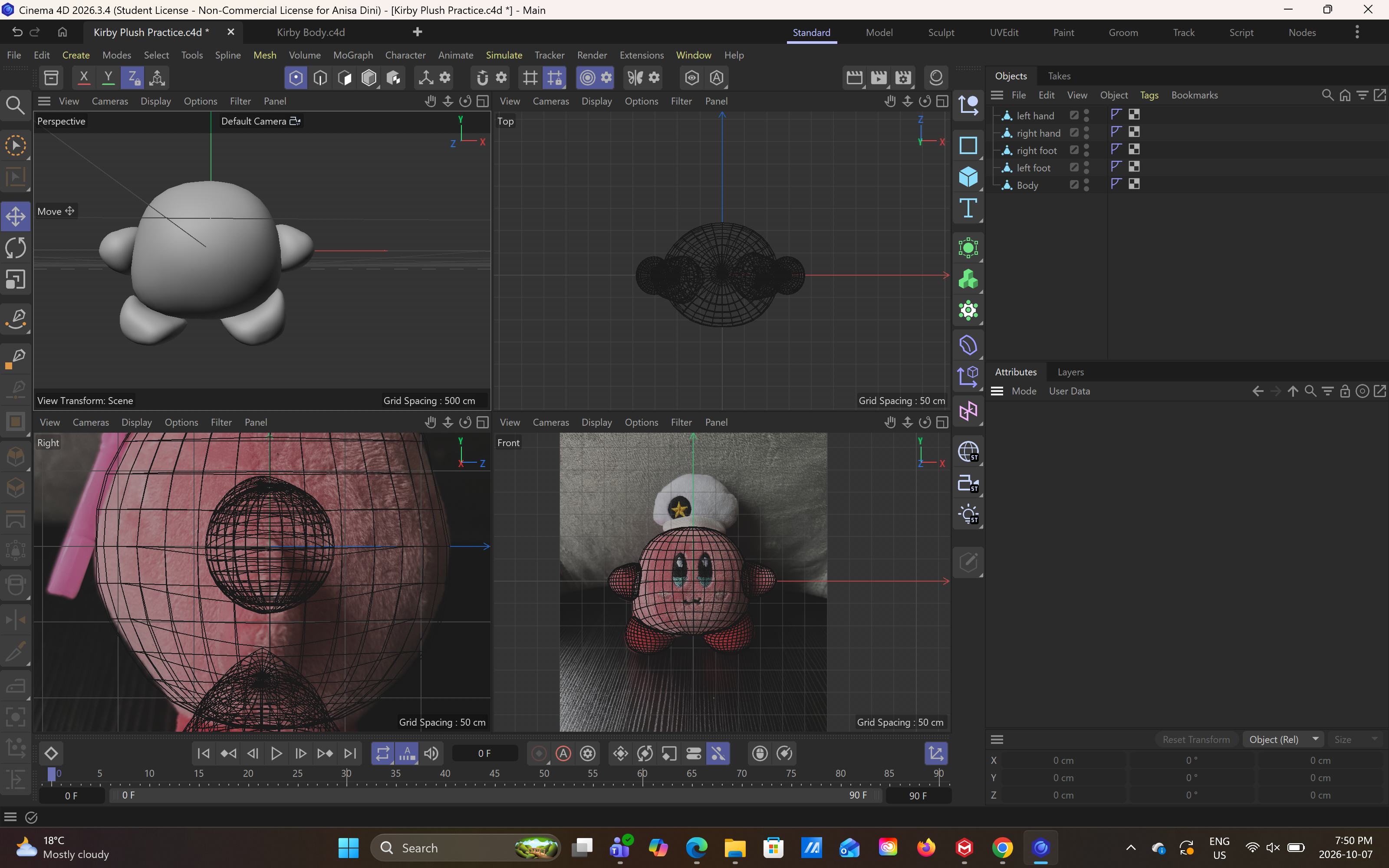
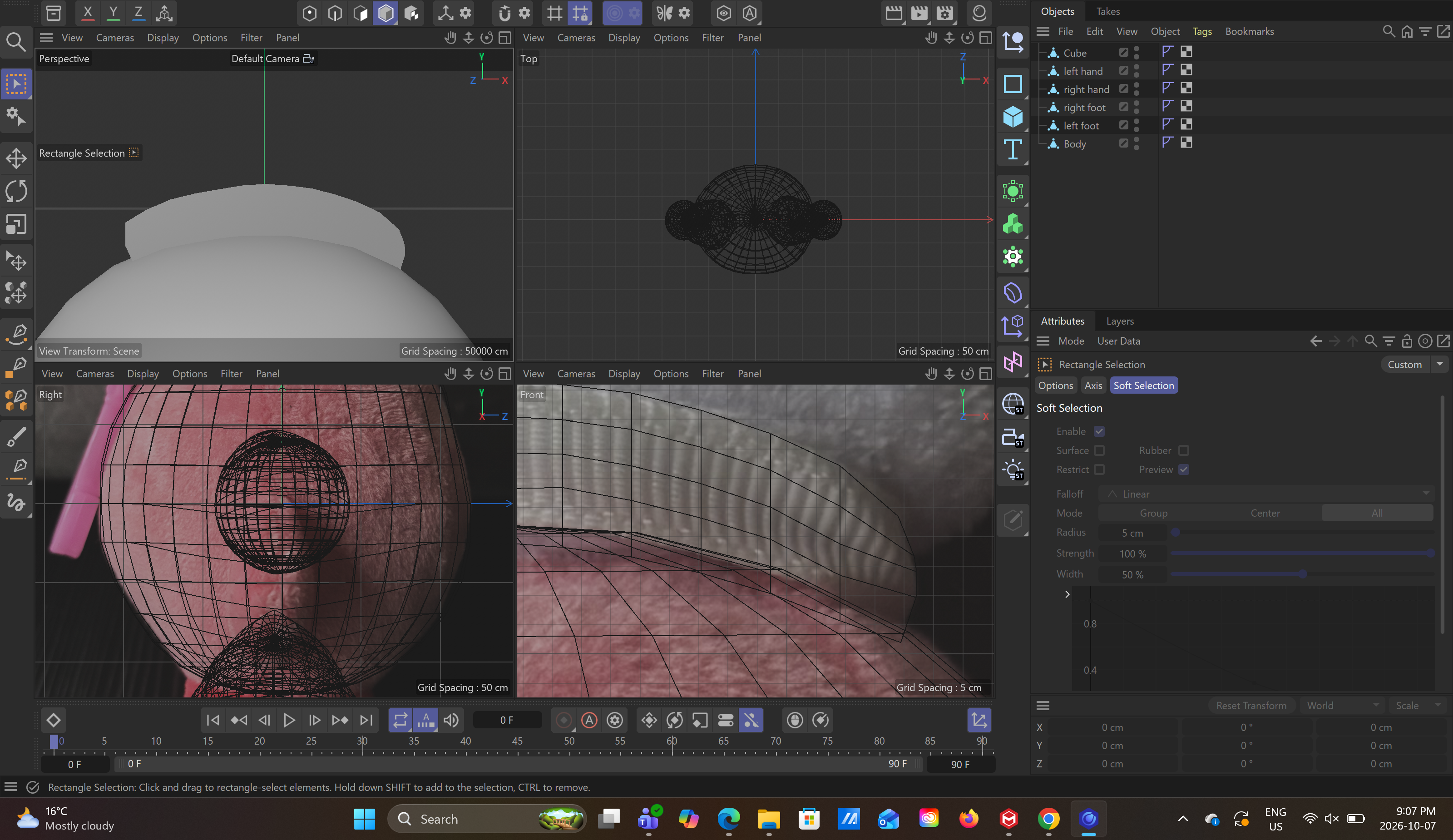
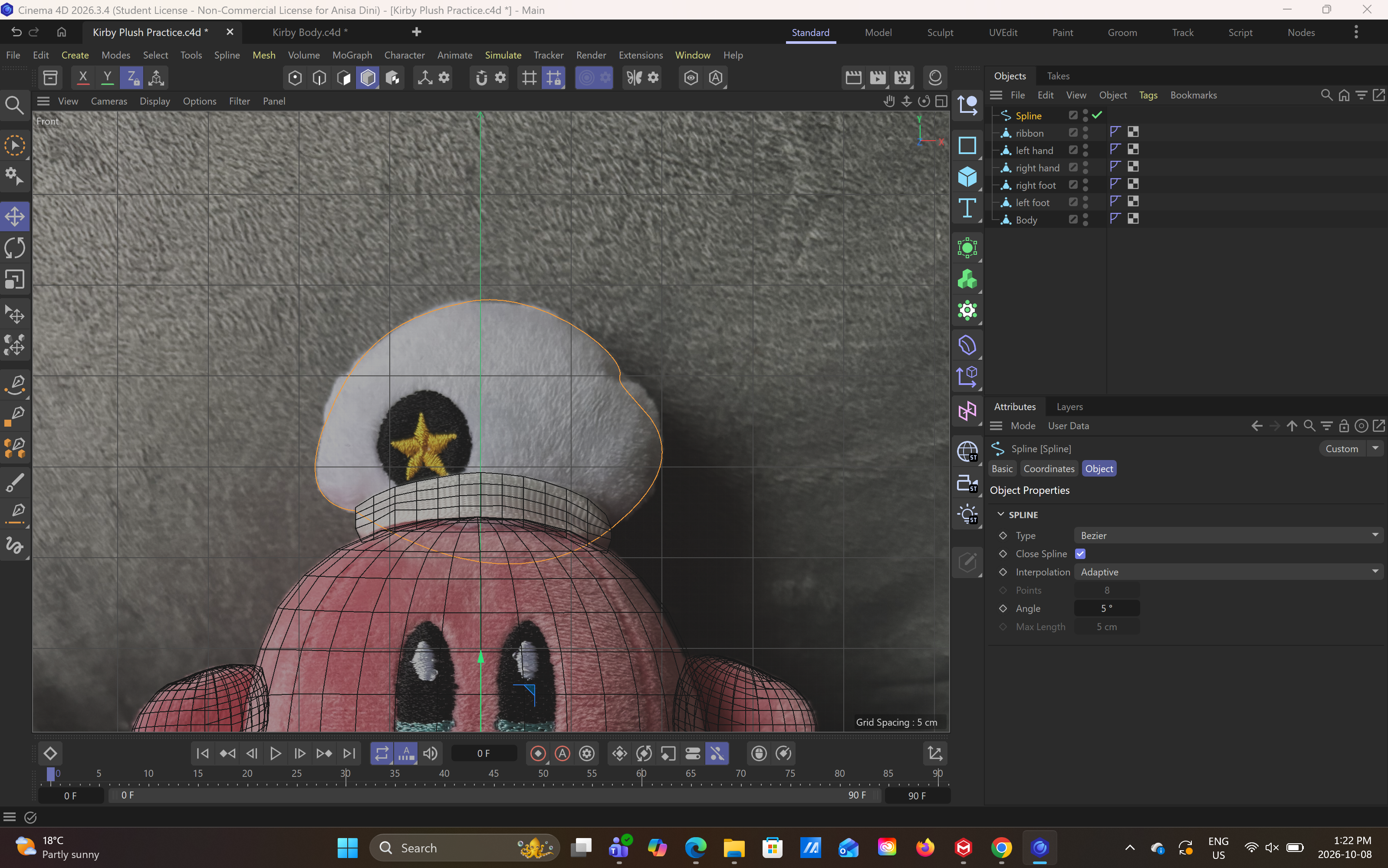
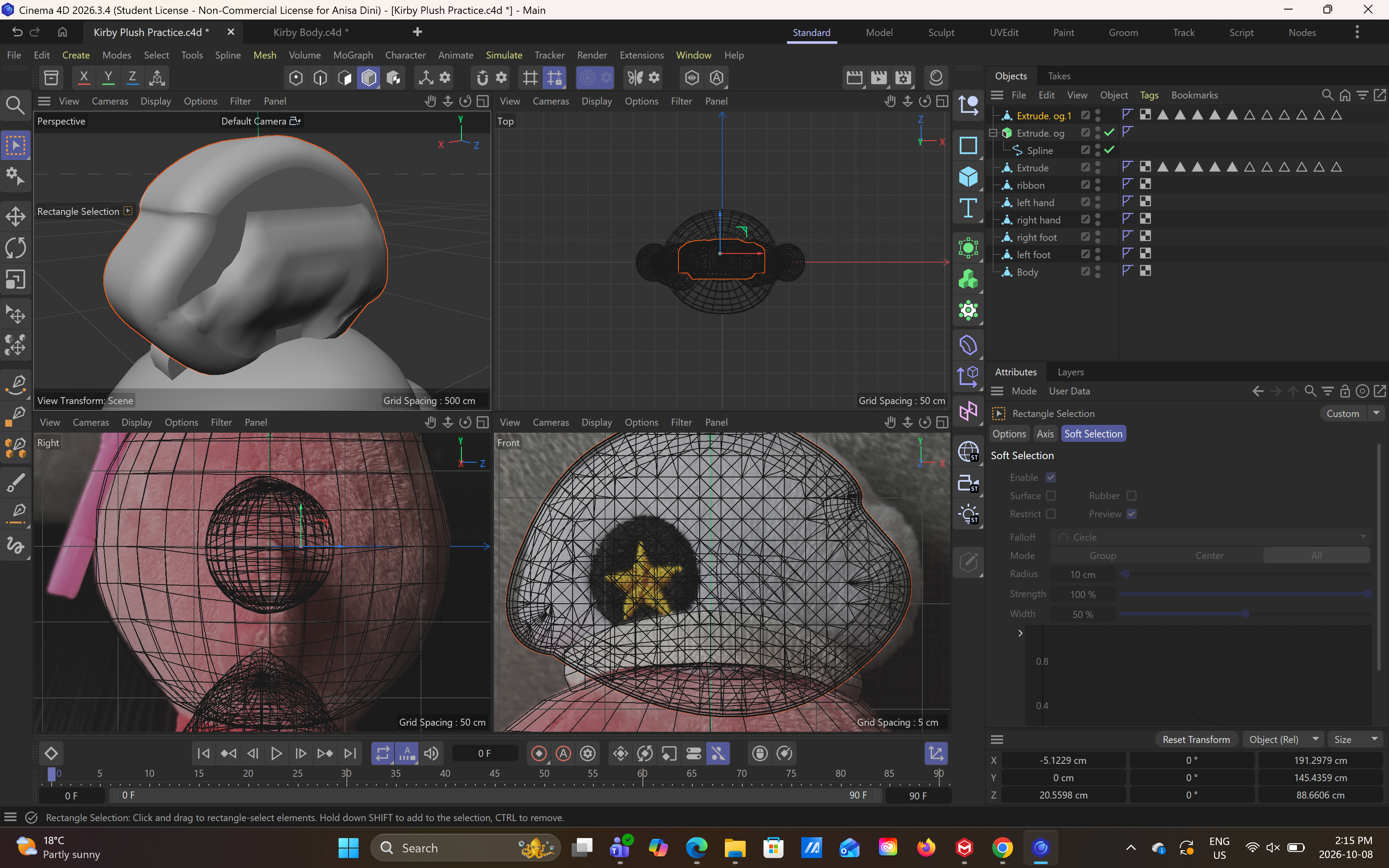
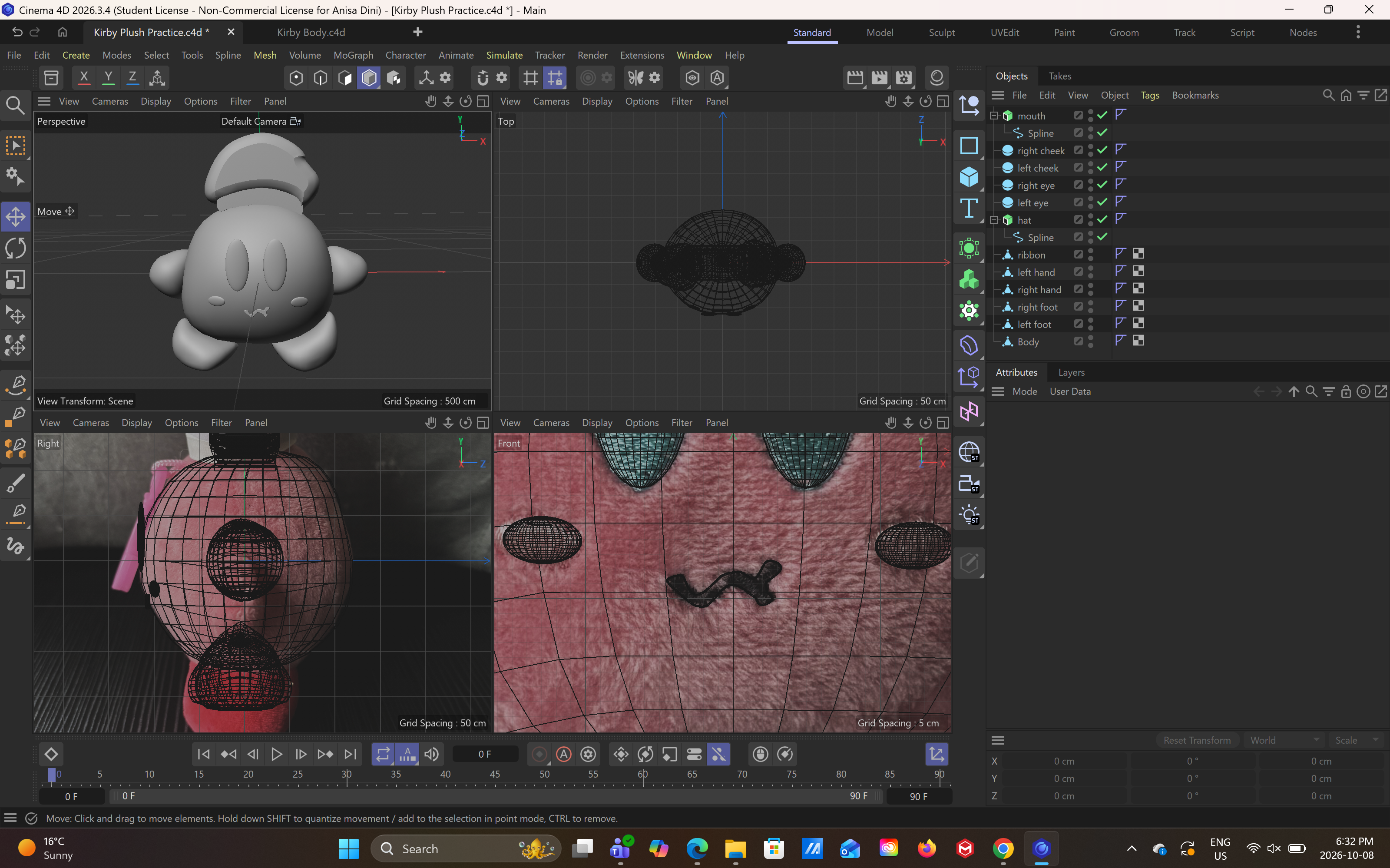
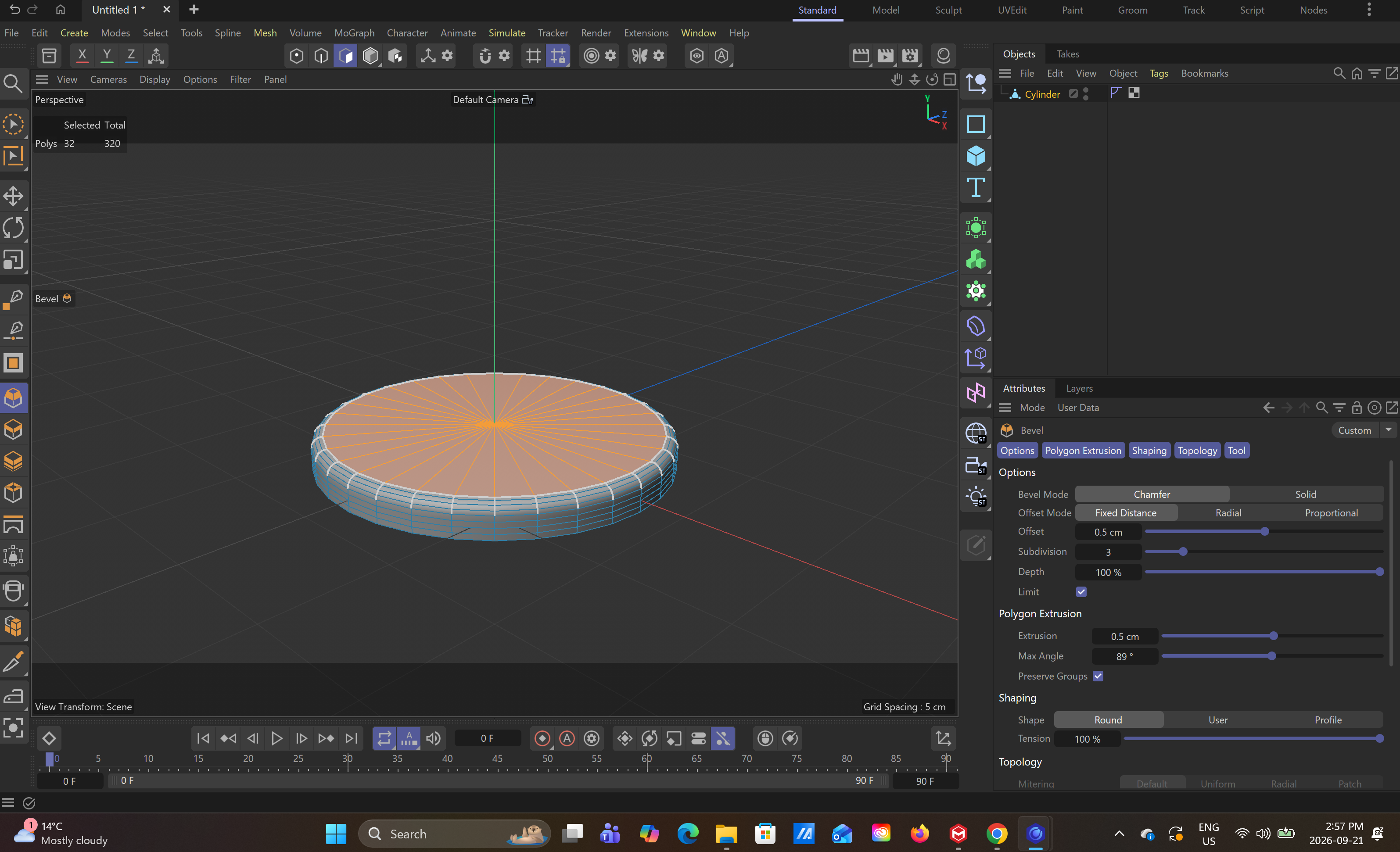
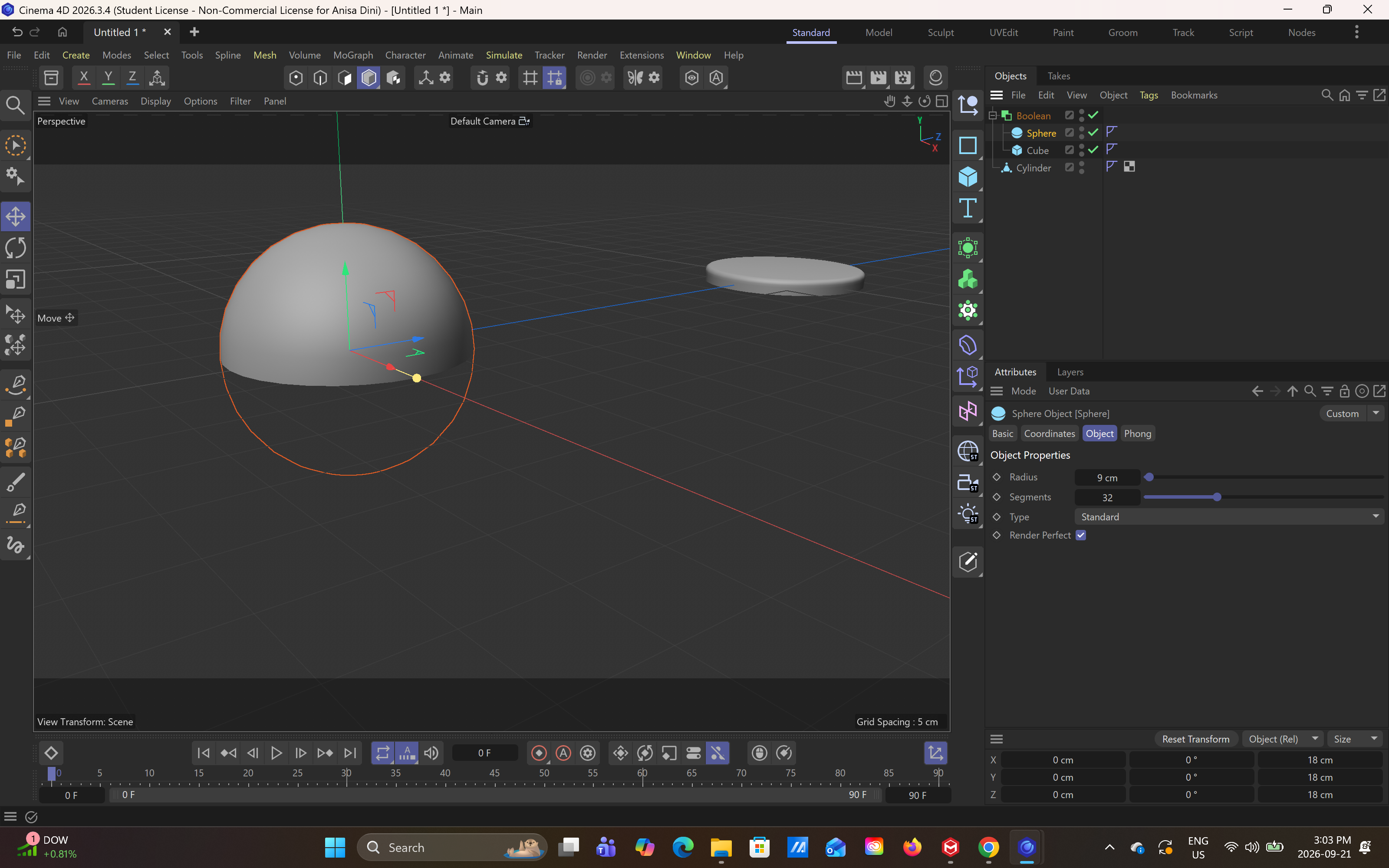
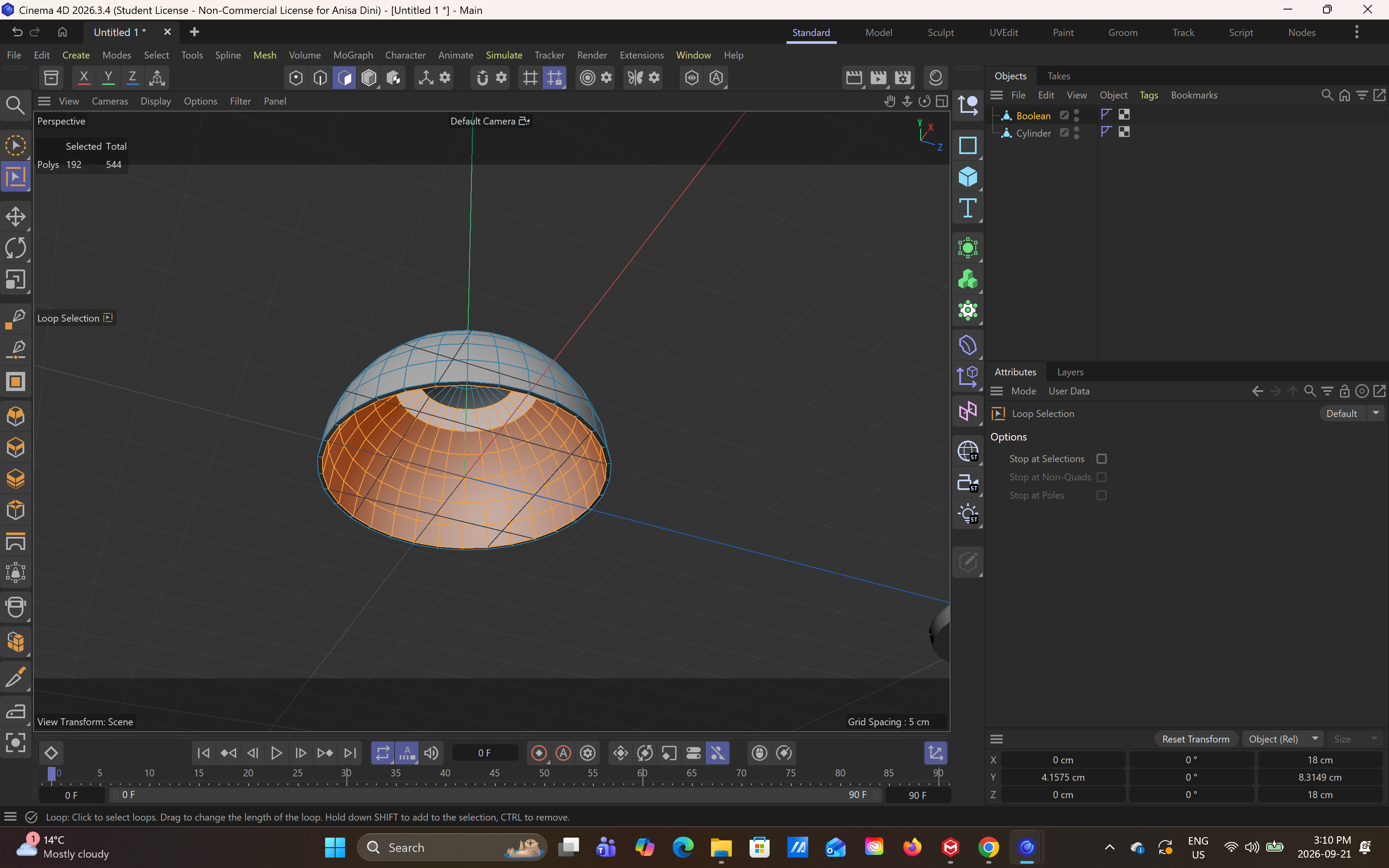
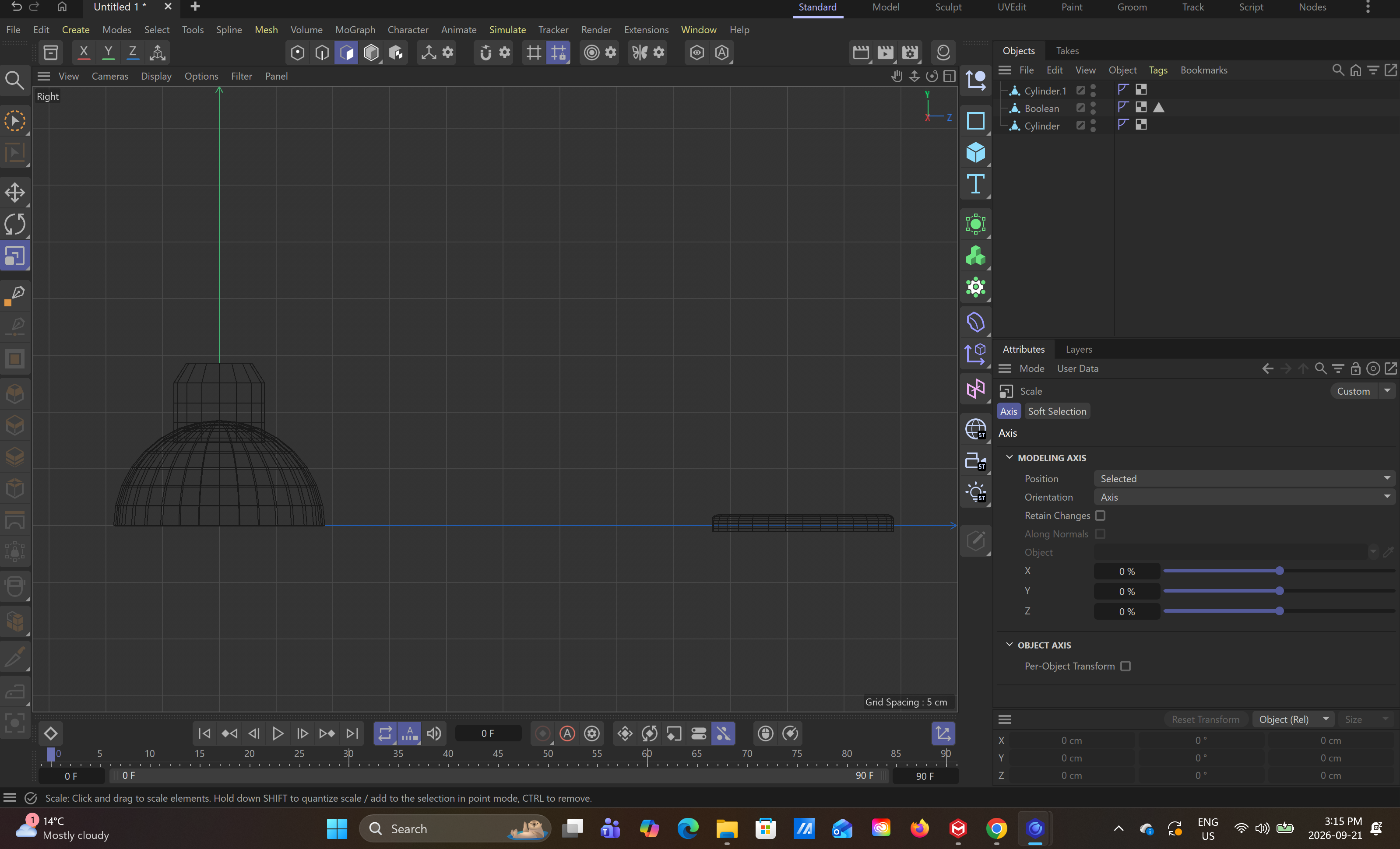
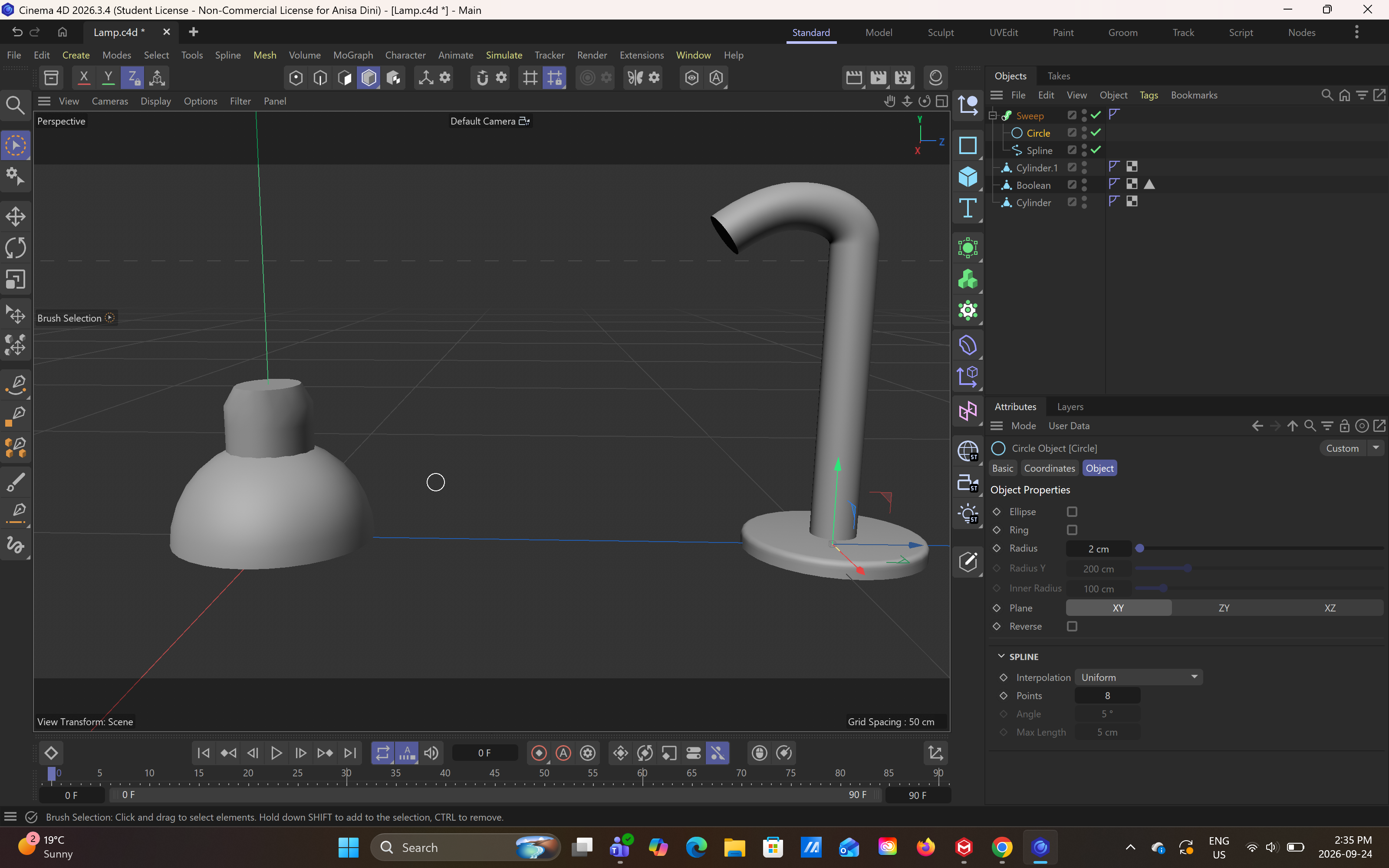
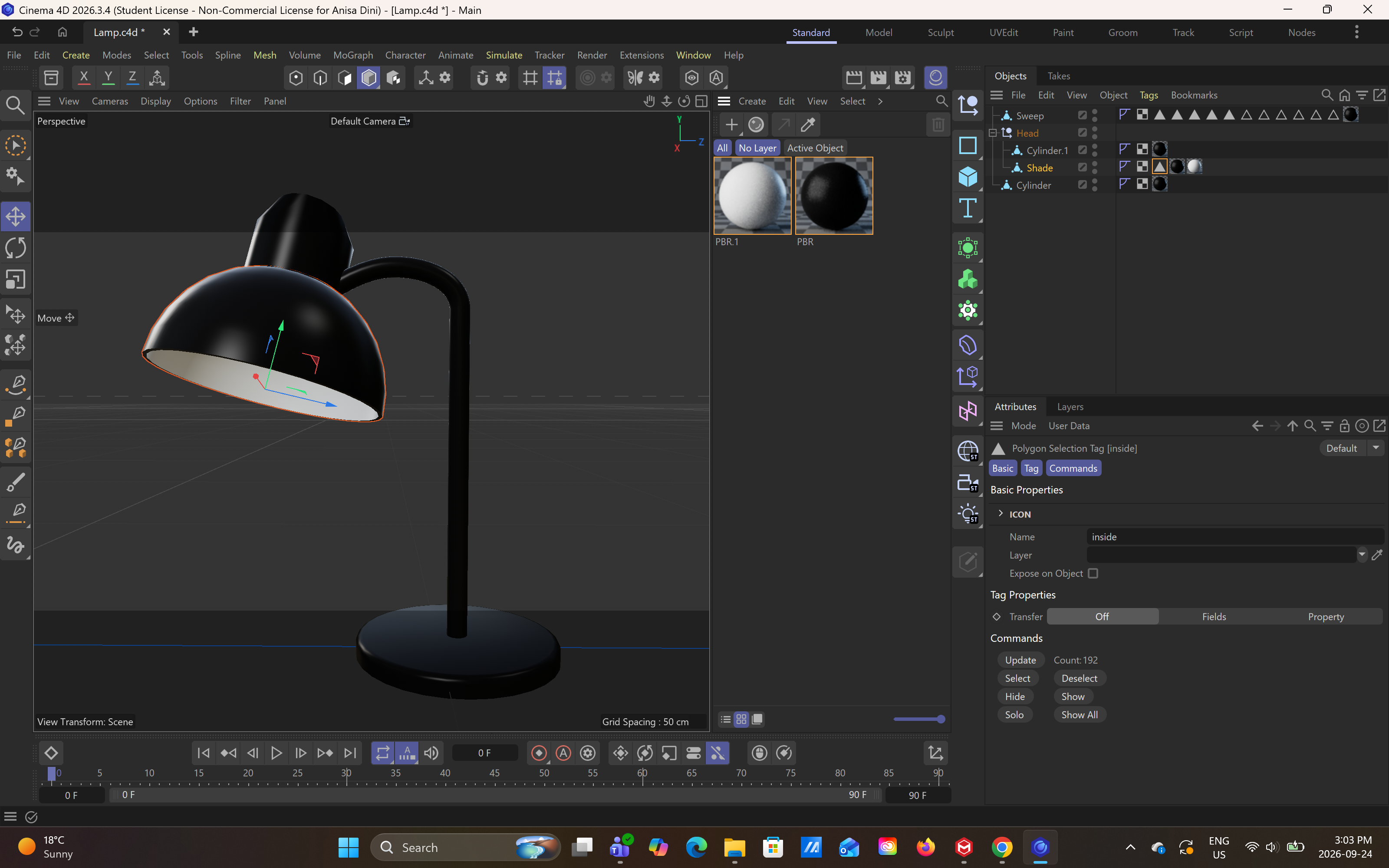
Object: Kirby Plushie Keychain, Complex Shape, Front View Object: Kirby Plushie Keychain, Complex Shape, Side View Object: Perfume Caps, Complex Shape, Front View Object: Perfume Caps, Complex Shape, Side View Object: Sony Headphones, Complex Shape, Front View Object: Sony Headphones, Complex Shape, Face Up View Kirby Plushie Attempt: Polygon Modeling, Point Editing Kirby Plushie Attempt: Adding Leg: Polygon Modeling, Point Editing Kirby Plushie Attempt: Adding Leg: Polygon Modeling, Point Editing Kirby Plushie Attempt: Adding Leg: Polygon Modeling, Point Editing (All Views) Kirby Plushie Attempt: Adding Leg: Polygon Modeling, Point Editing (Right View) Kirby Plushie Attempt: Adding Leg: Polygon Modeling, Point Editing (Right View) Kirby Plushie Attempt: Adding Leg: Polygon Modeling, Point Editing (Perspective View) Kirby Plushie Attempt: Adding Arm: Polygon Modeling, Point Editing (All Views) Kirby Plushie Attempt: Adding Second Arm: Polygon Modeling, Point Editing (All Views) Kirby Plushie Attempt: Adding Ribbon: Polygon Modeling, Point Editing Kirby Plushie Attempt: Adding Cloud Hat: Spline Tracing Kirby Plushie Attempt: Adding Cloud Hat: Extrude Spline Kirby Plushie Attempt: Adding Facial Features: Spline Tracing, Final Model Following Lamp Tutorial: Lamp Base, Polygon Modeling<a href='https://ixd.sheridancollege.ca/vdc/1_interface.mp4' target='_blank'><p>Watch Lamp Tutorial Video</p></a> Following Lamp Tutorial: Using Boolean to make Hemisphere Following Lamp Tutorial: Loop Selection to select inside of lamp head, to add different material to the inside of the lamp head Following Lamp Tutorial: Right View: Creating Spline to  make the lamp spine. Following Lamp Tutorial: Using Swoop generator to make the lamp spine 3D, and adding all pieces together to make the final lamp model. Following Lamp Tutorial: Final Lamp Model

Material Workshop 1
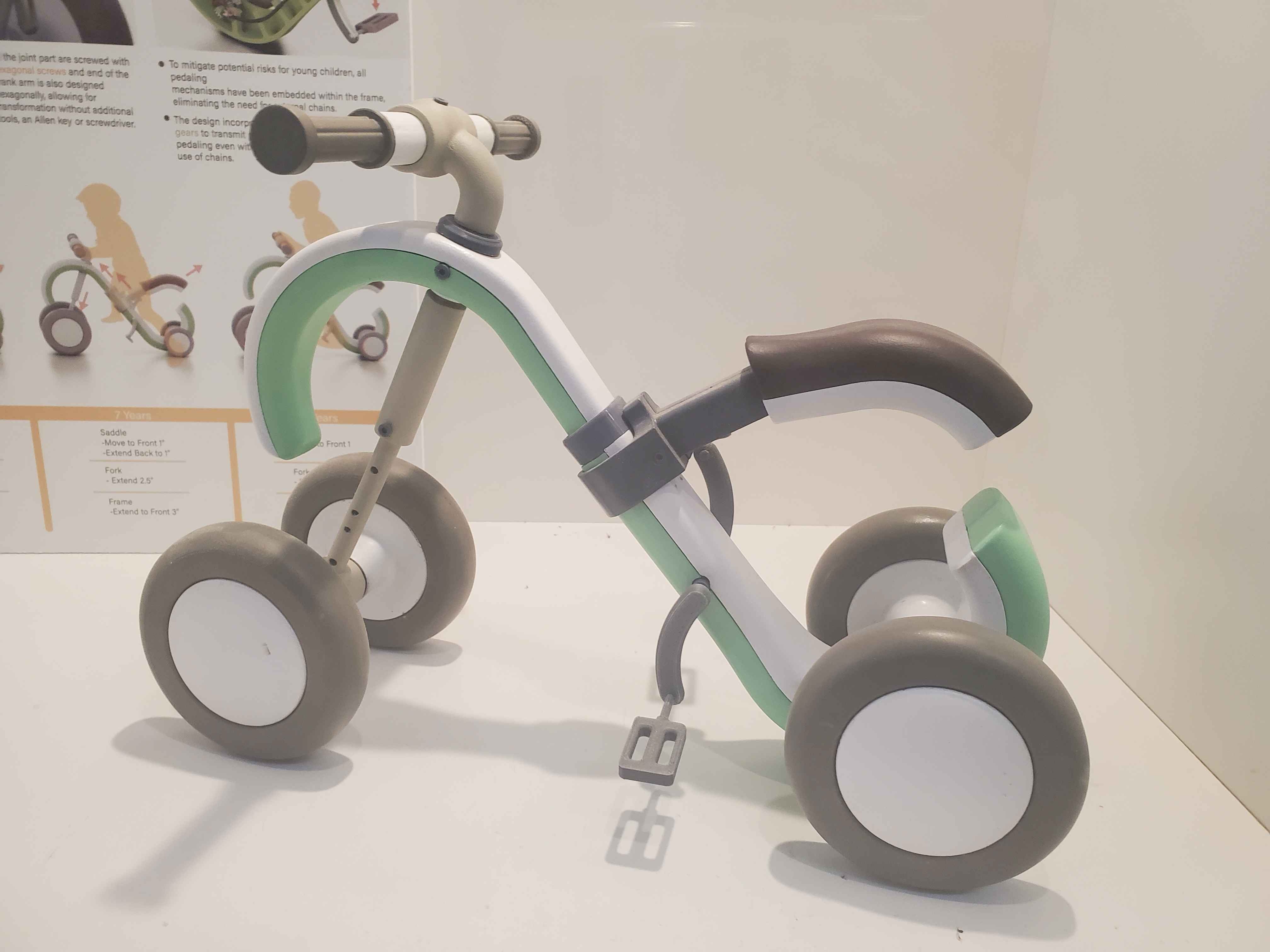
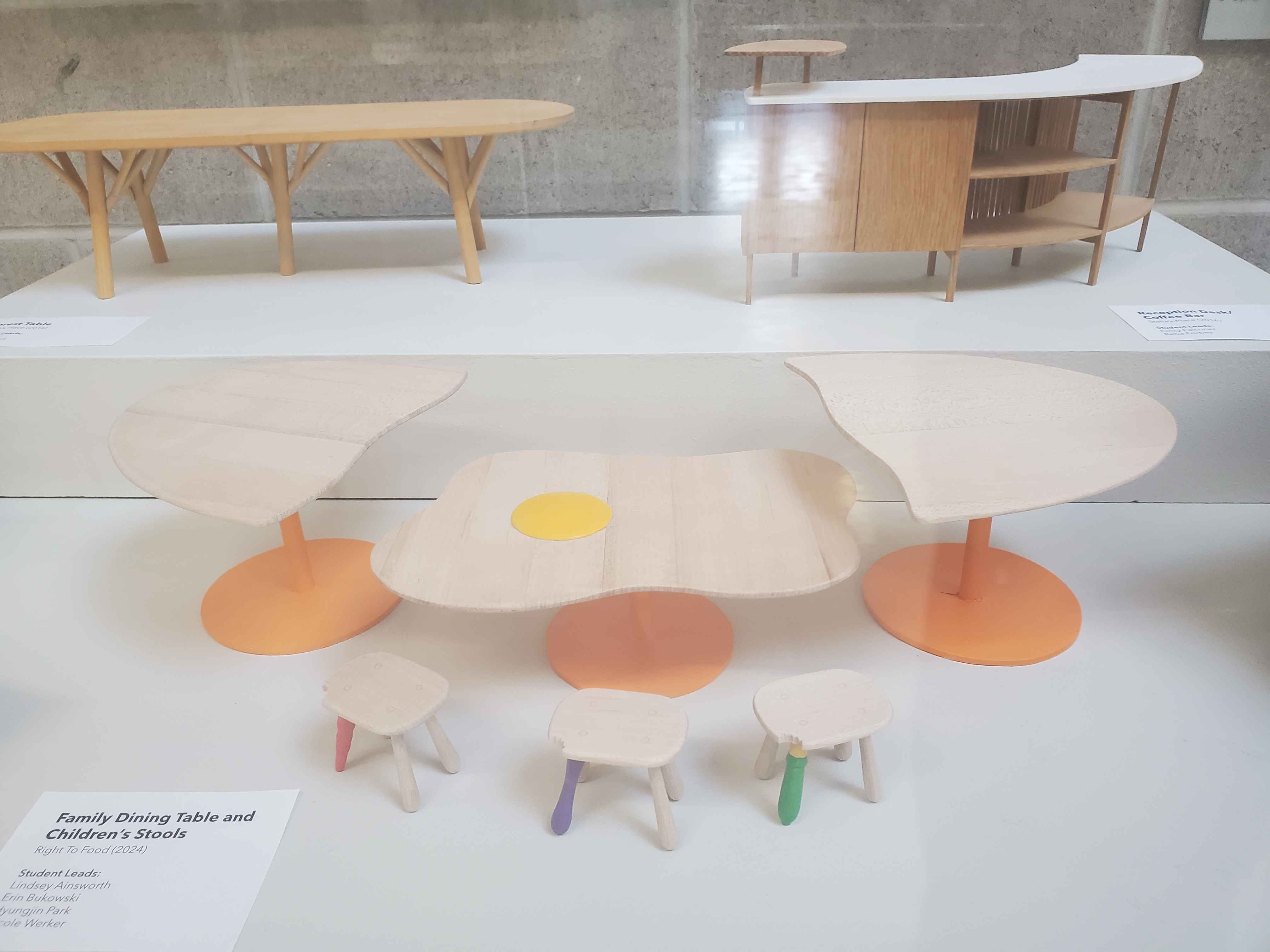
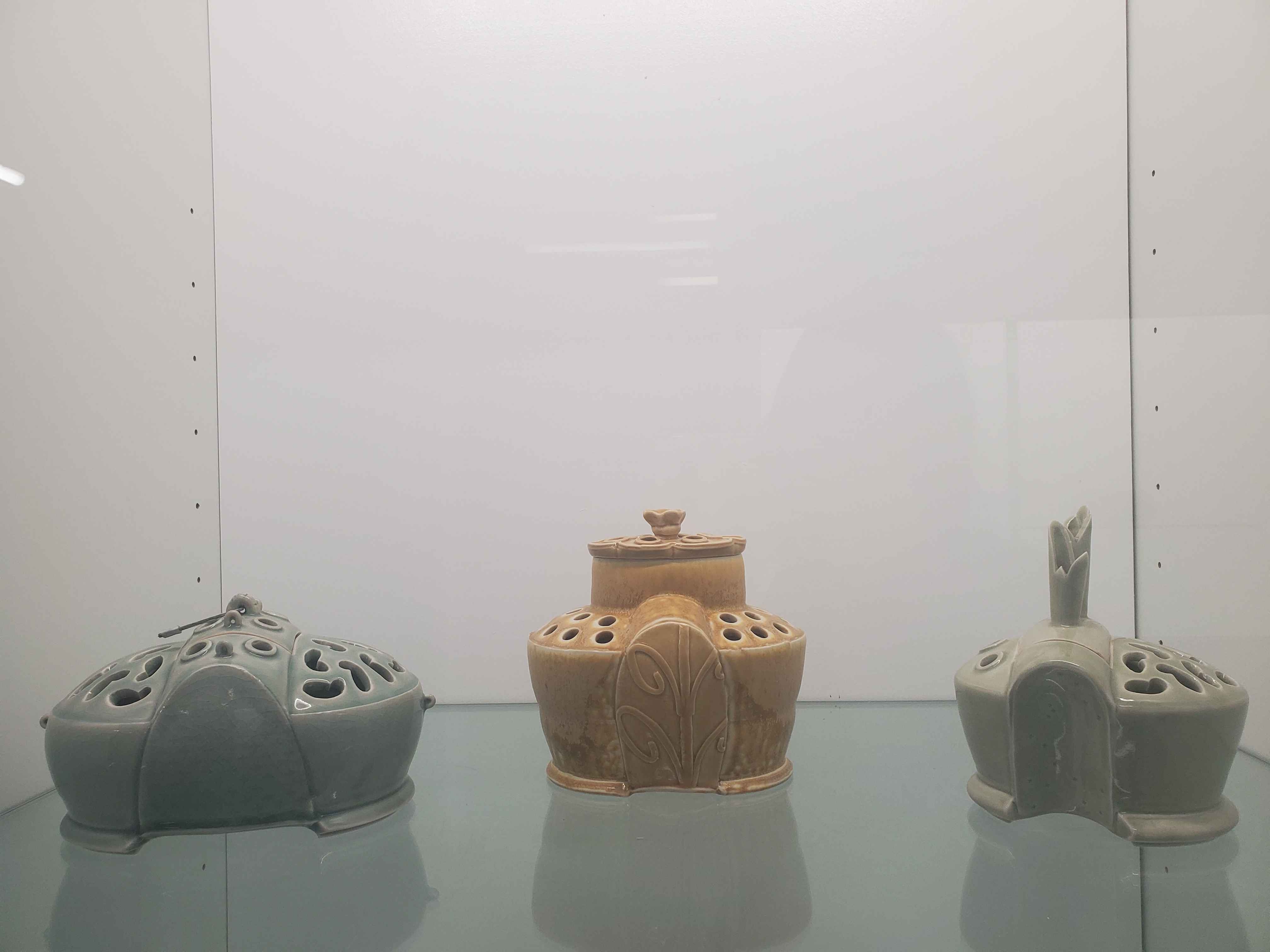
Object:3d Printed Plastic Bike (Mobi-Ride) - Program/Location:Industrial Design Studio, Material: Plastic Object:Wooden Egg Table - Program/Location:Furniture Studio, Material: Wood Object:Ceramic Incense Holders - Program/Location:Ceramics Studio, Material: Ceramic

Material Workshop 2

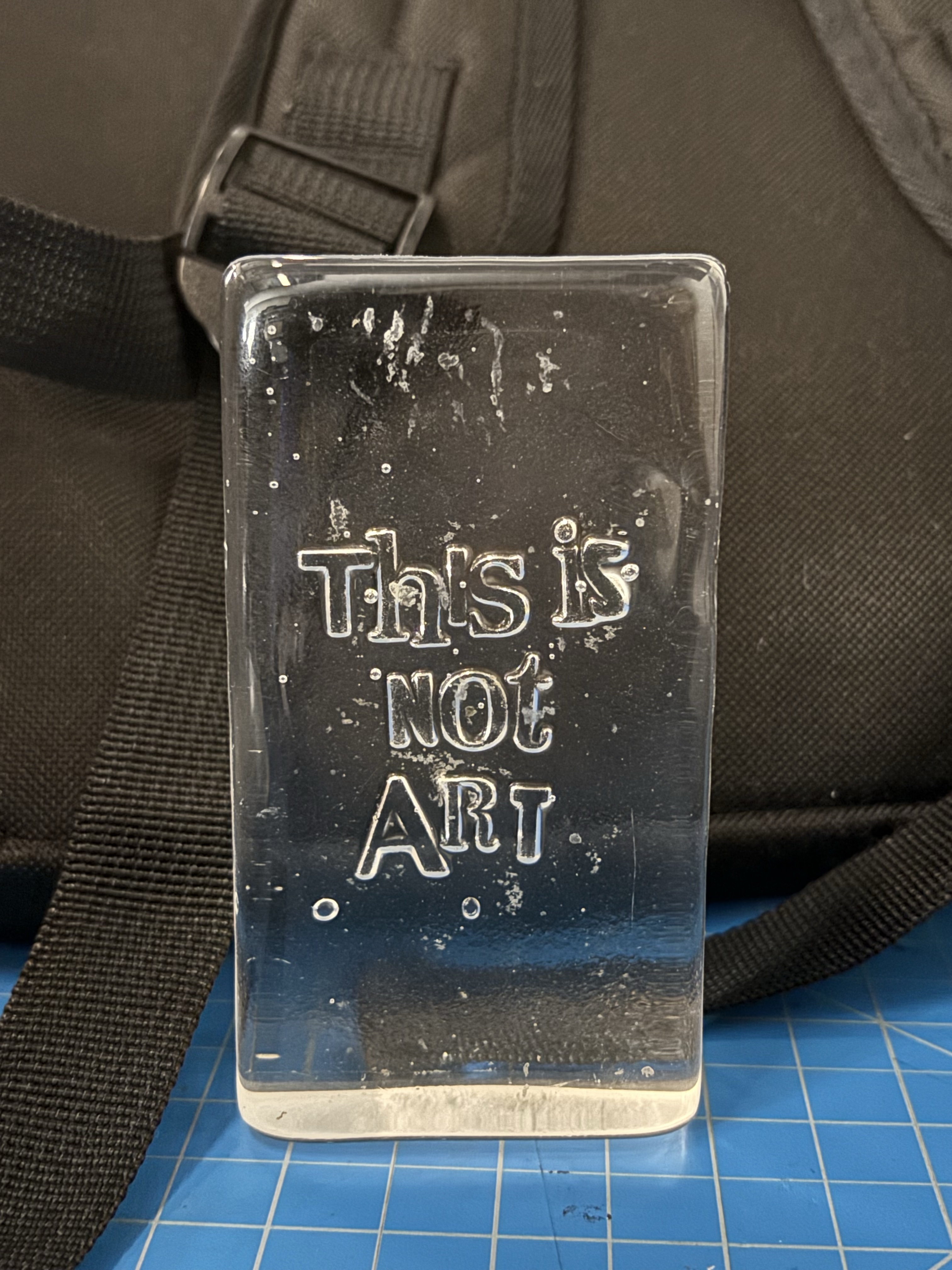
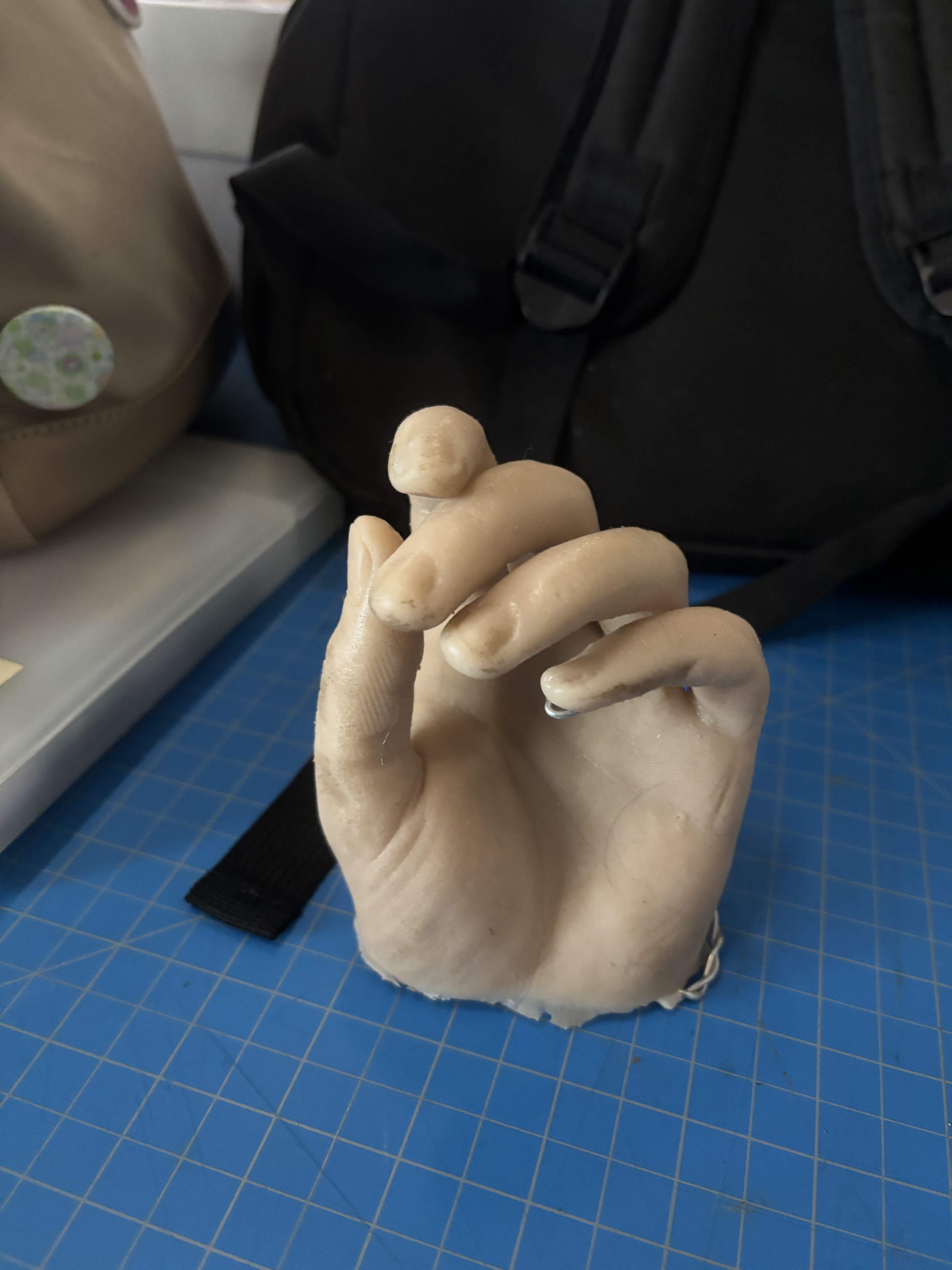
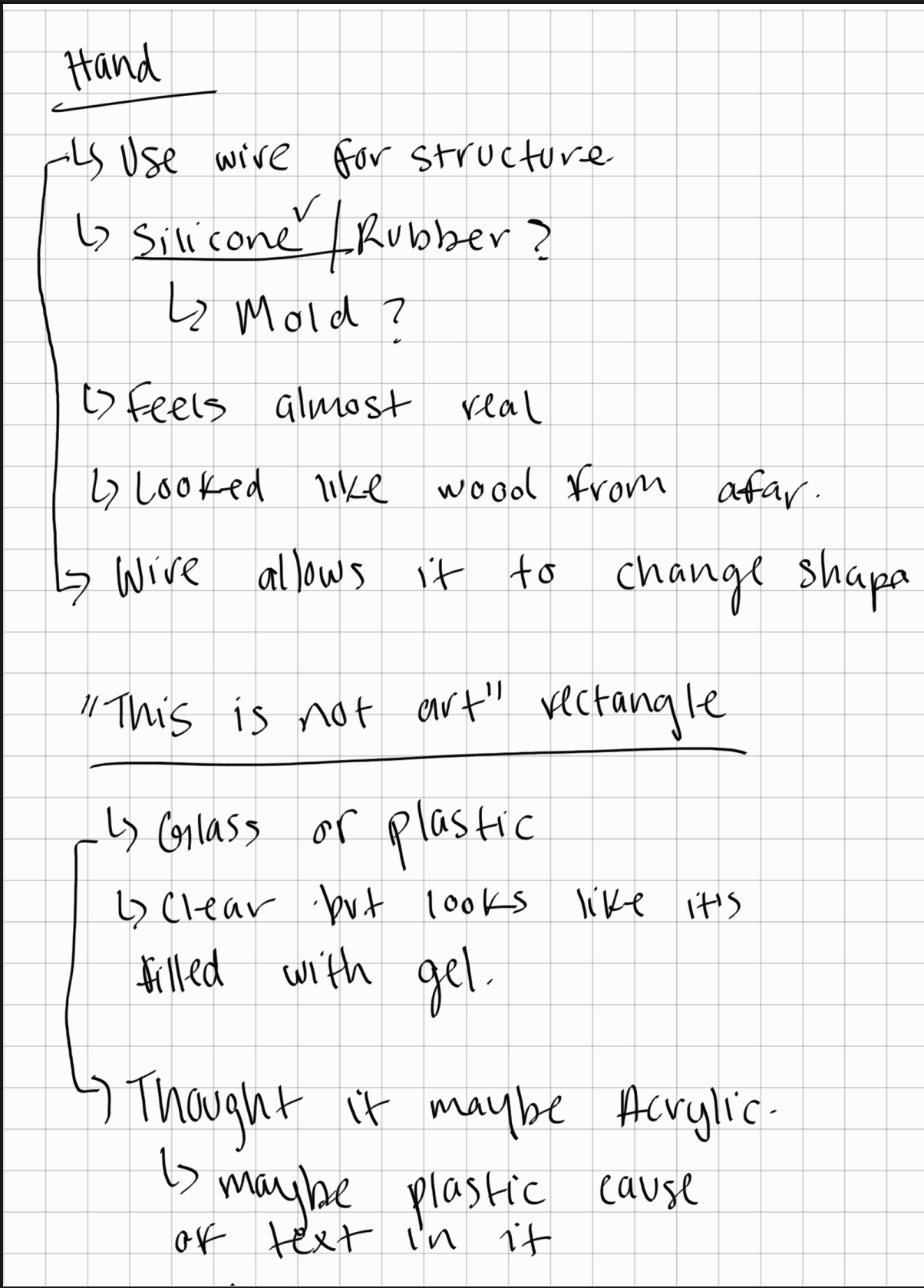
Object:This is Not Art - Material: Glass Object: Hand Mold - Material: Silicone My partner and I's Notes: We observed the objects and materials in the workshop.

Project 1


Project 1 Models

Published 3D Model 1

Mascara Tube Model (Primitive Shape: Cylinder) - Interactive 3D Model Availible
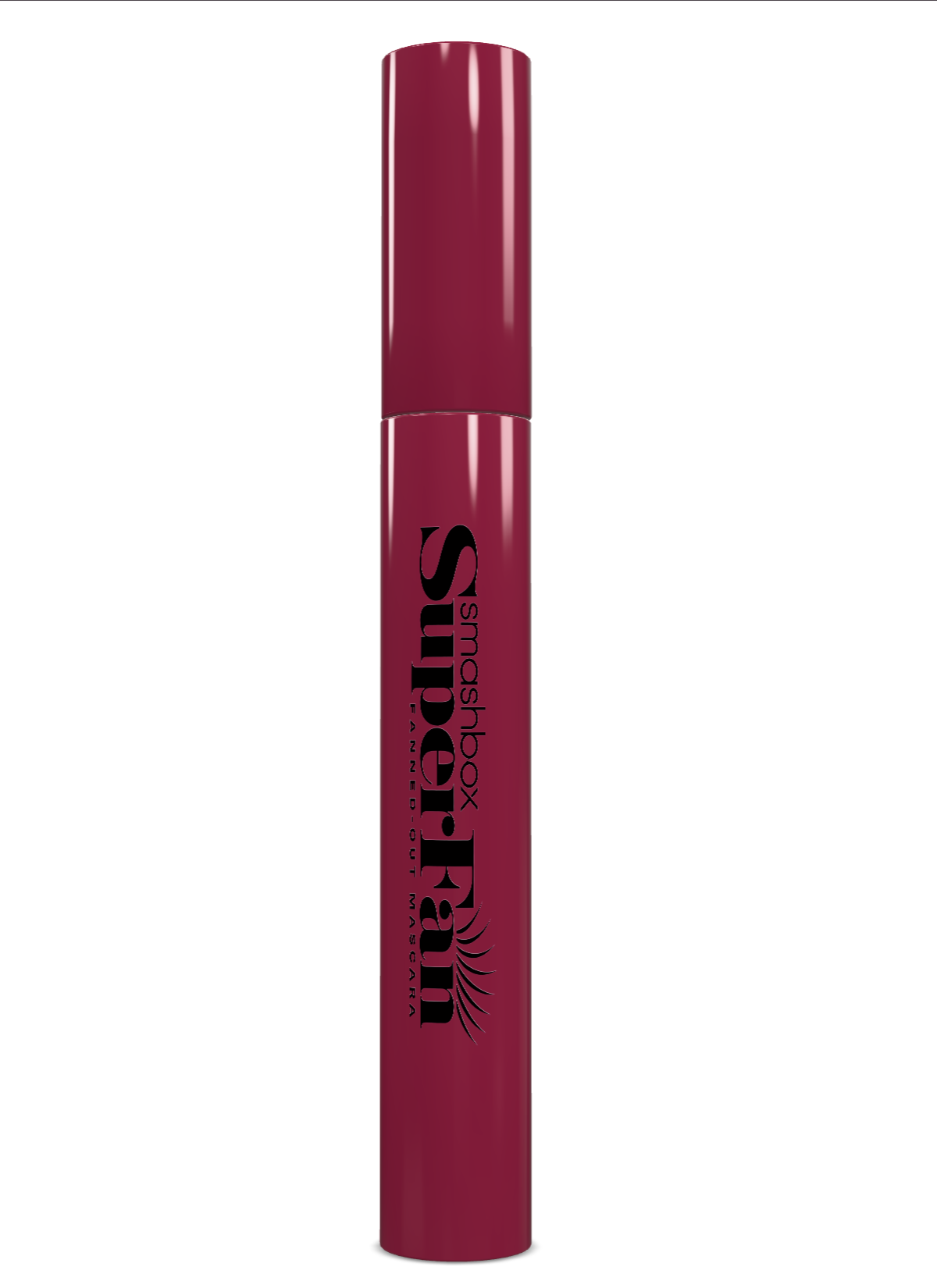
More Information in Process Document <div class='container'><iframe class='responsive-iframe' src='https://dinia.phoenix.sheridanc.on.ca/P1Mascara/Index.html'></iframe></div>

Published 3D Model 2

Parting Comb Model (Complex Shape) - Interactive 3D Model Availible
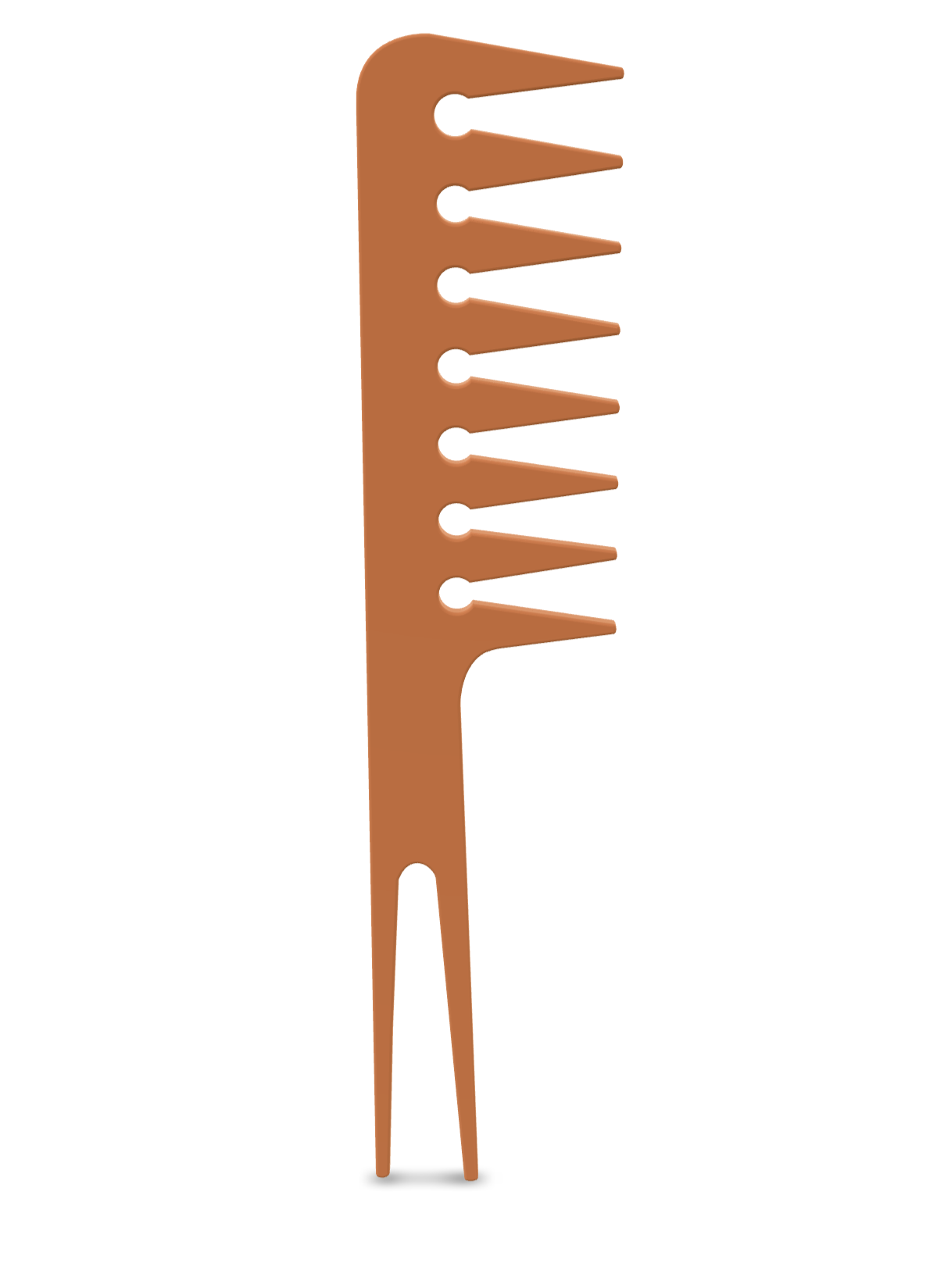
More Information in Process Document <div class='container'><iframe class='responsive-iframe' src='https://dinia.phoenix.sheridanc.on.ca/P1Comb/Index.html'></iframe></div>

Published 3D Model 3

Cat Lazer Model (Complex Shape) - Interactive 3D Model Availible
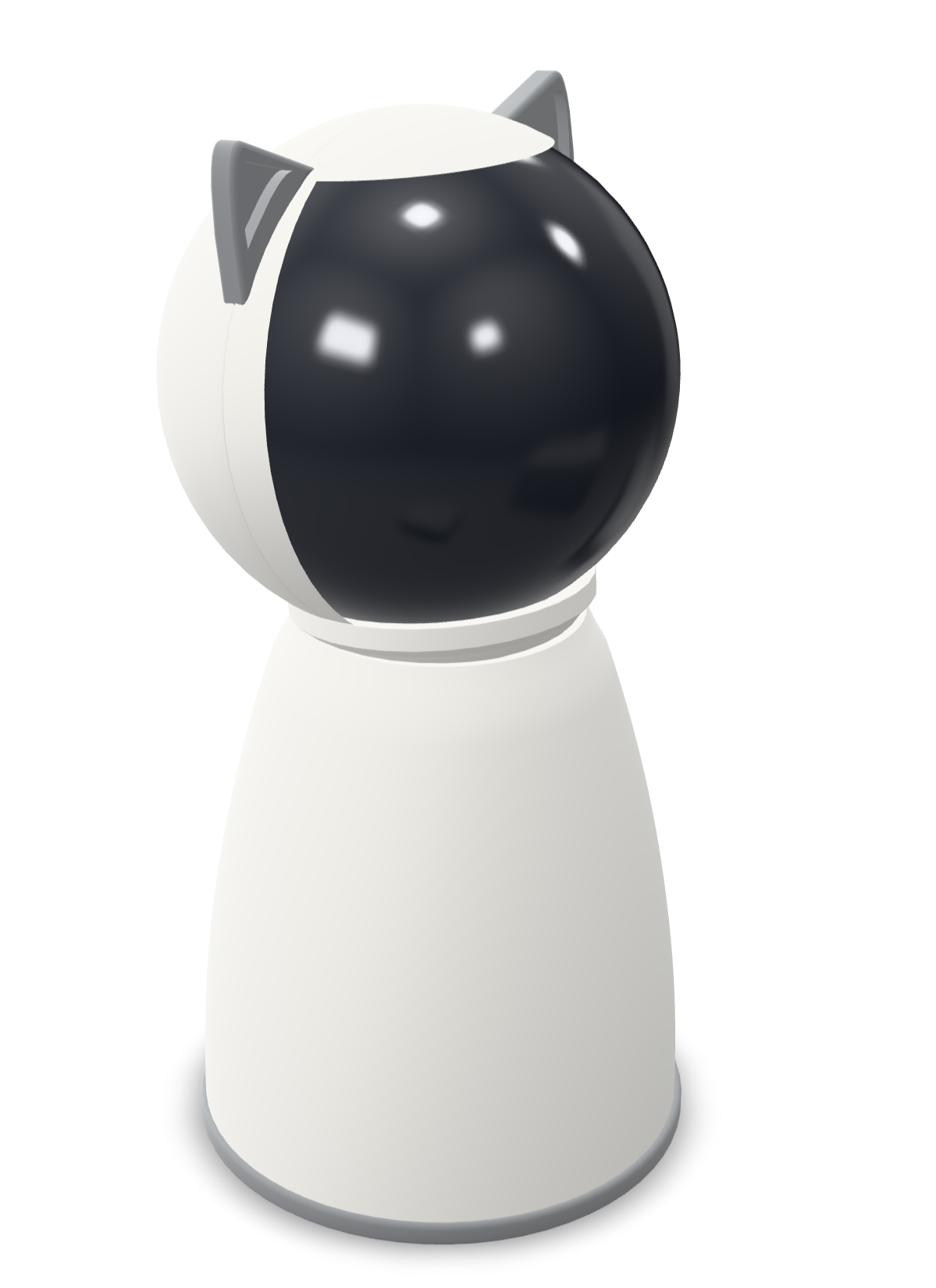
More Information in Process Document <div class='container'><iframe class='responsive-iframe' src='https://dinia.phoenix.sheridanc.on.ca/P1CatLazer/Index.html'></iframe></div>
×

Powered by w3.css